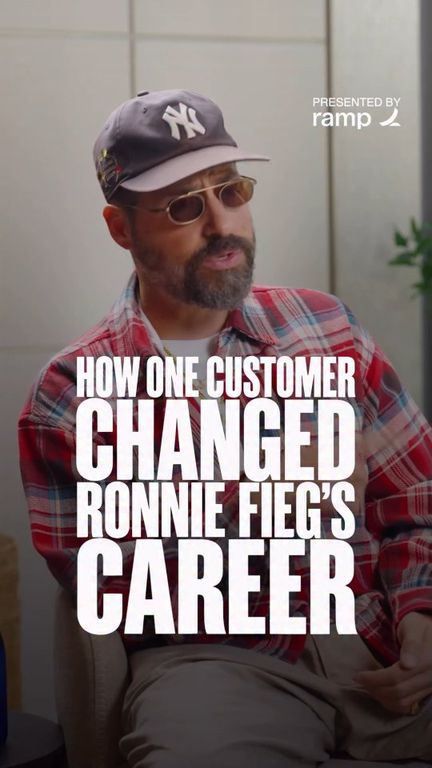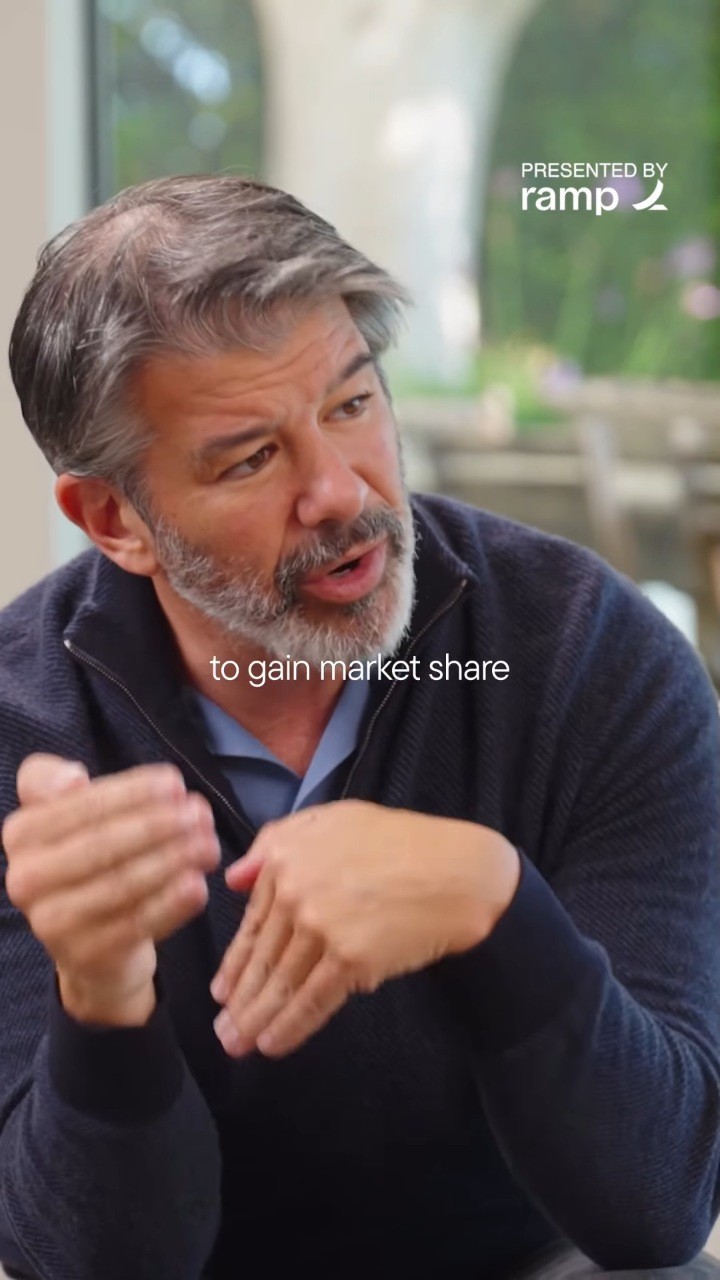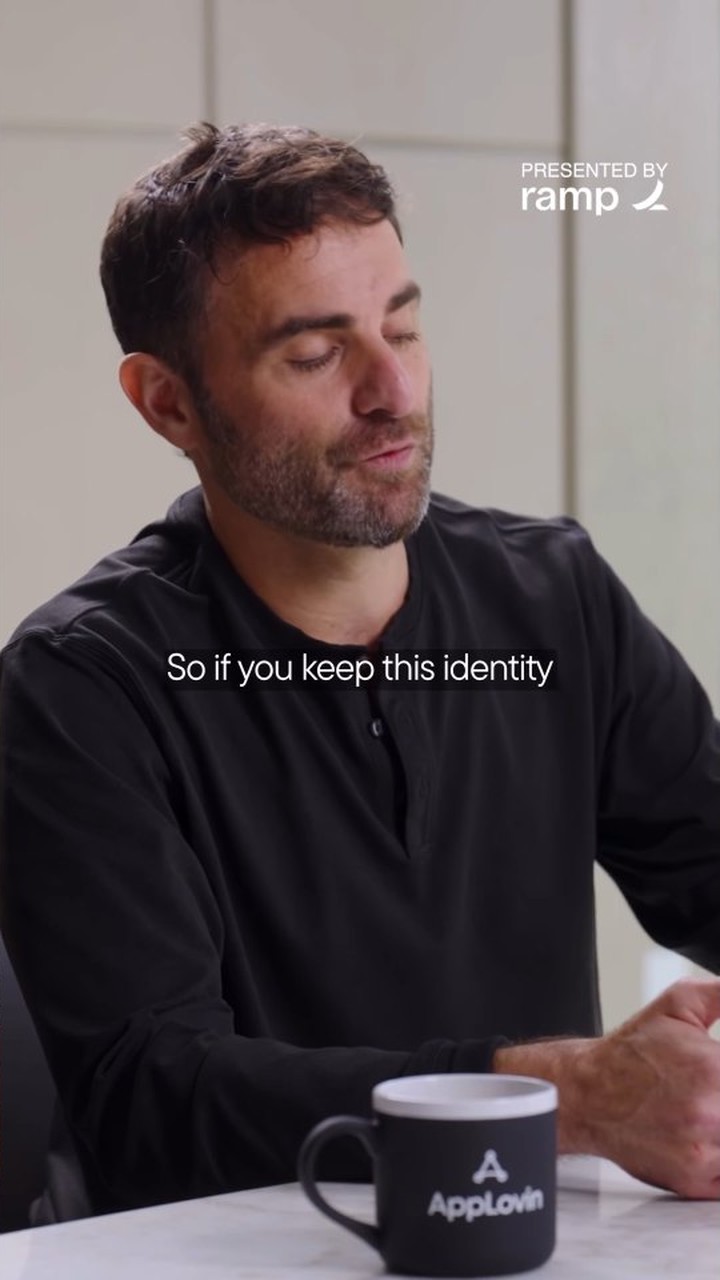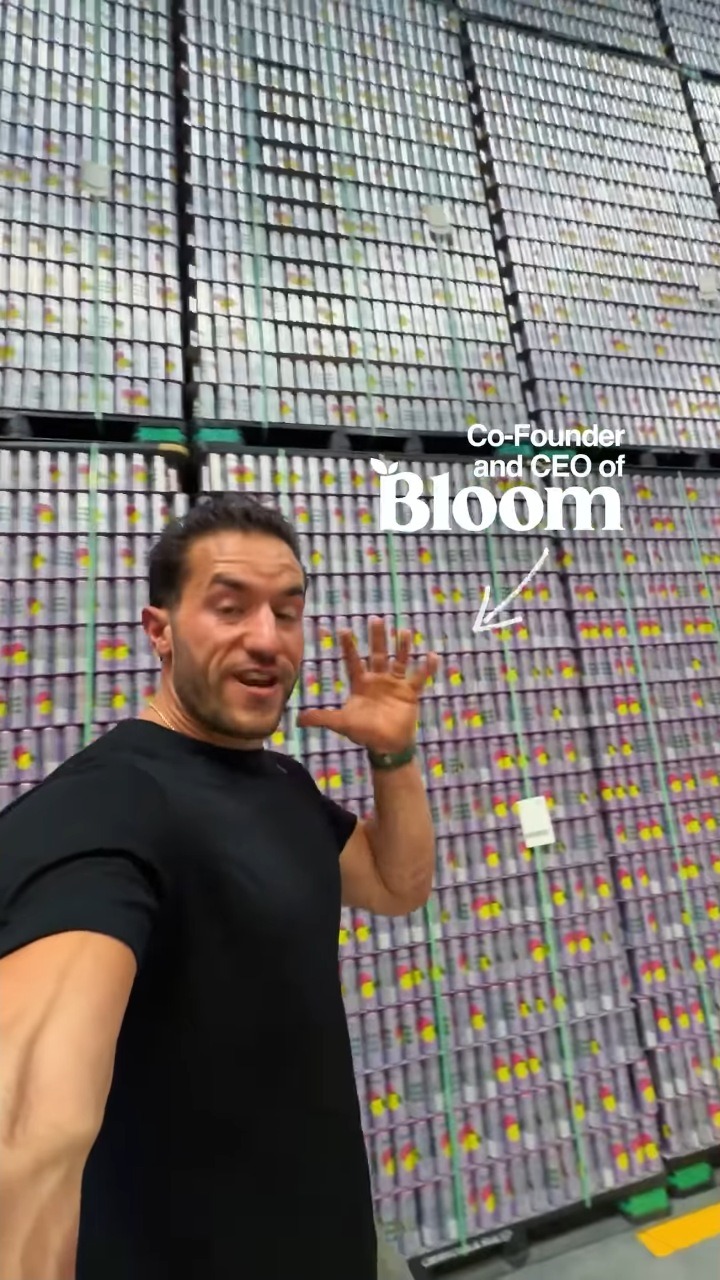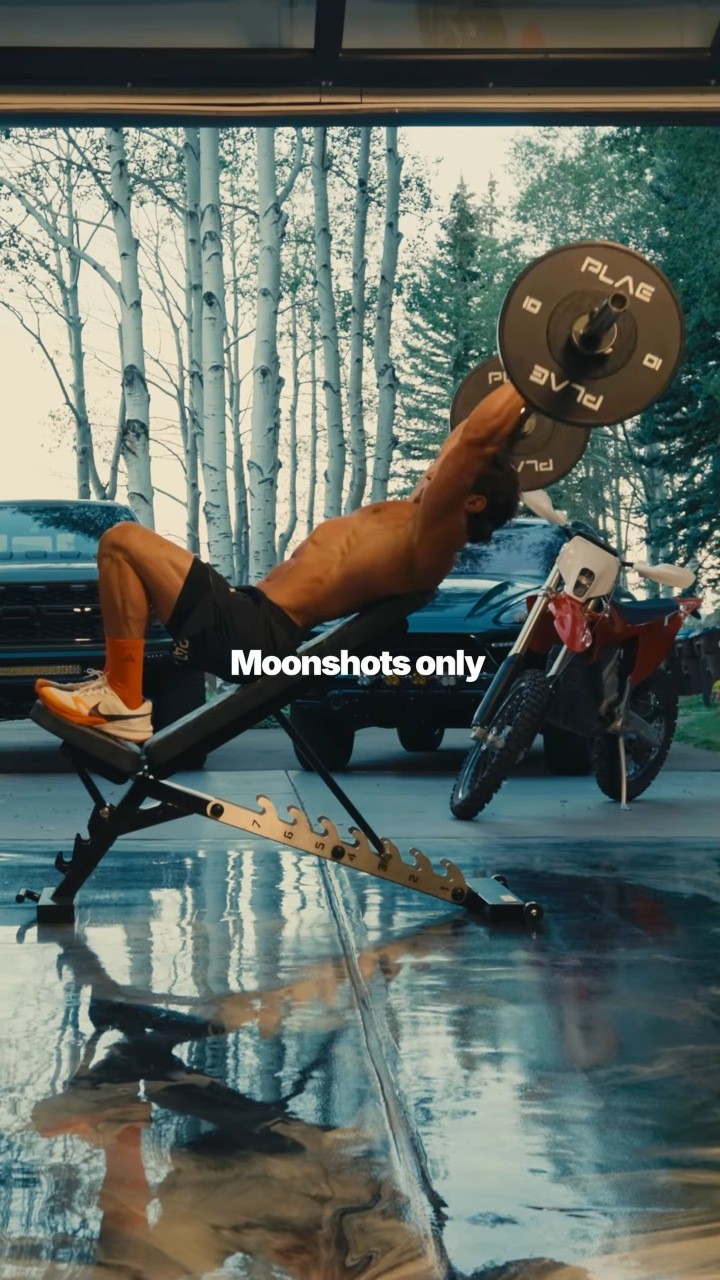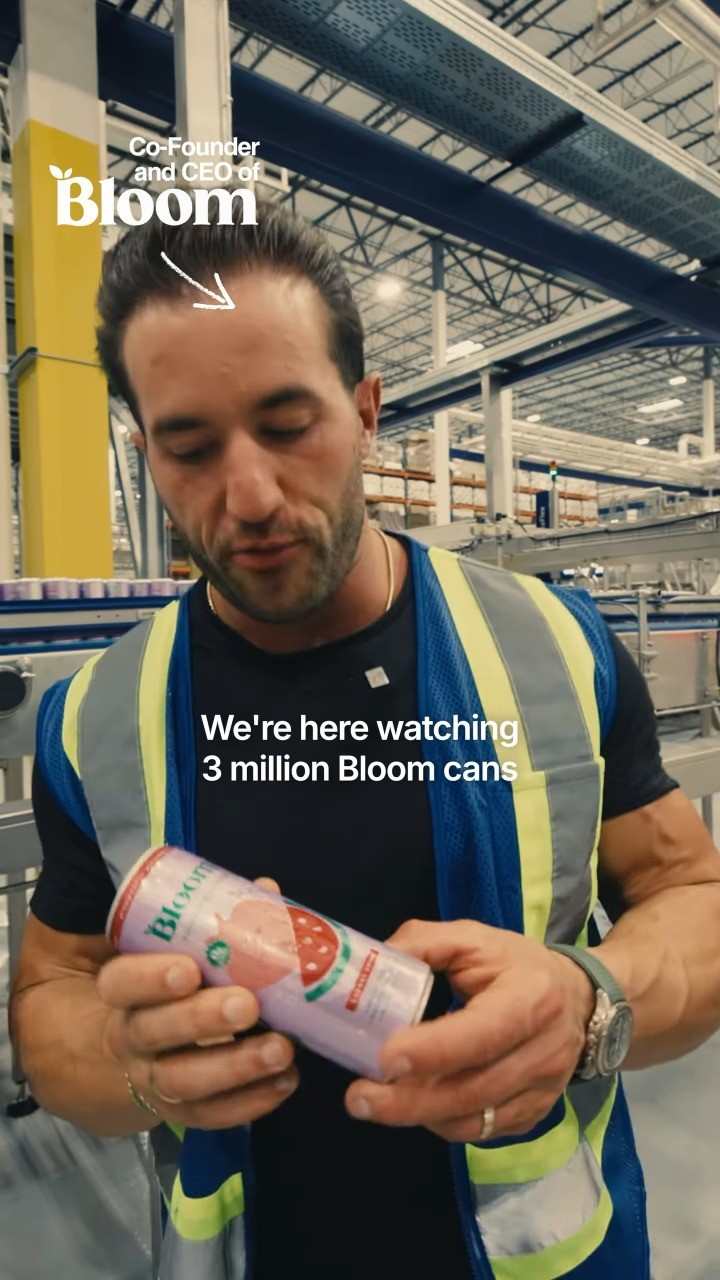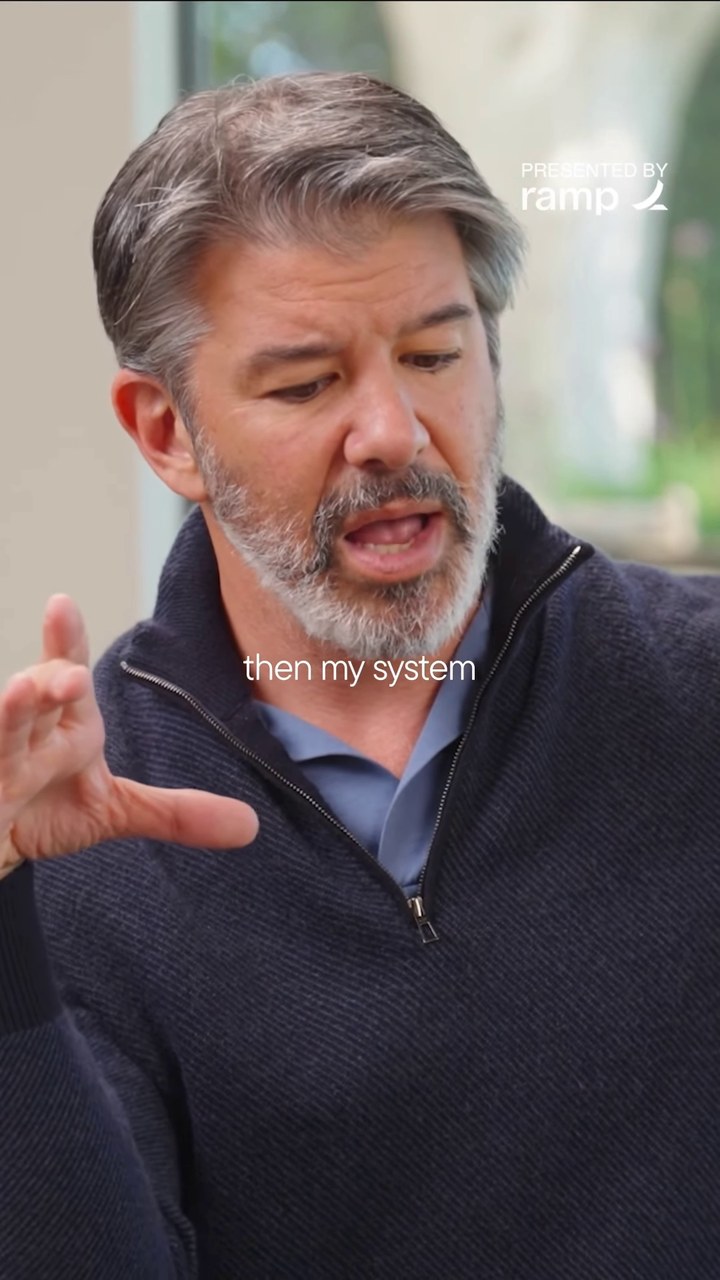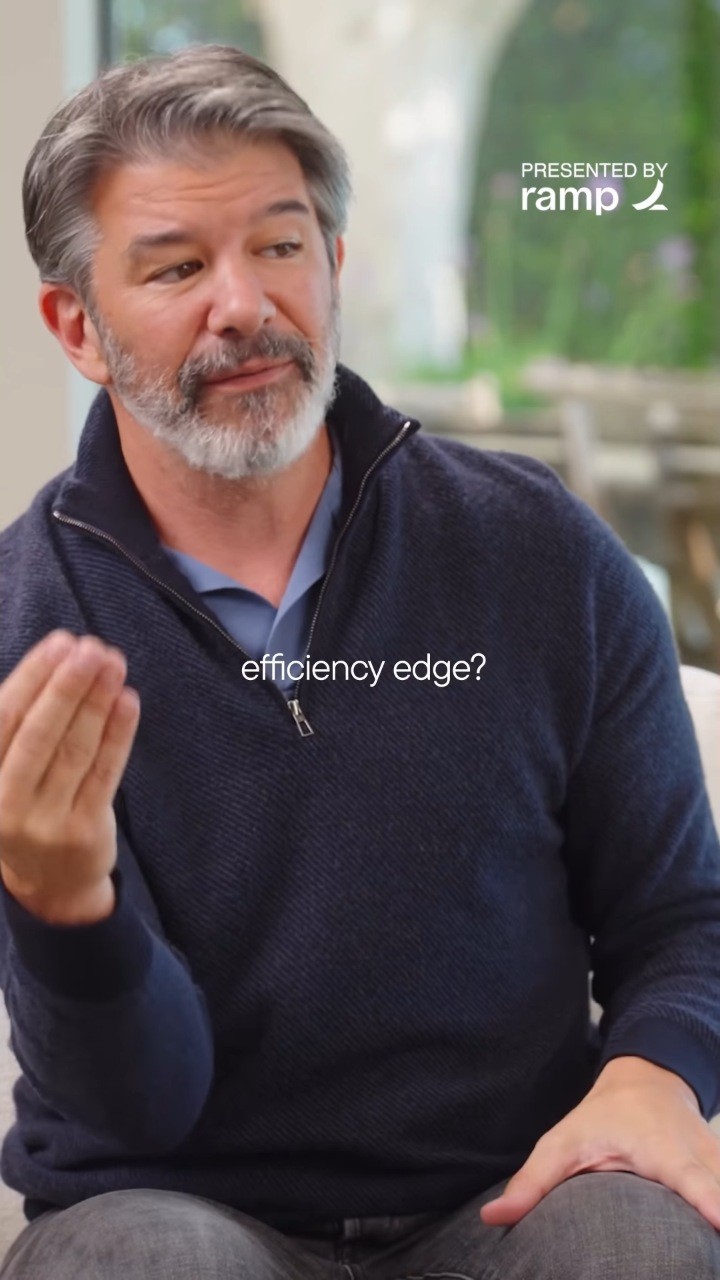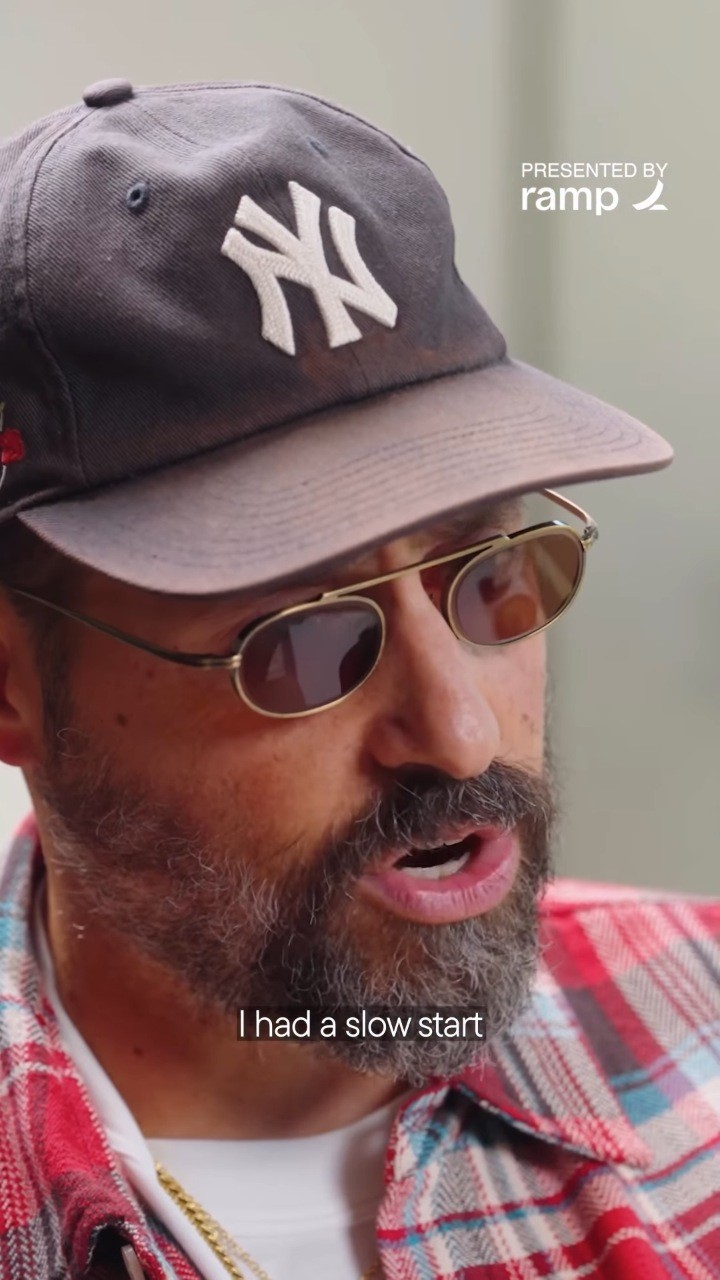
22 should be the worst
year of your life
PoppinsBold
- Weights
- Bold
- Get it
- In the kit · Google Fonts
Same font as Greg's hooks, with a 4 px black outline.

Chapter 01
Looks
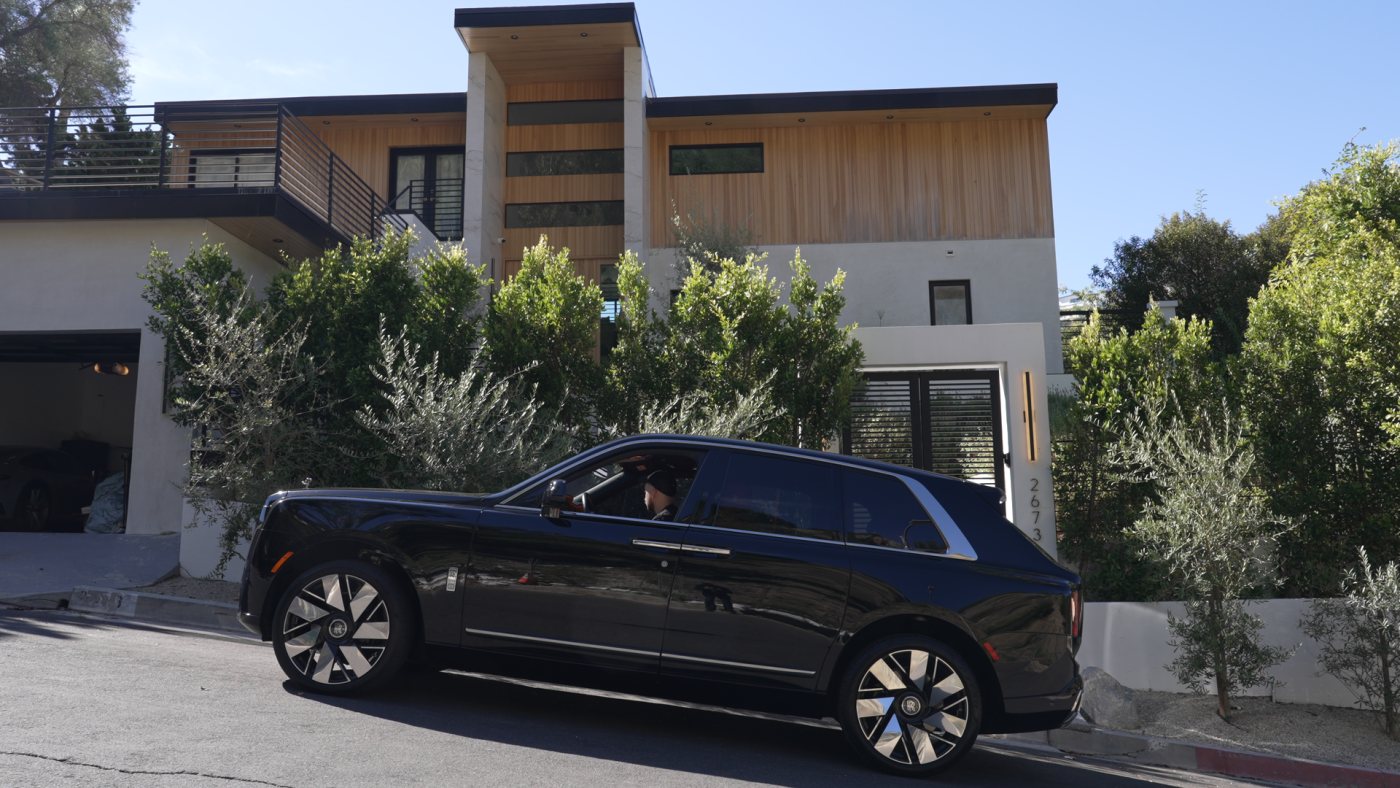
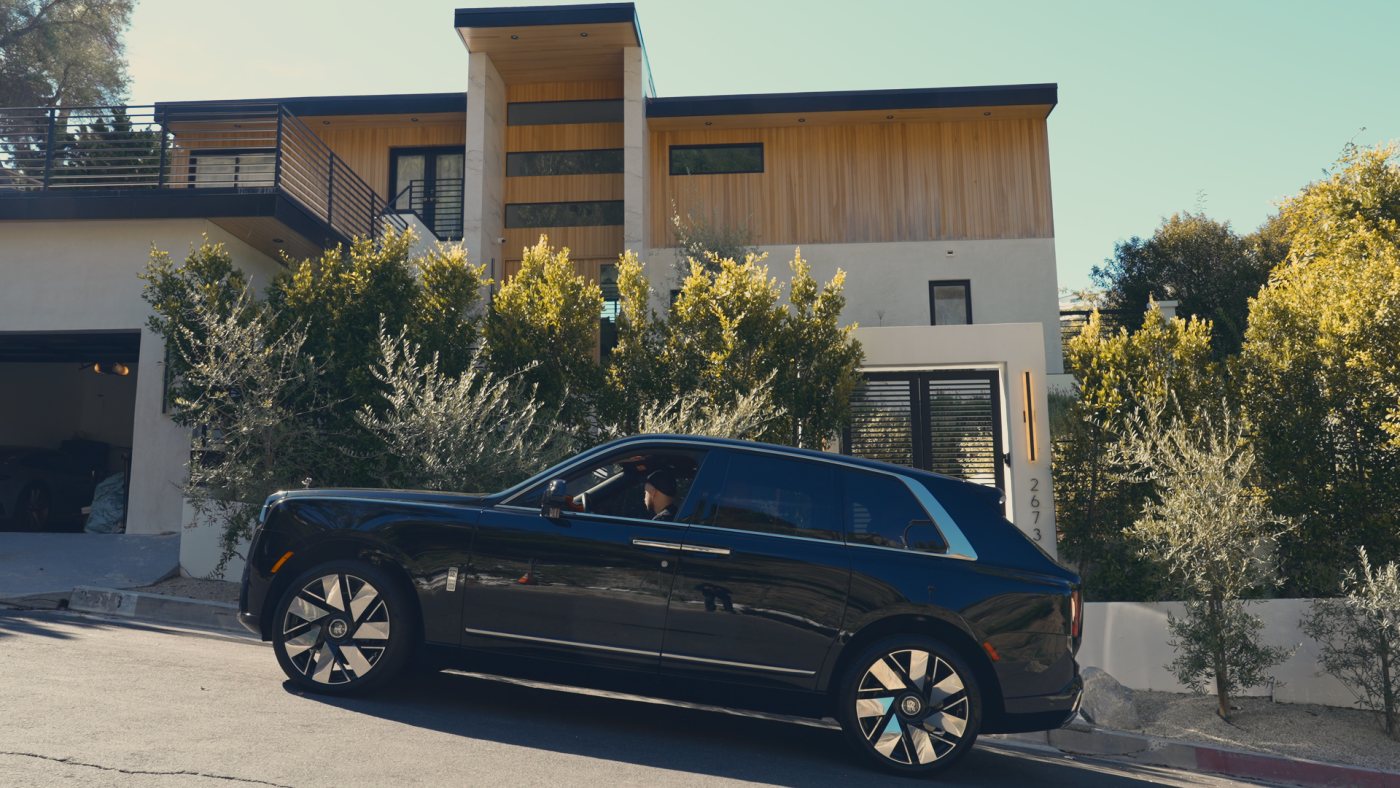
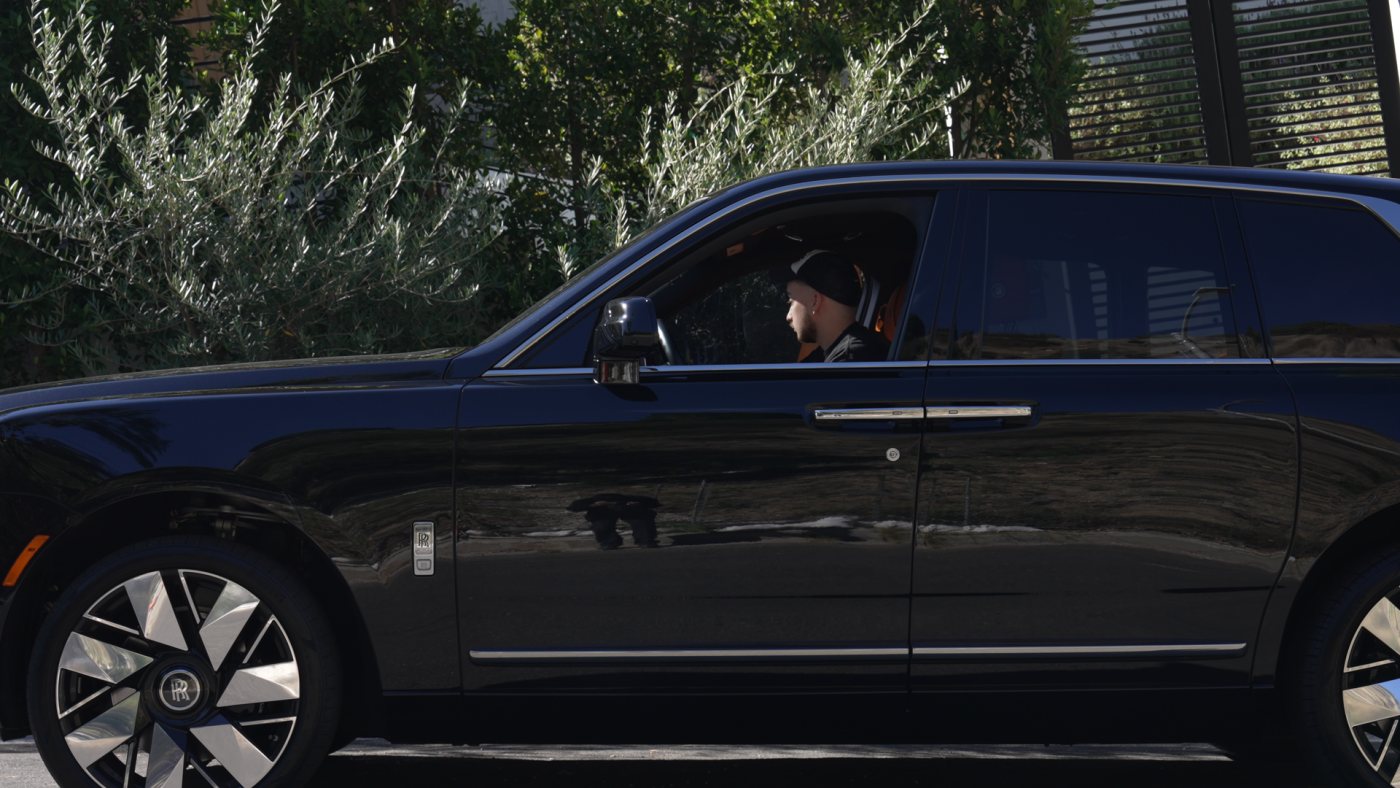
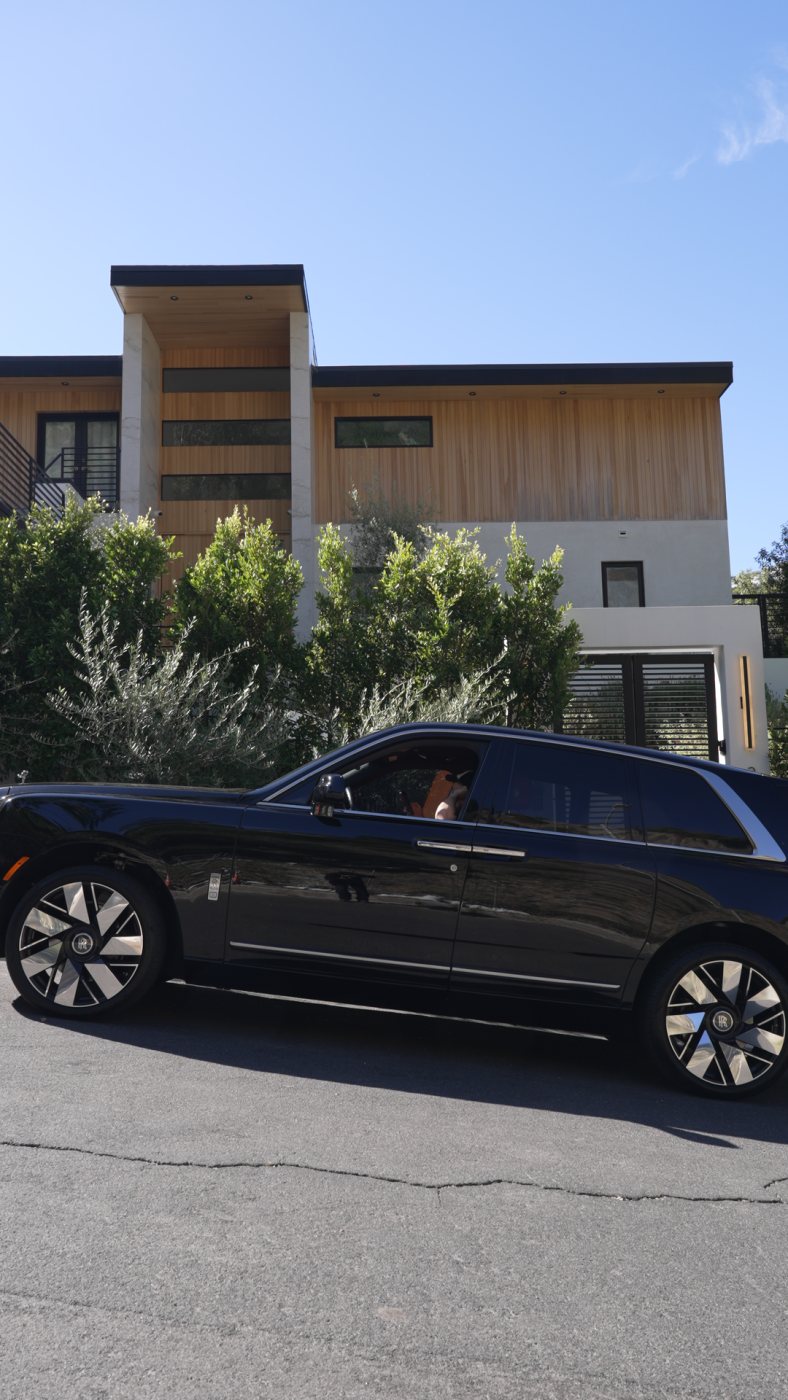
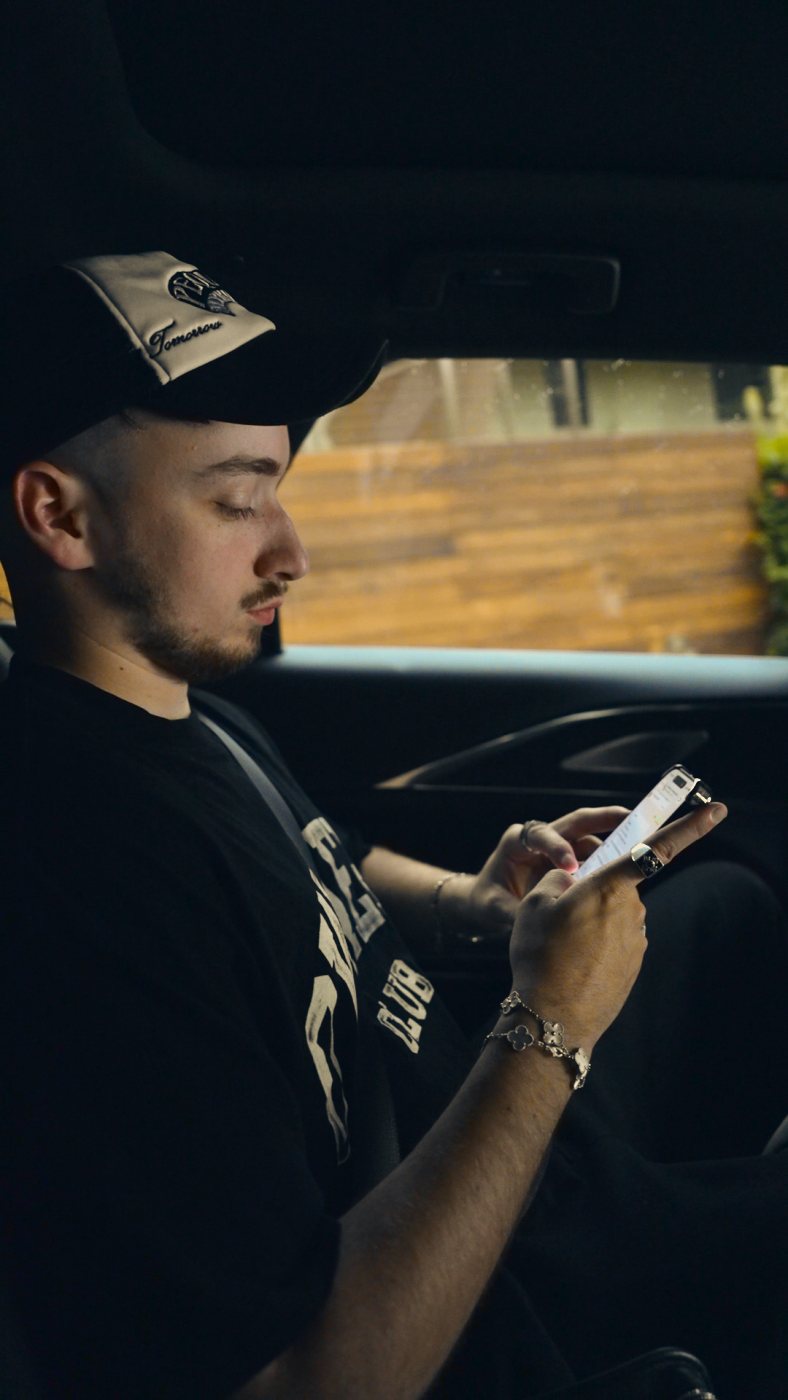
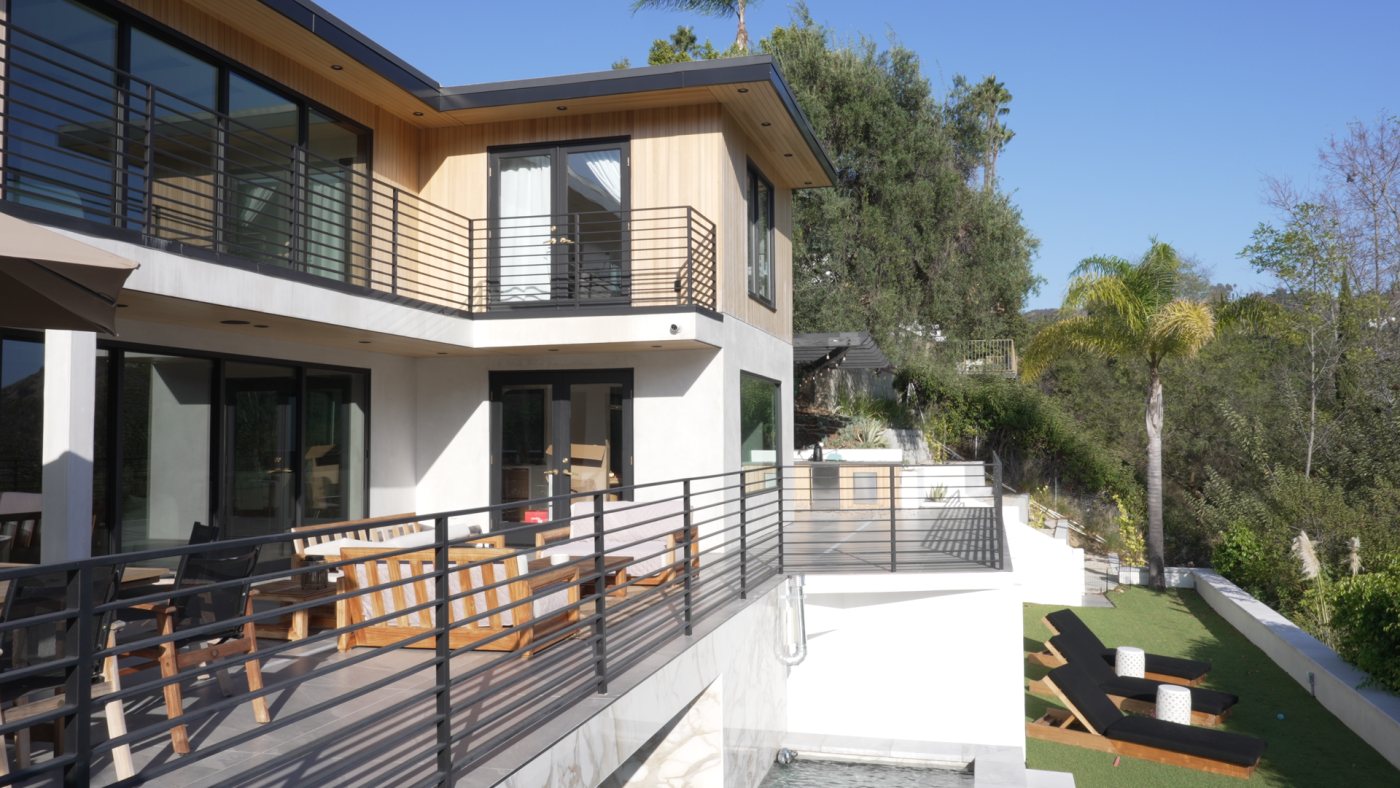
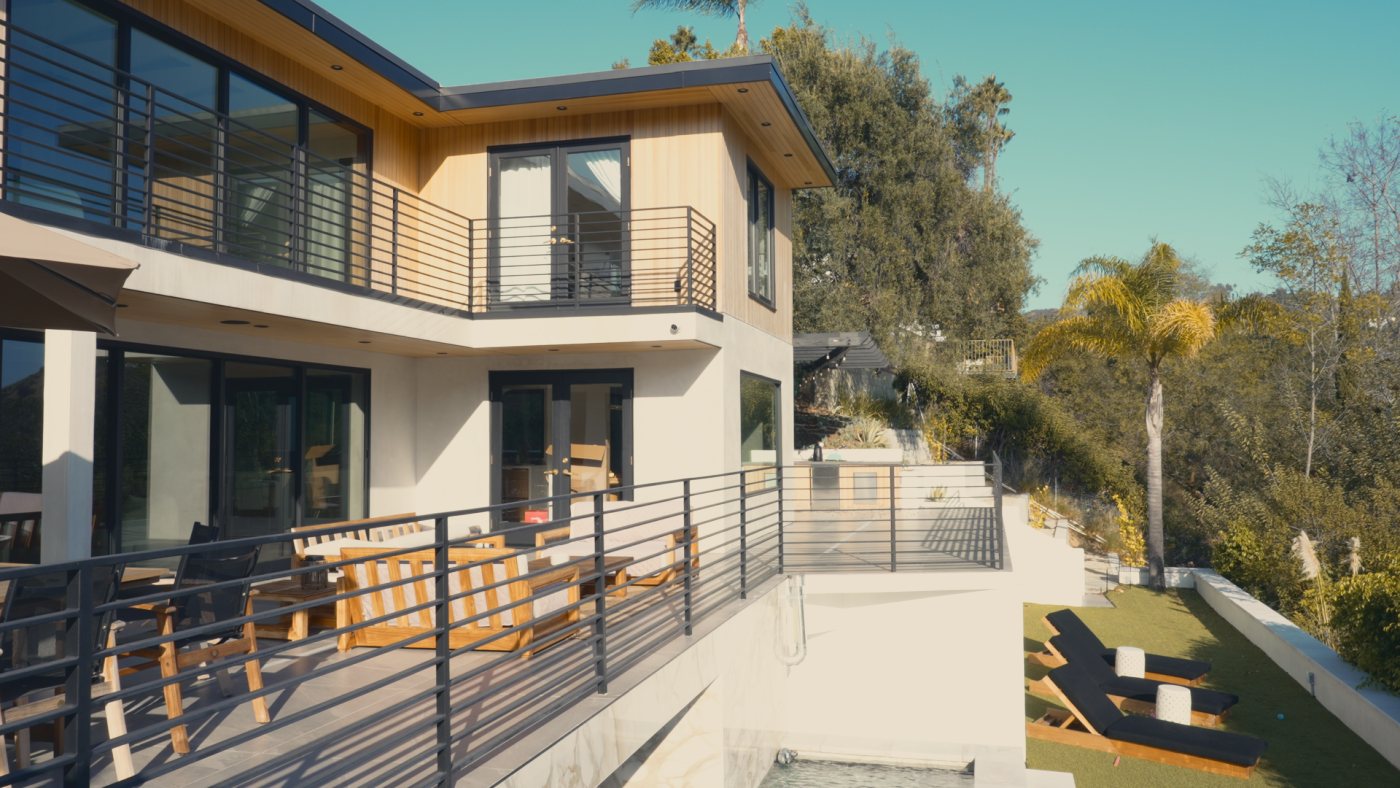
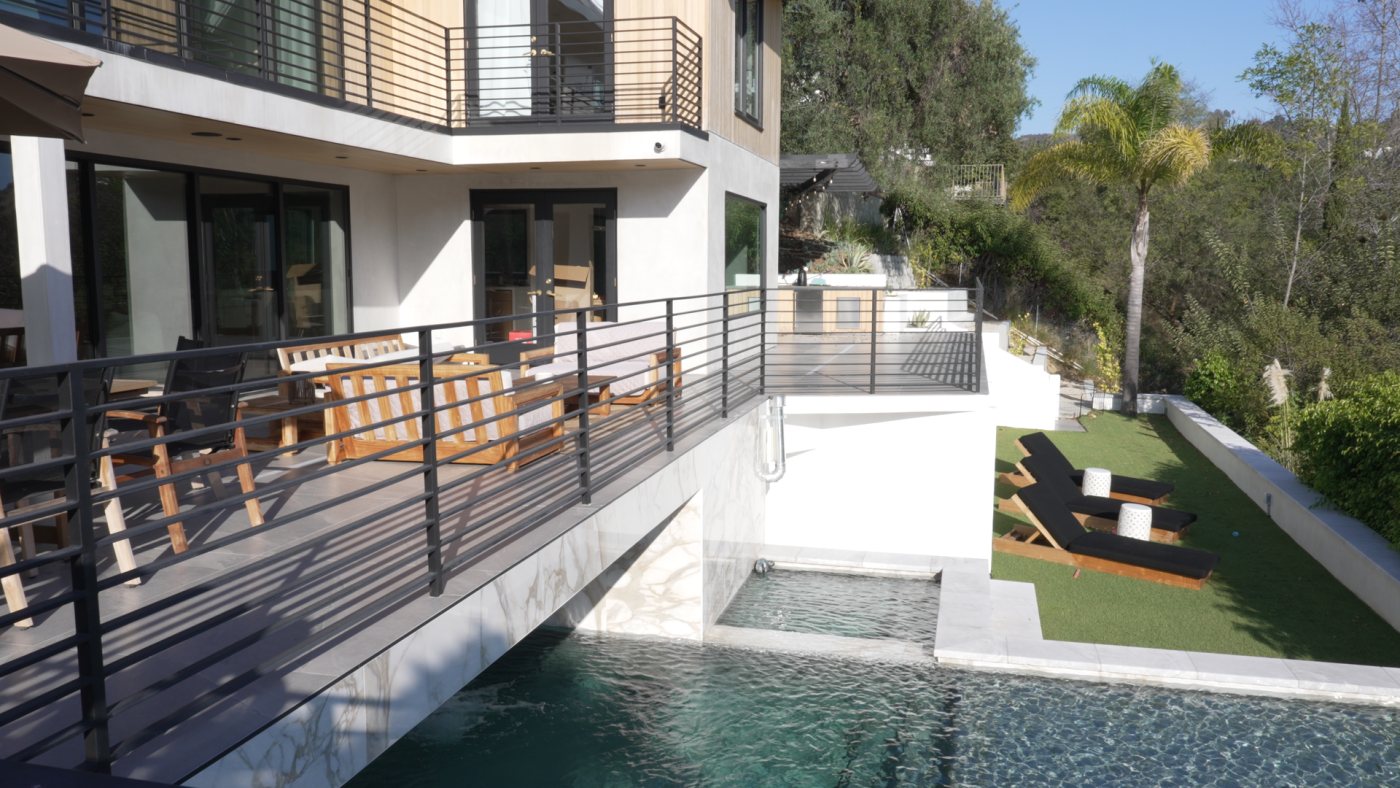
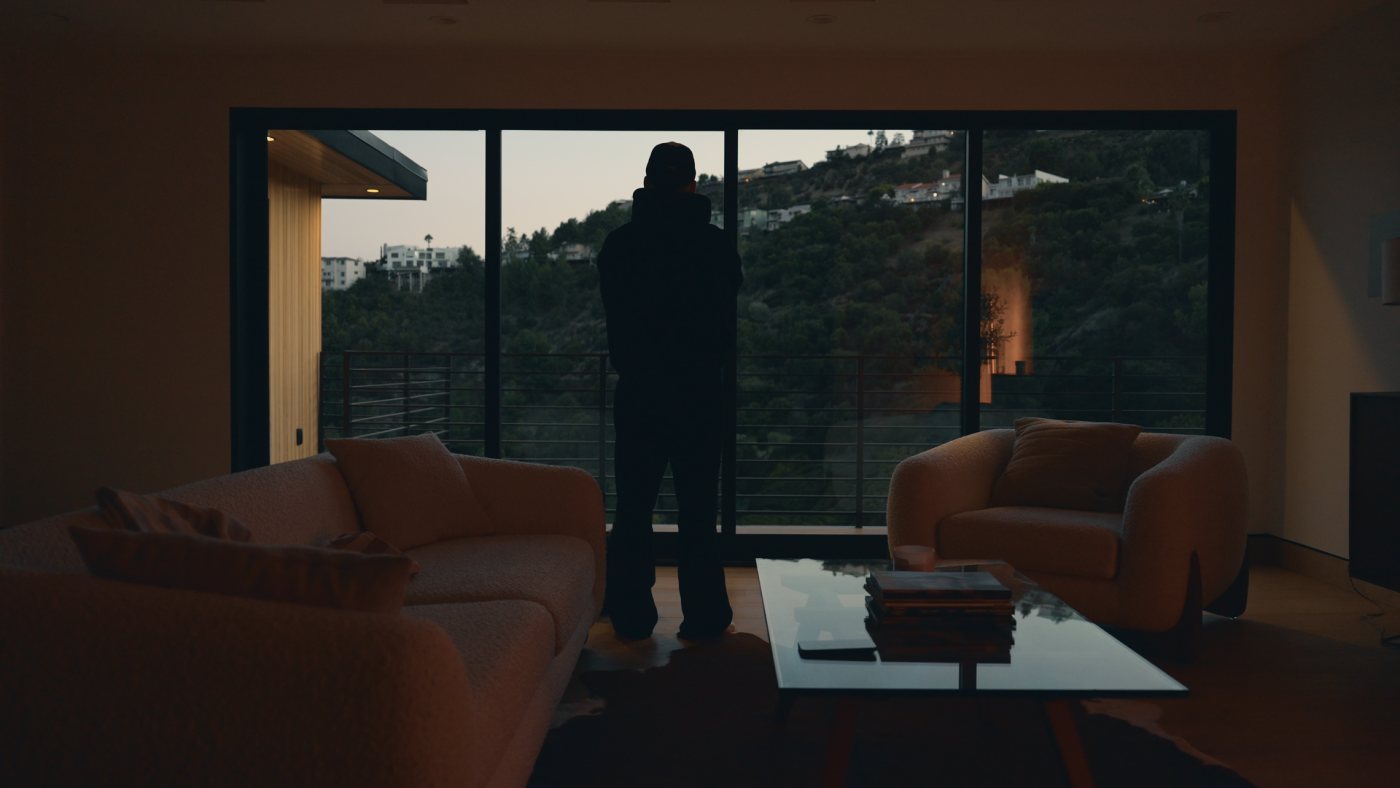
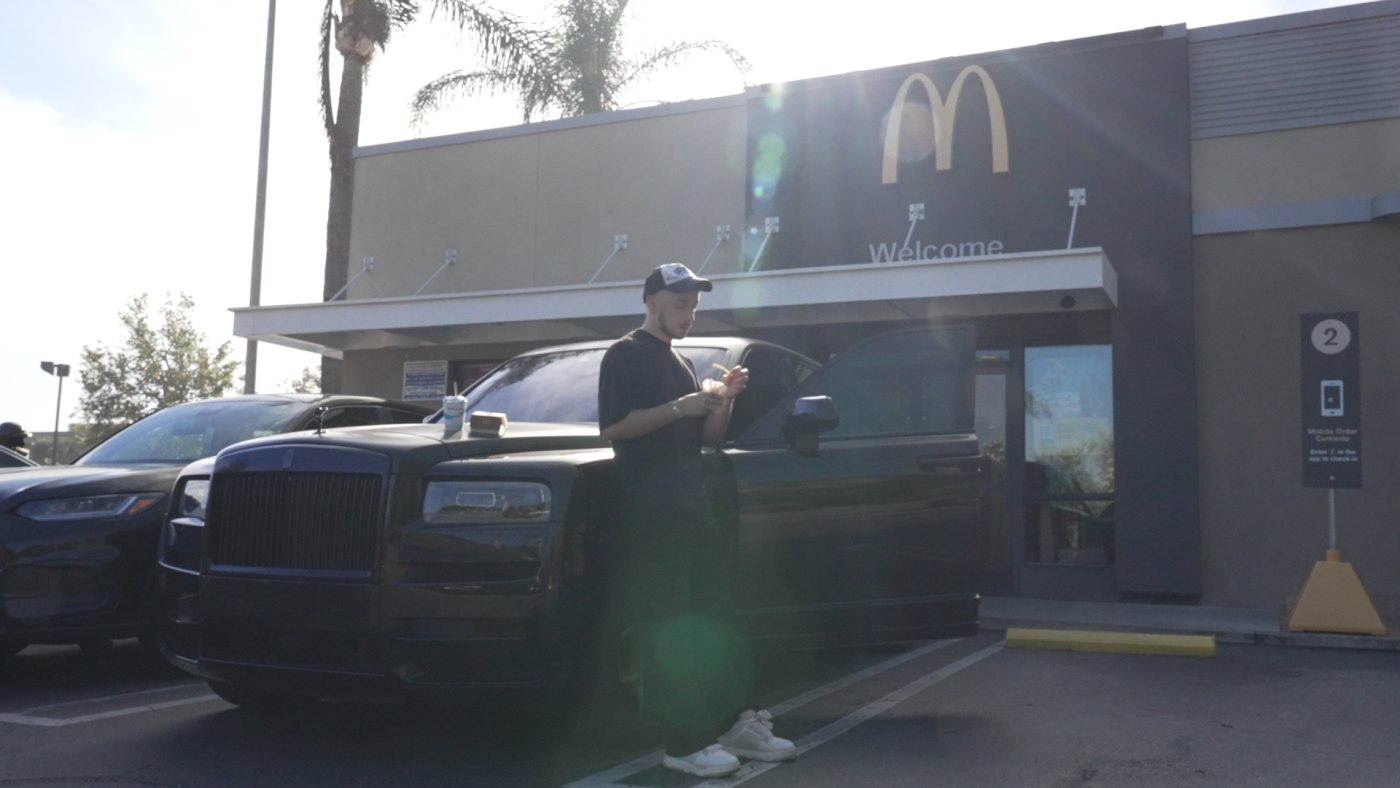
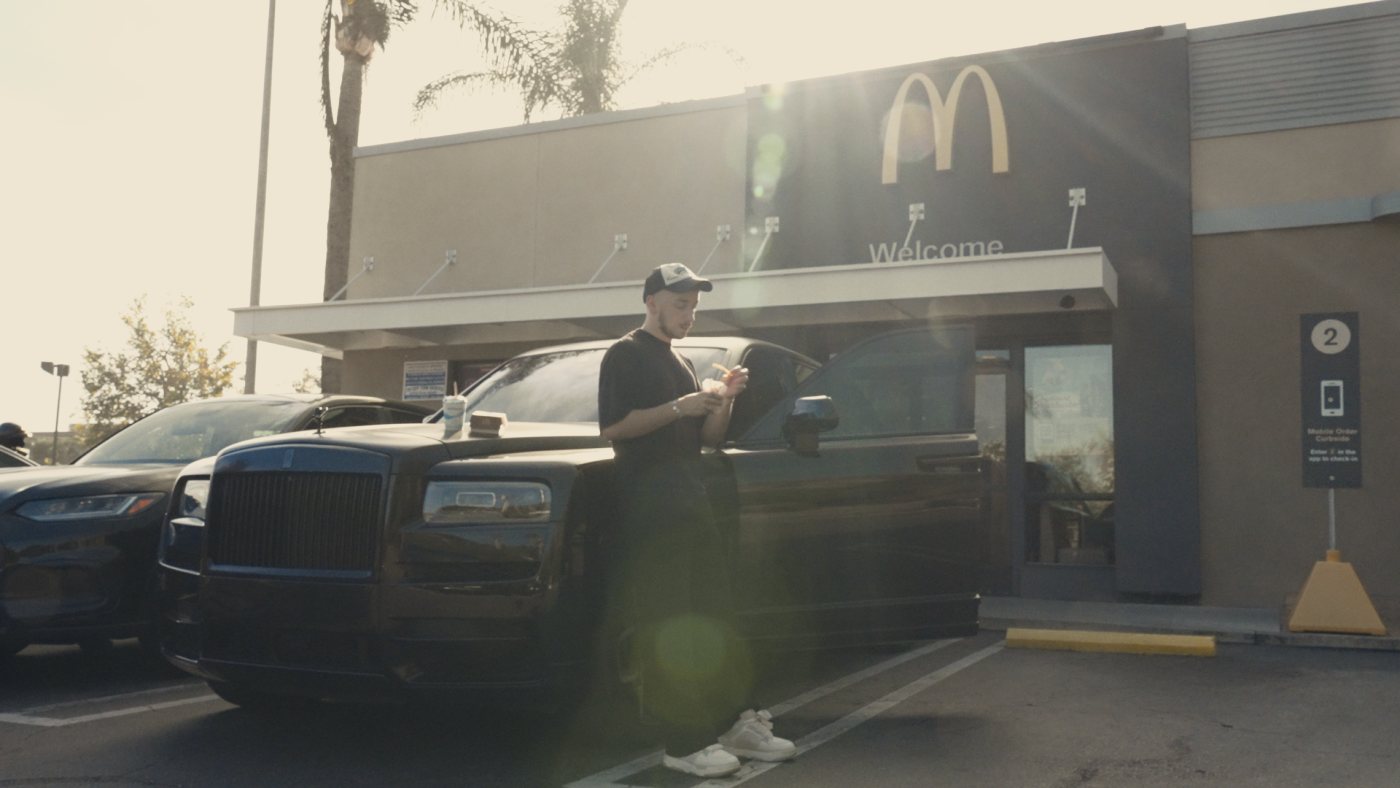
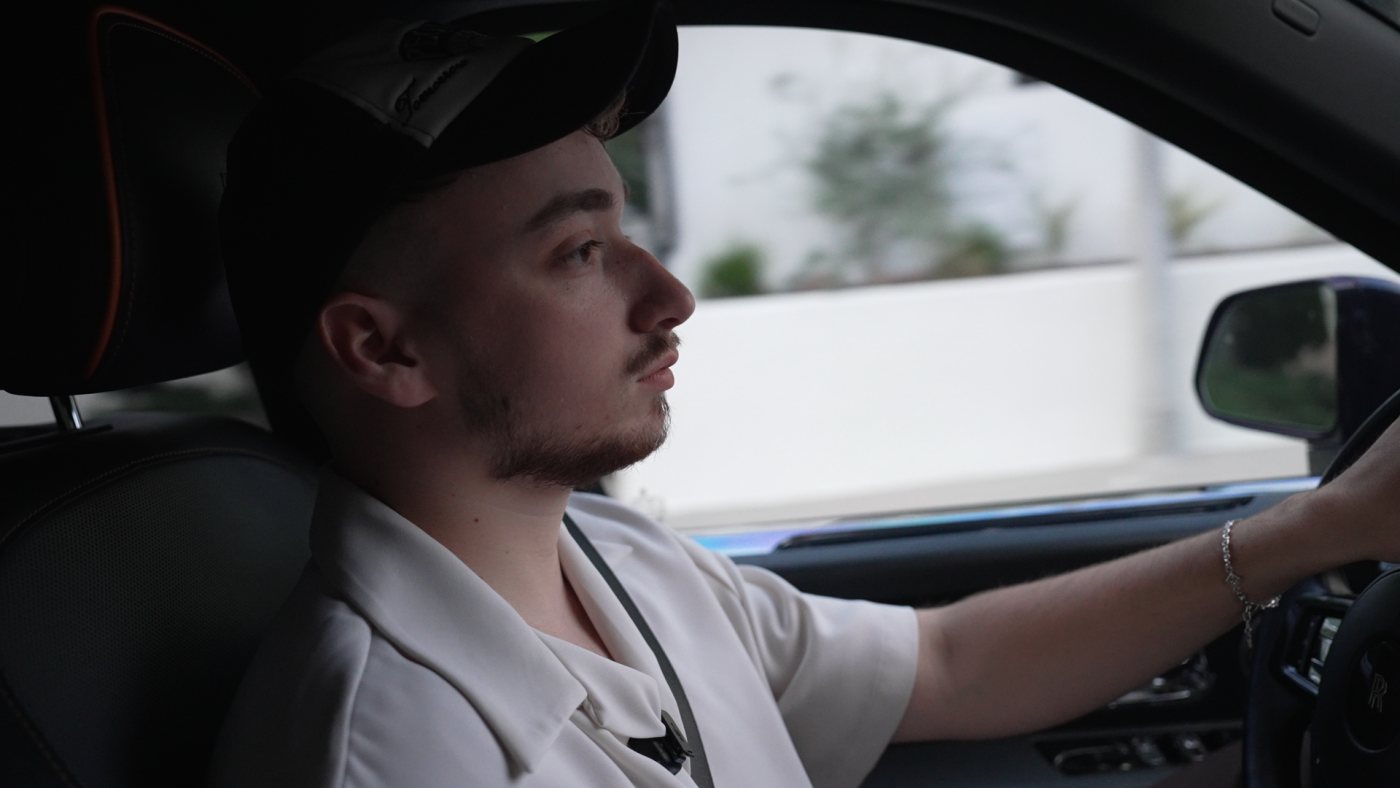
Pick a look to see it on every frame. Move over a frame to compare raw and graded, click to open it large.
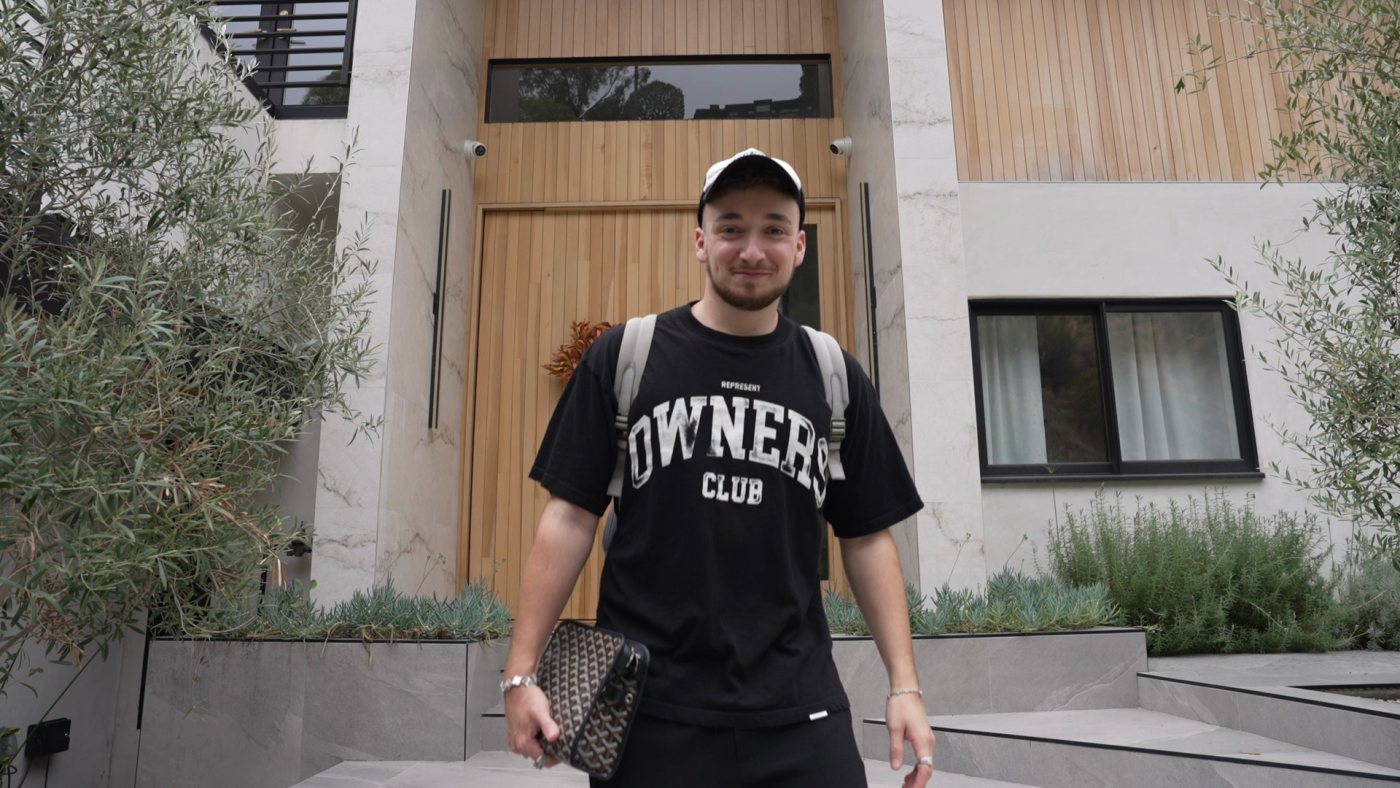
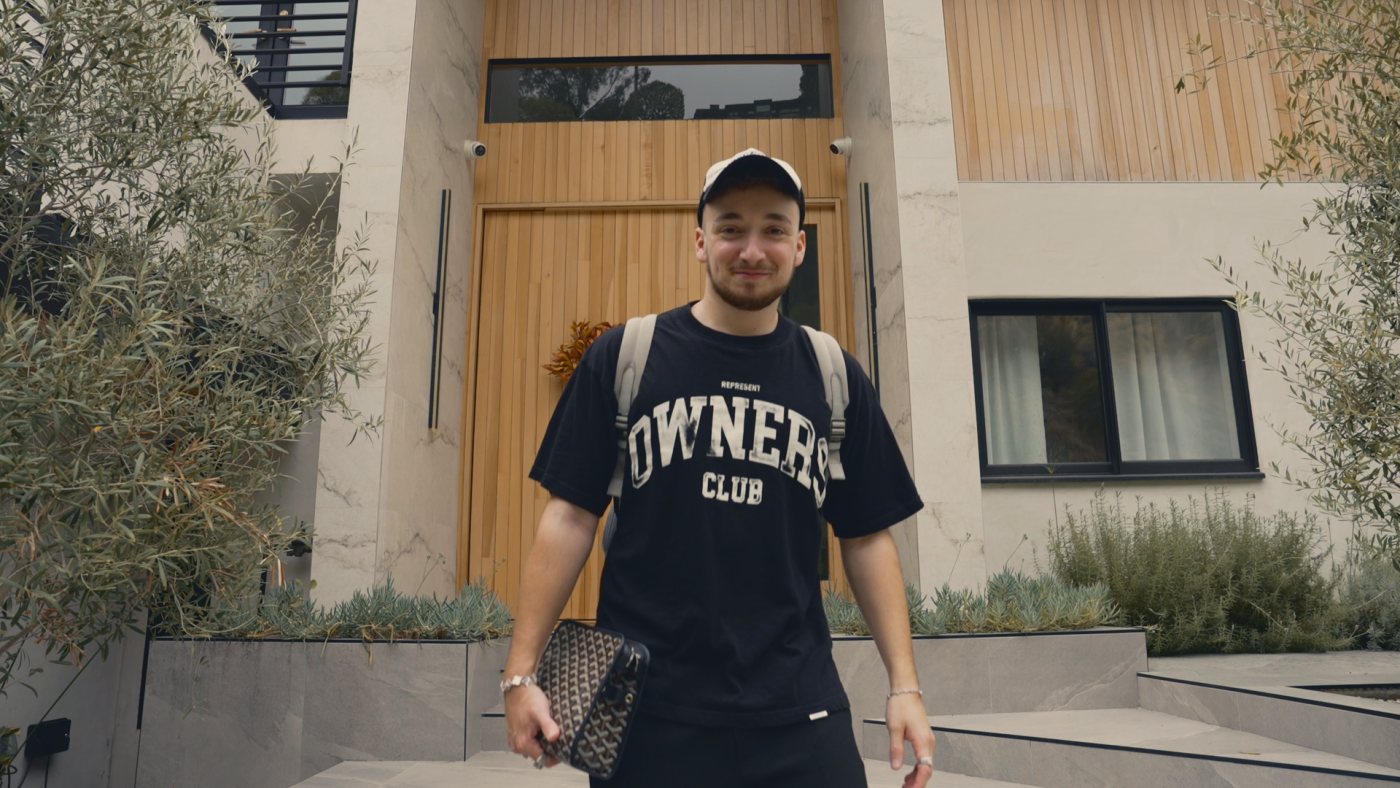 RawOutdoor
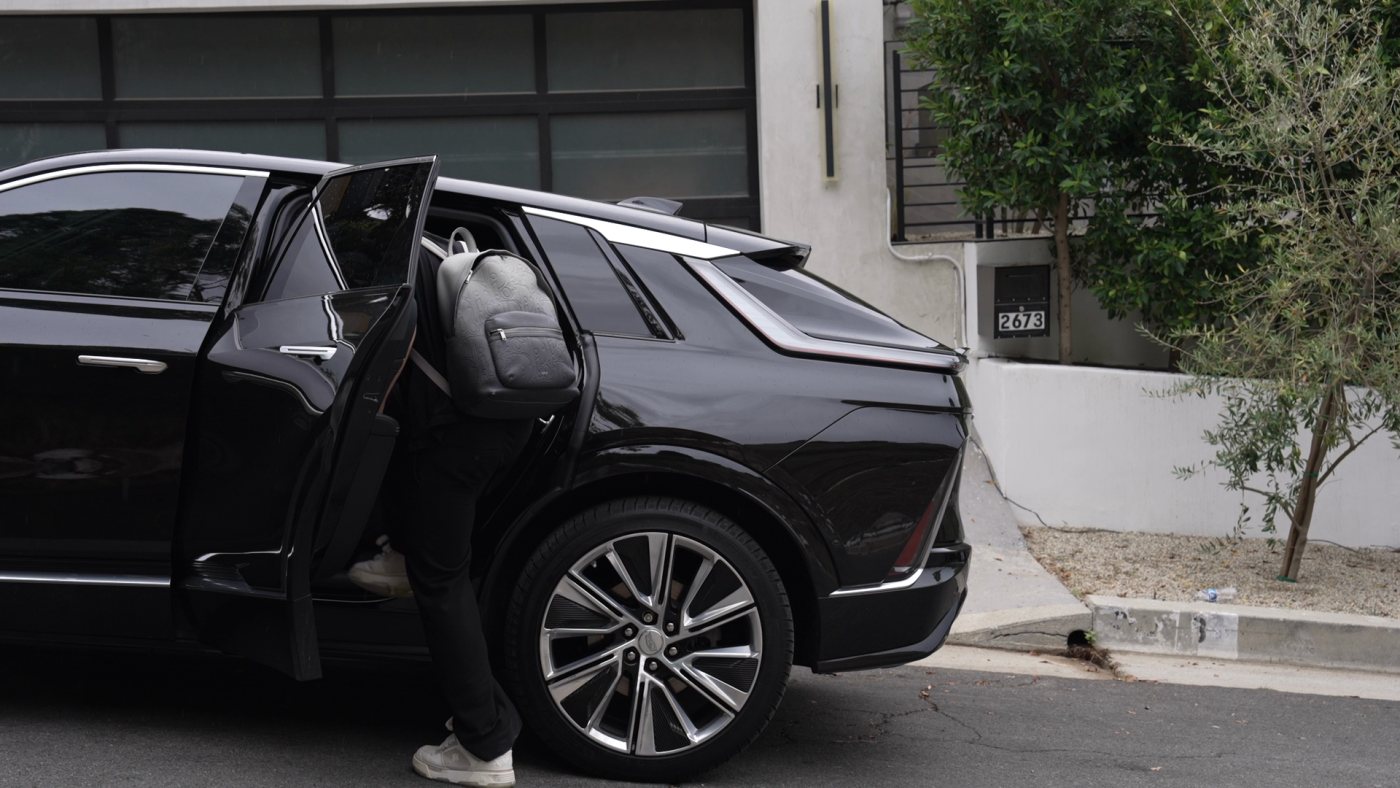
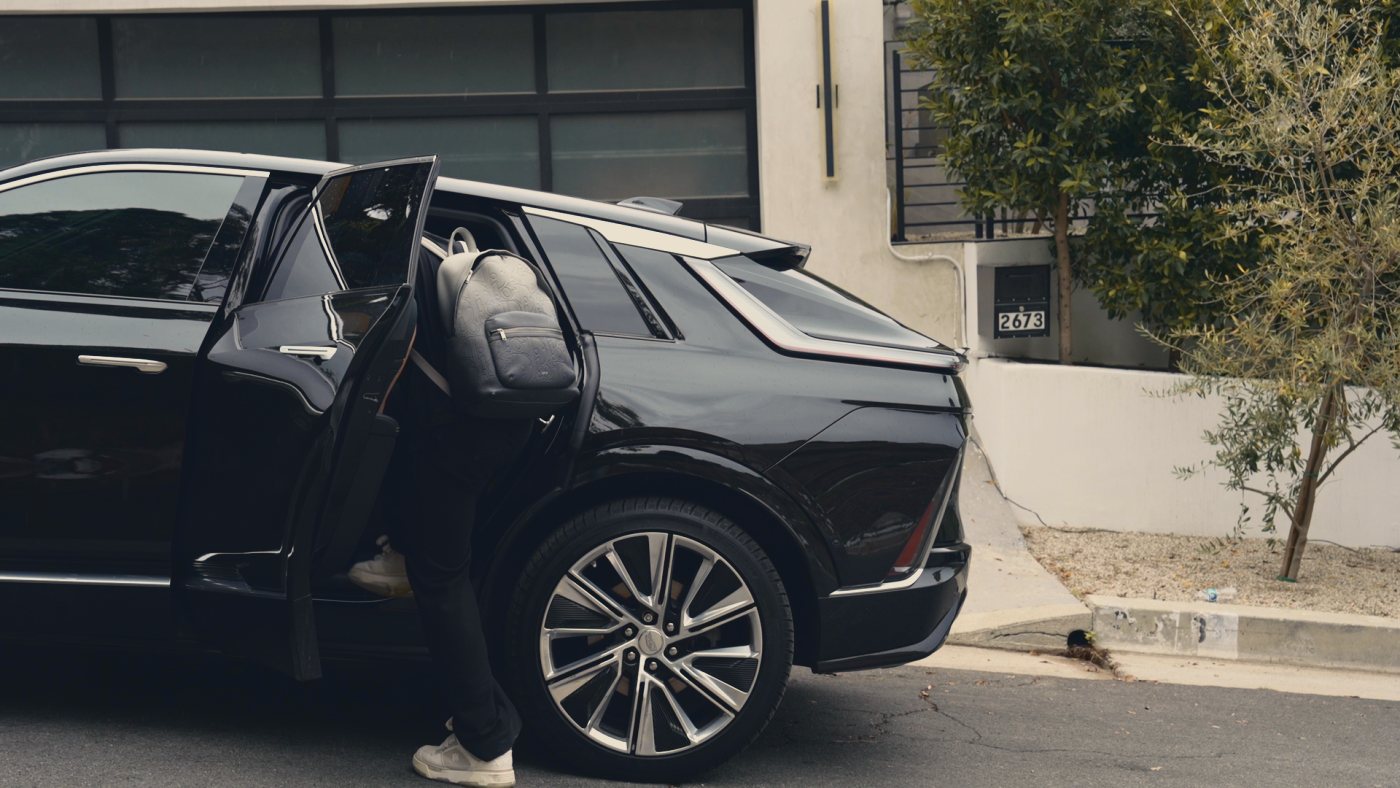 RawOutdoor
 RawOutdoor
 RawOutdoor
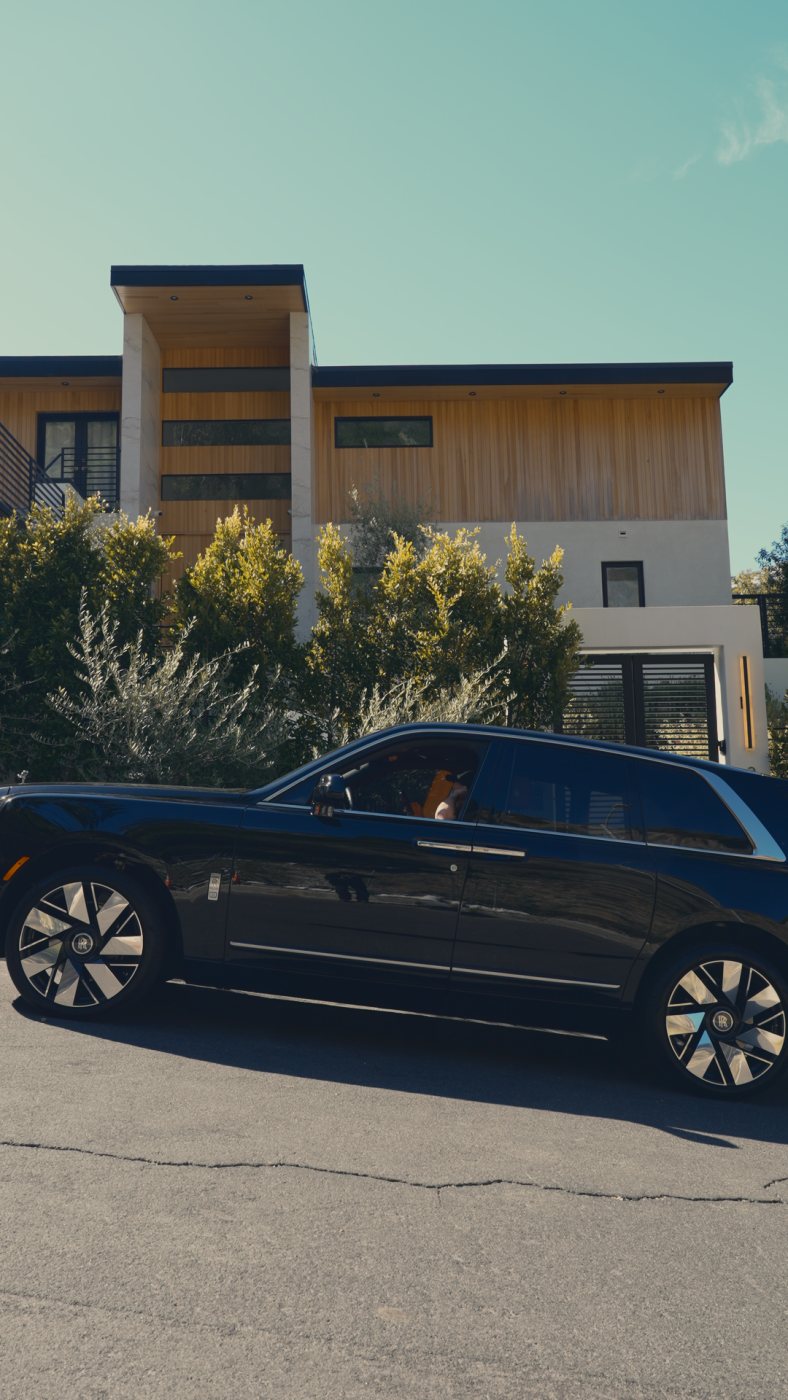 RawOutdoor
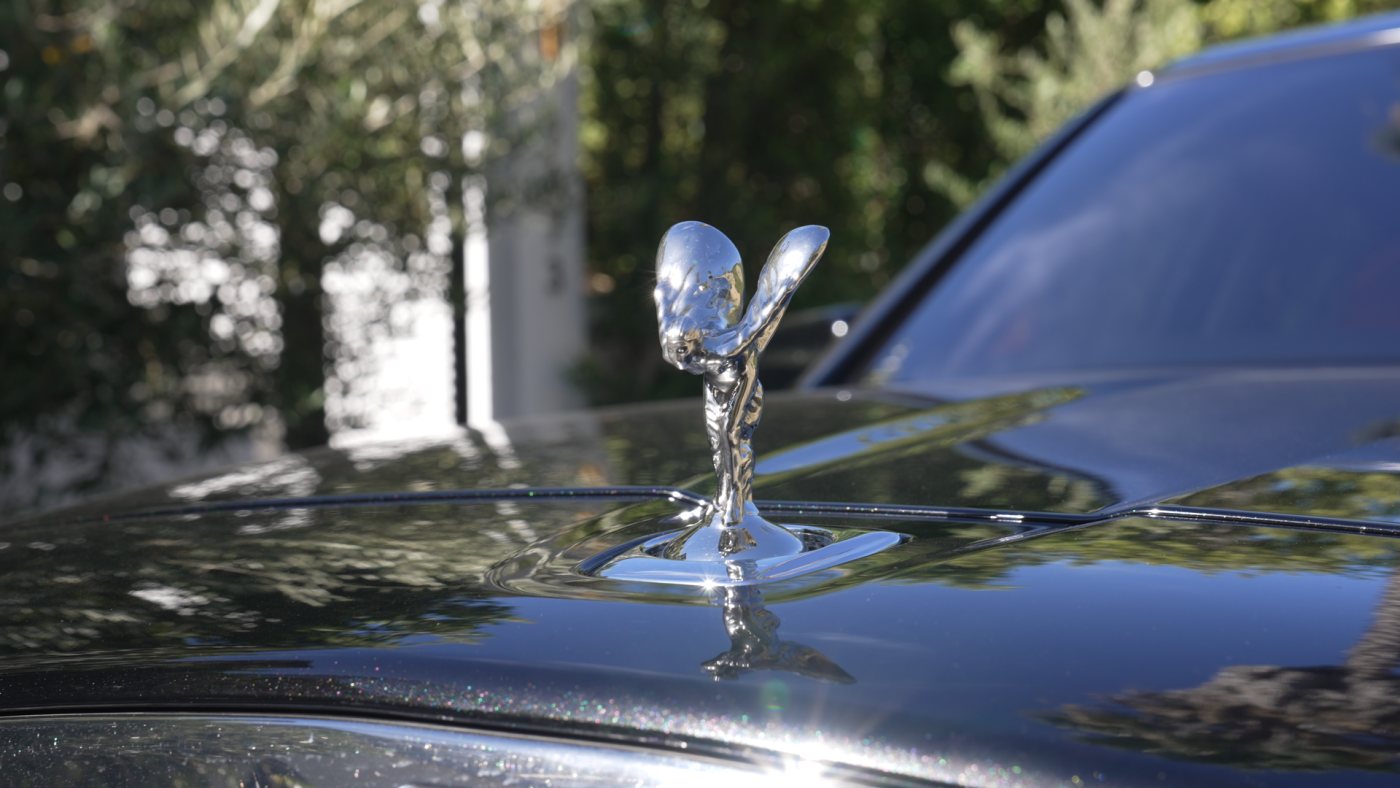
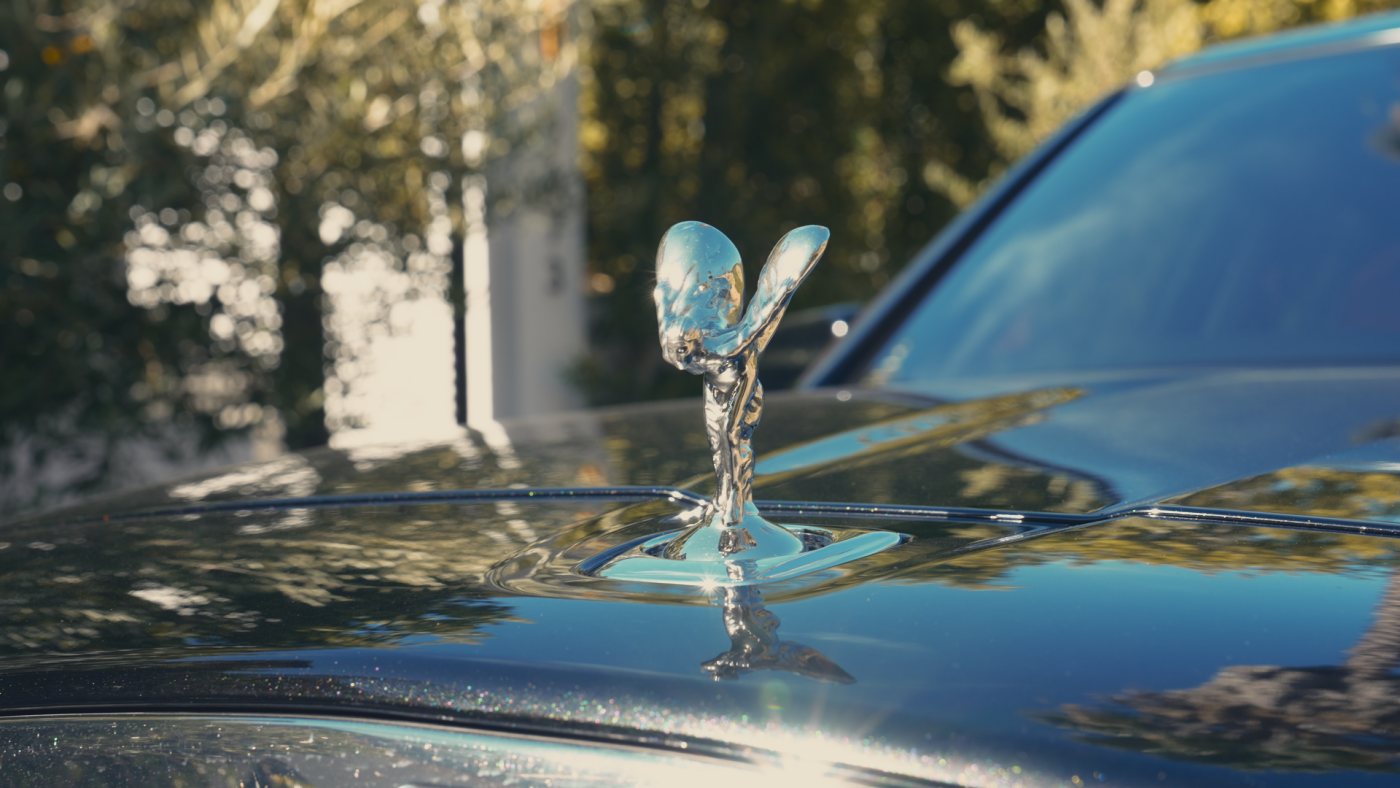 RawOutdoor
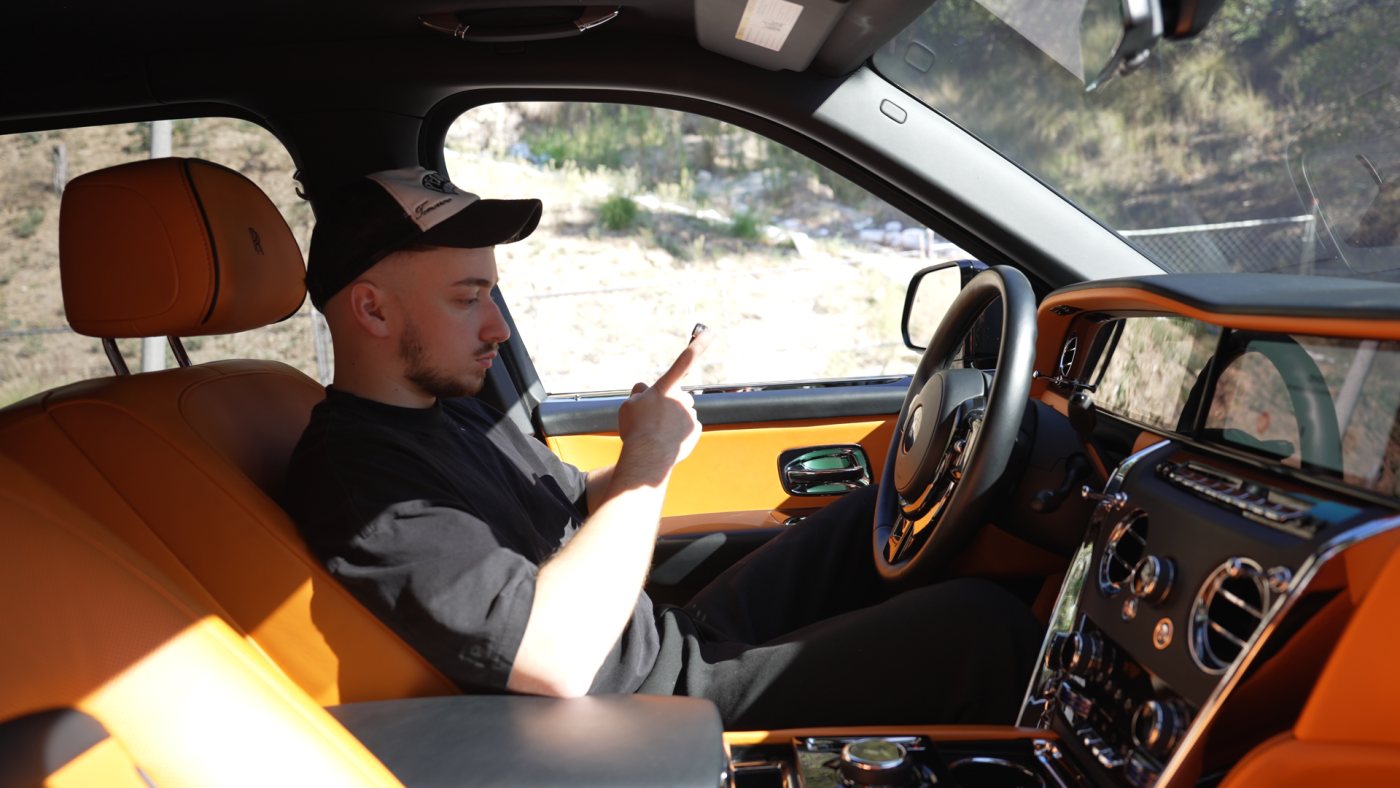
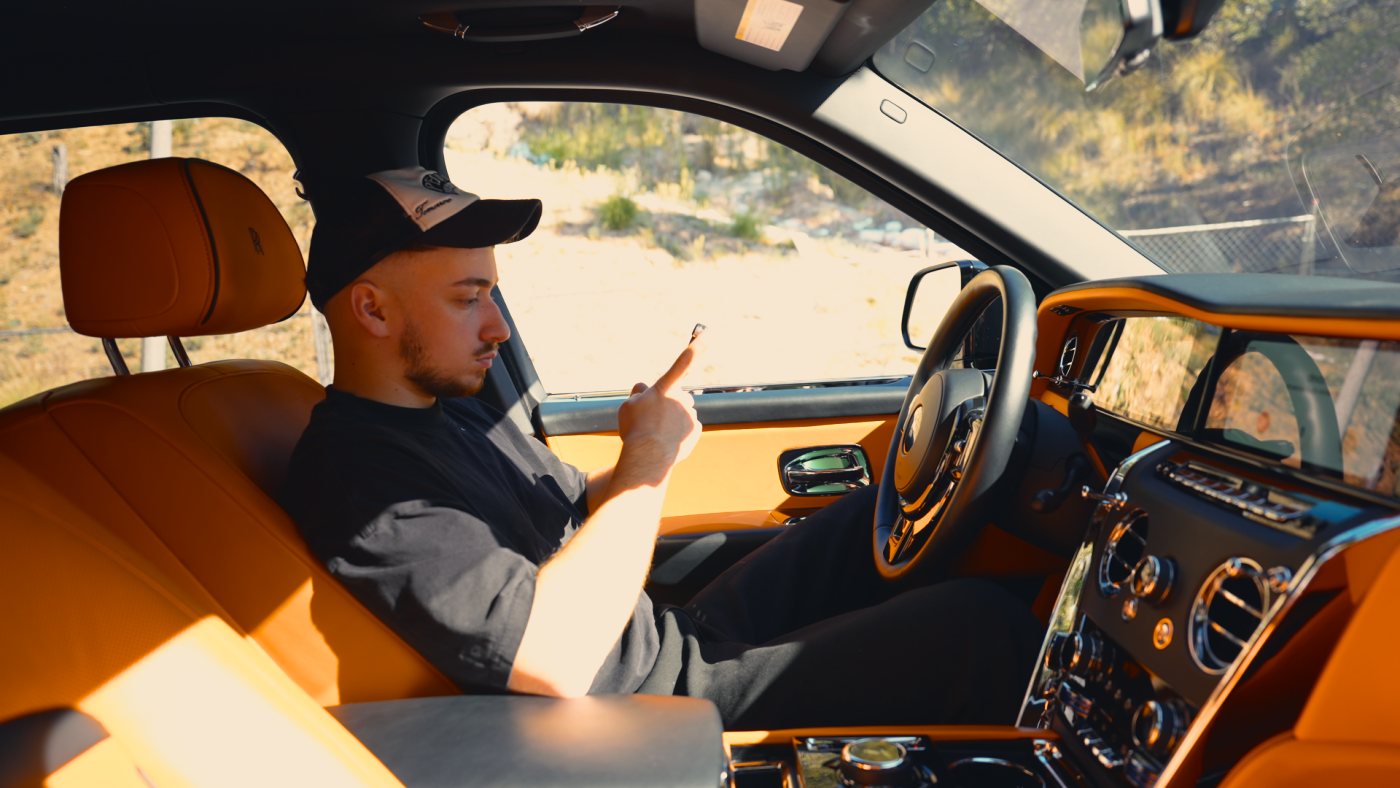 RawGolden
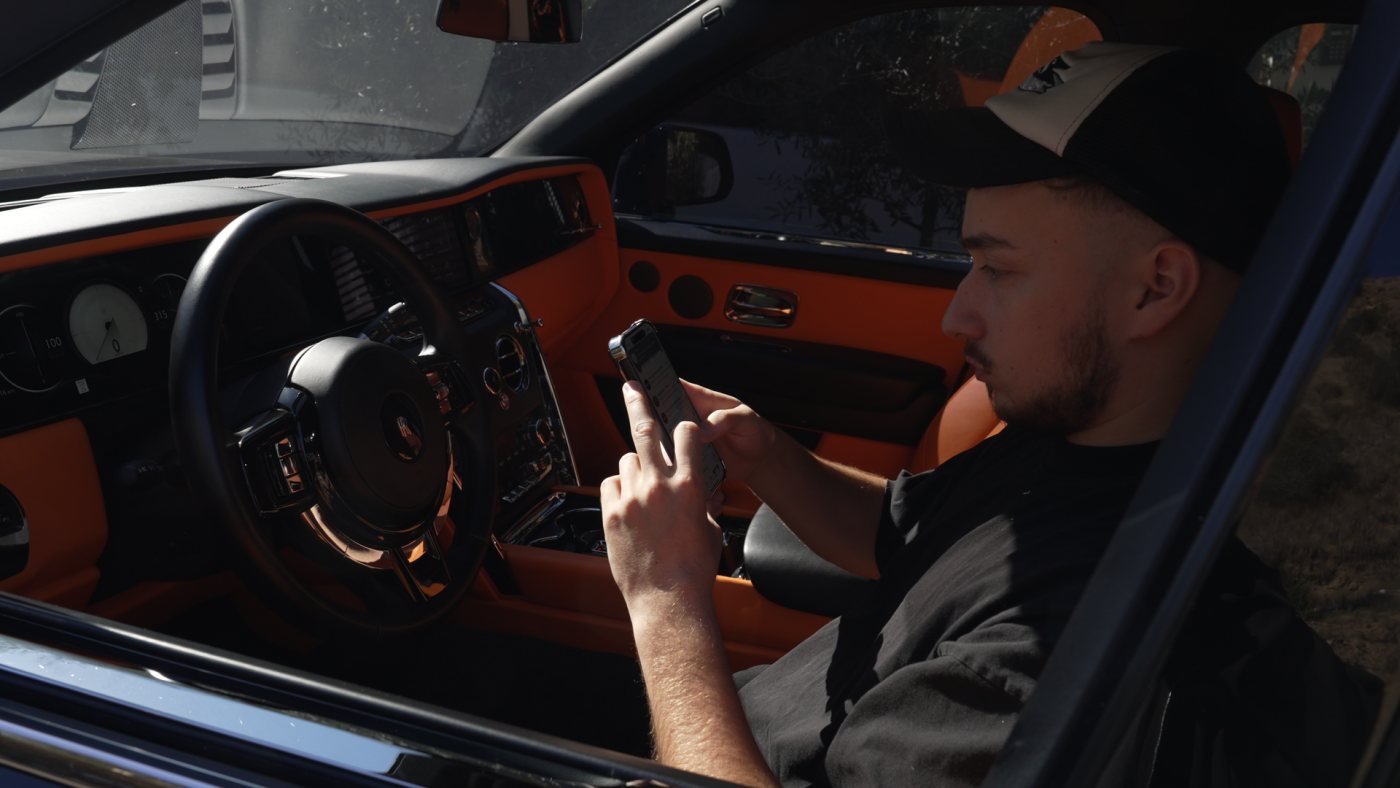
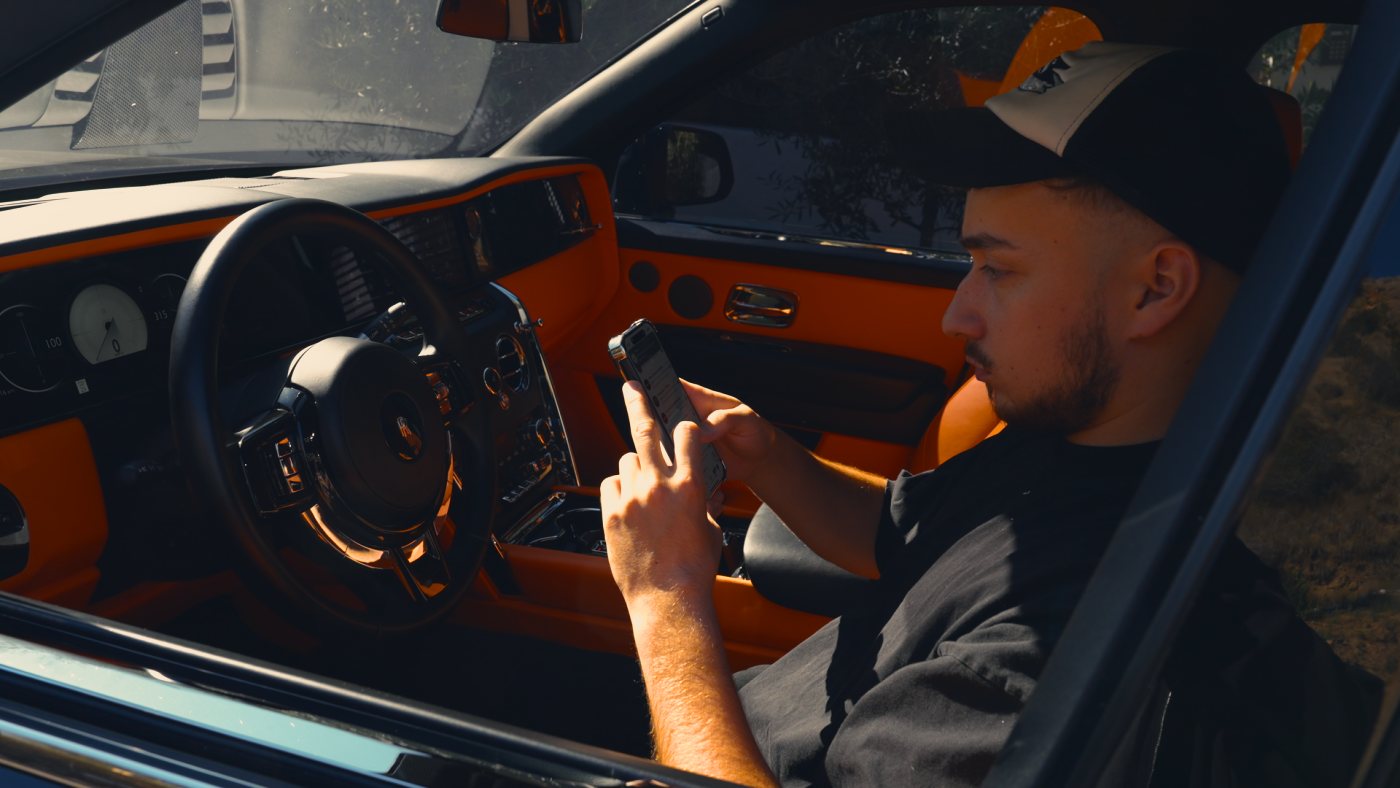 RawGolden
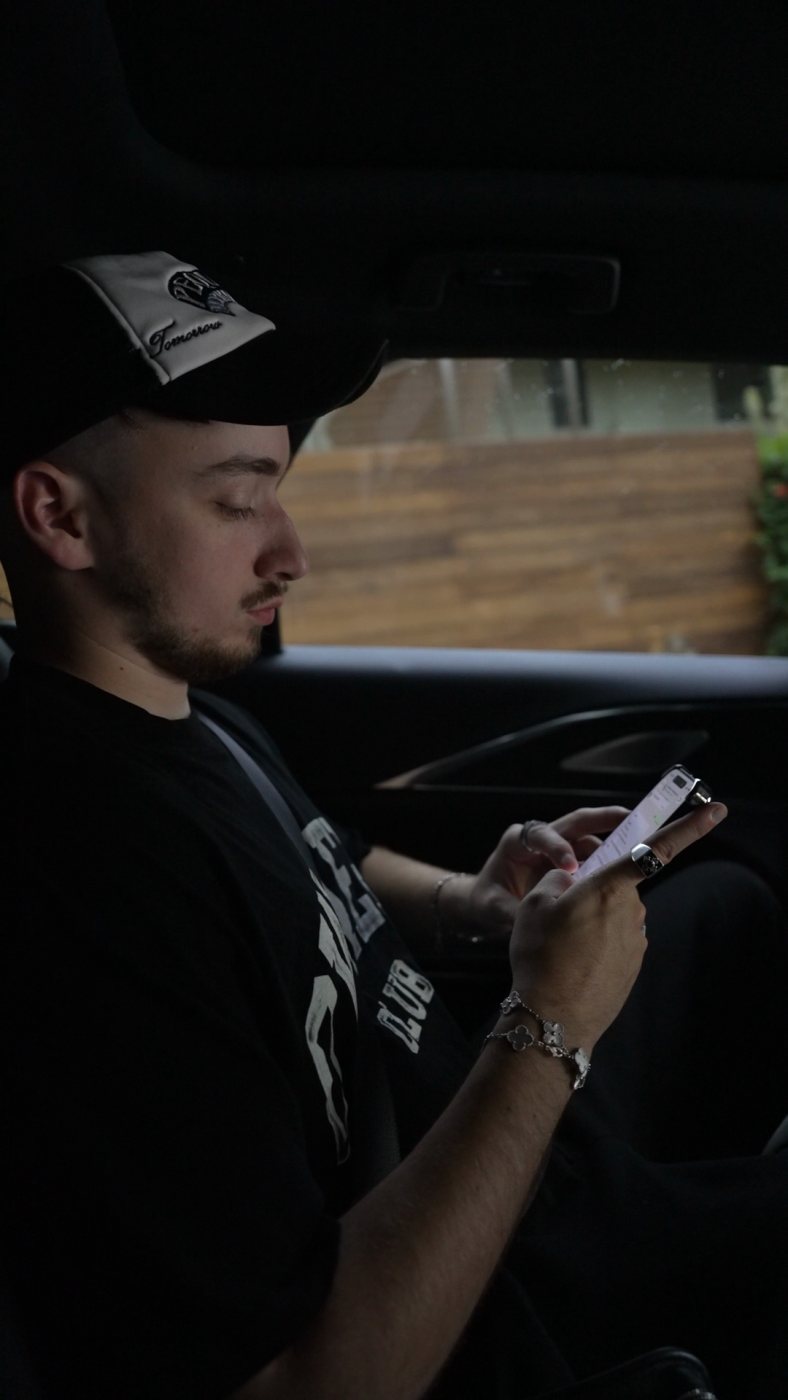
 RawWarm
 RawOutdoor
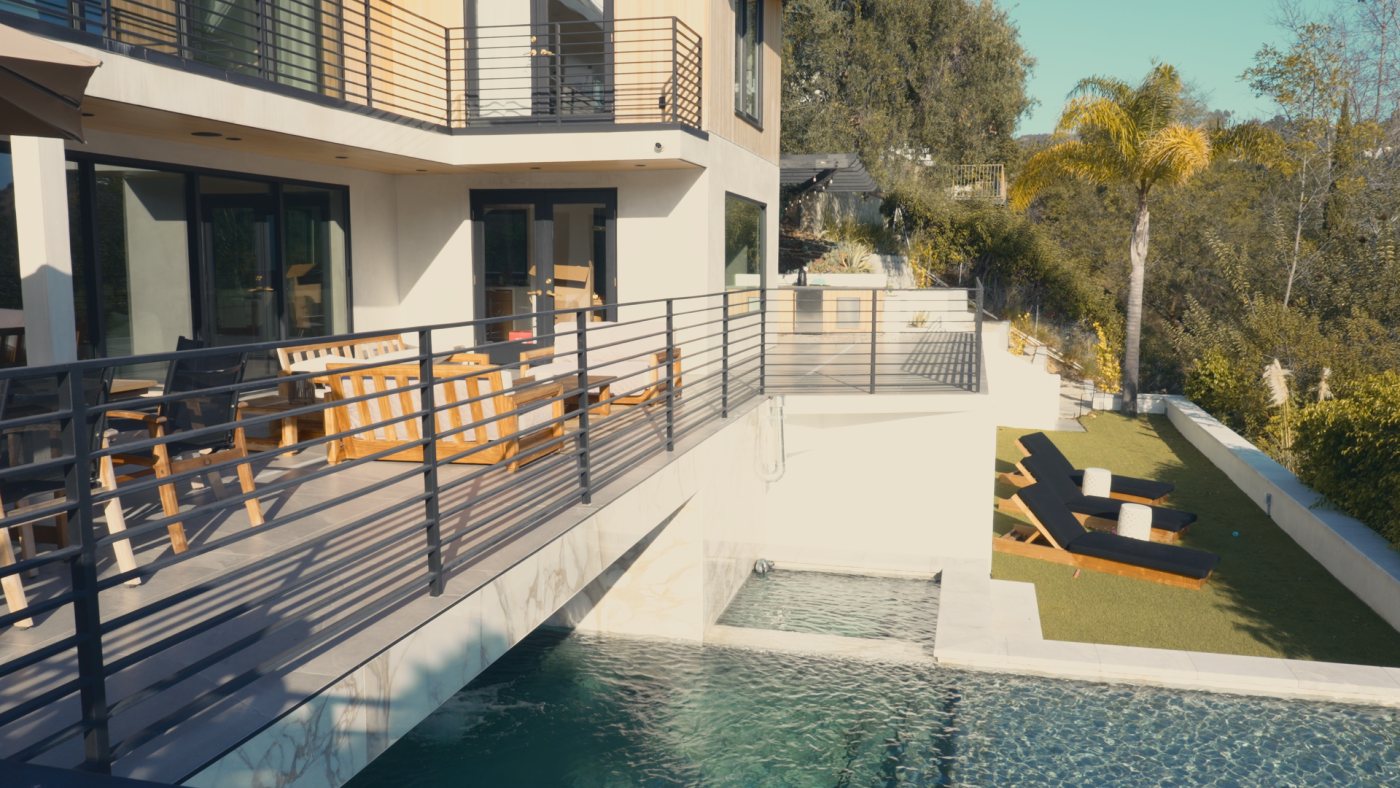 RawOutdoor
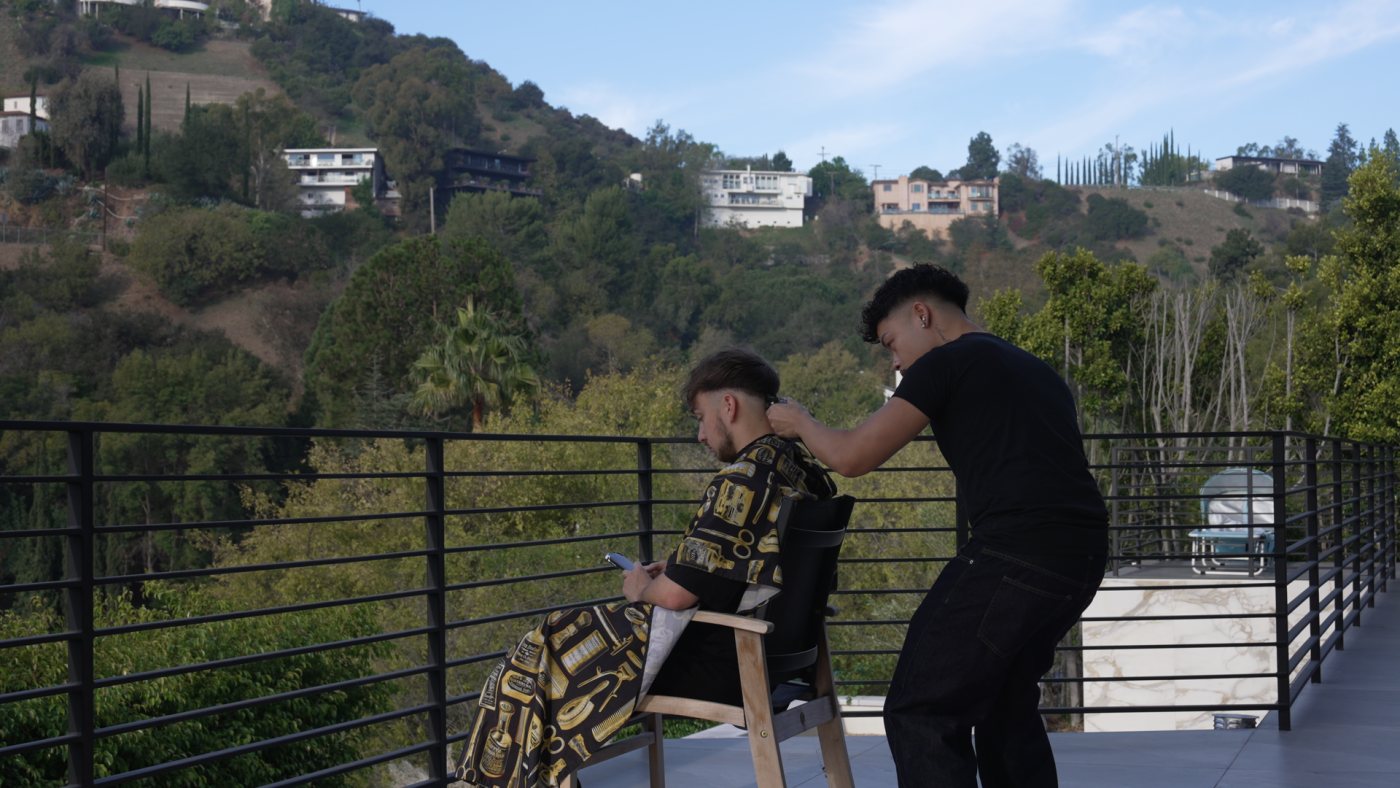
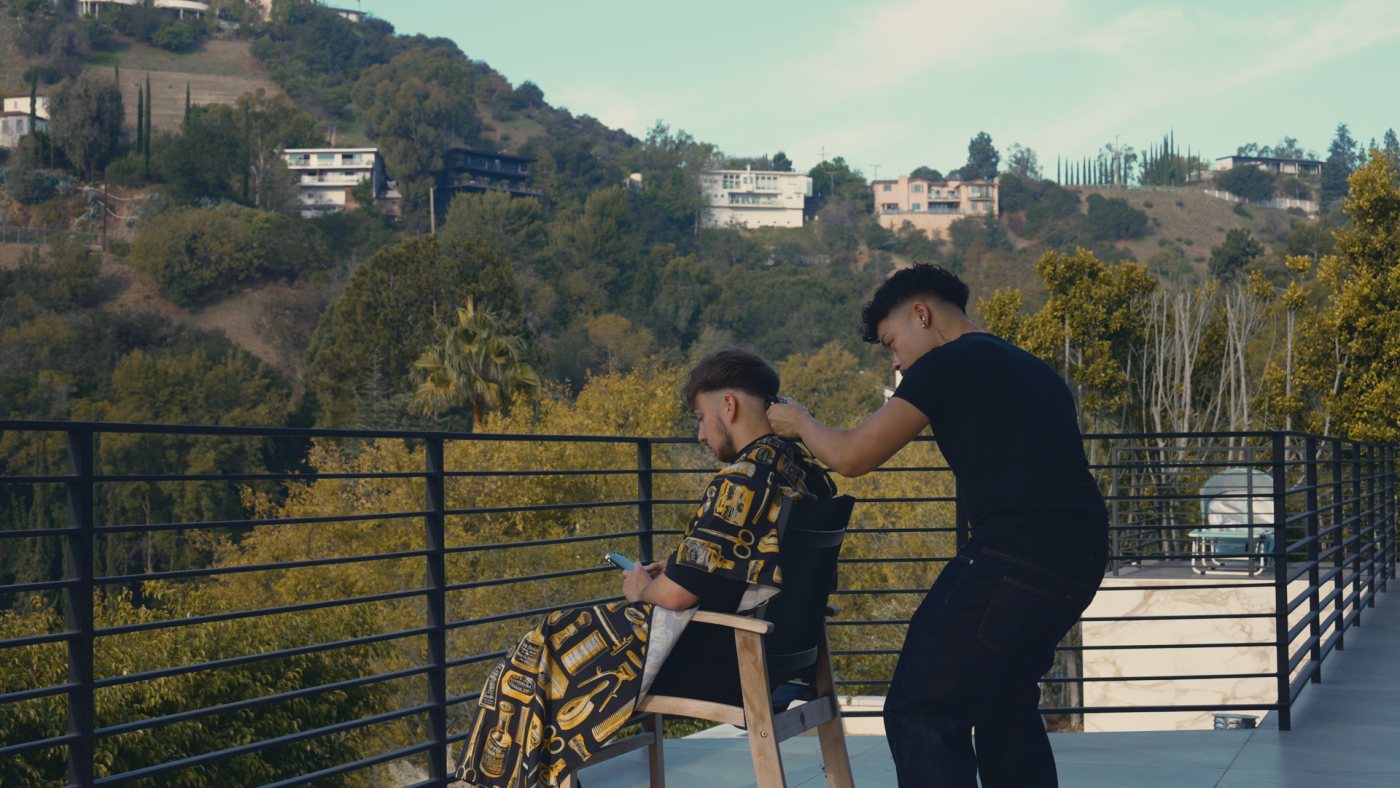 RawOutdoor
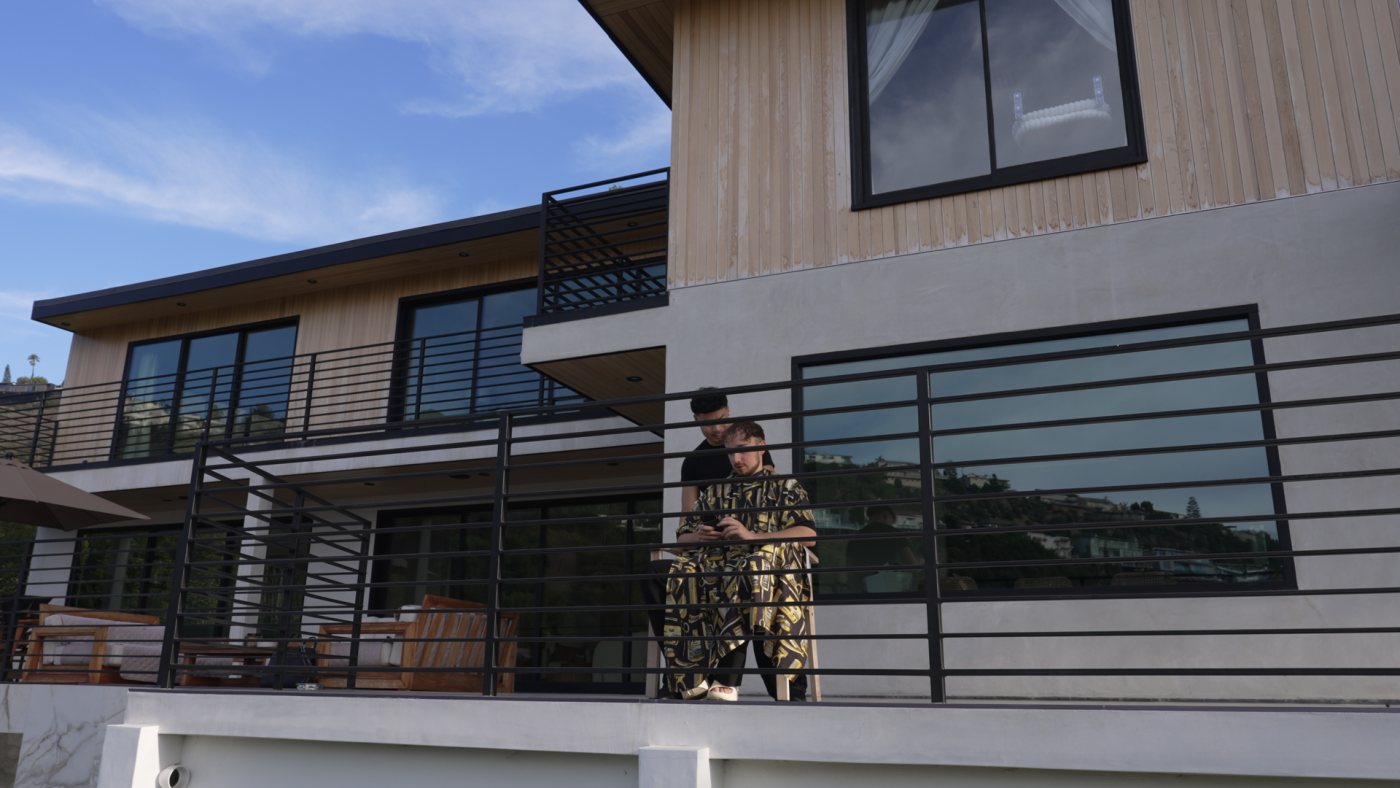
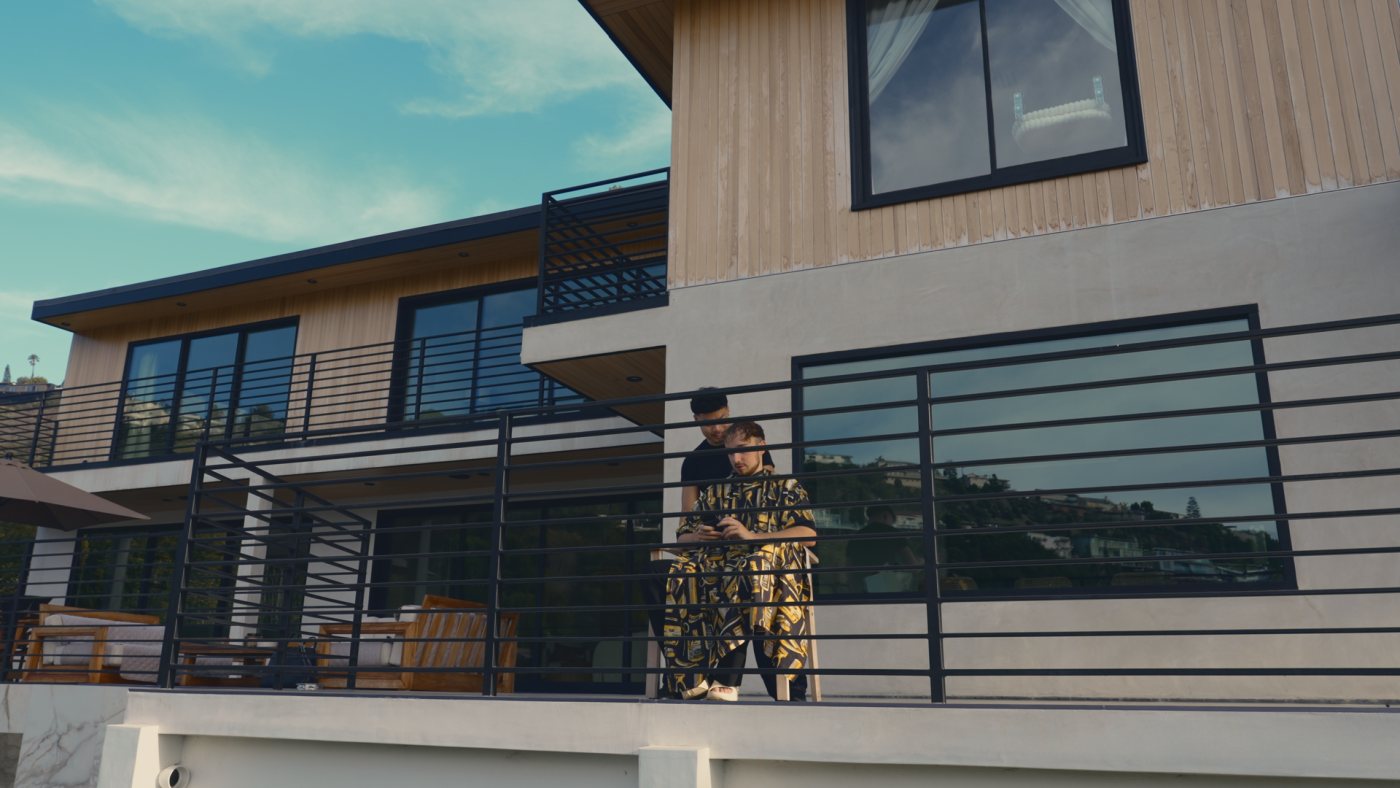 RawOutdoor
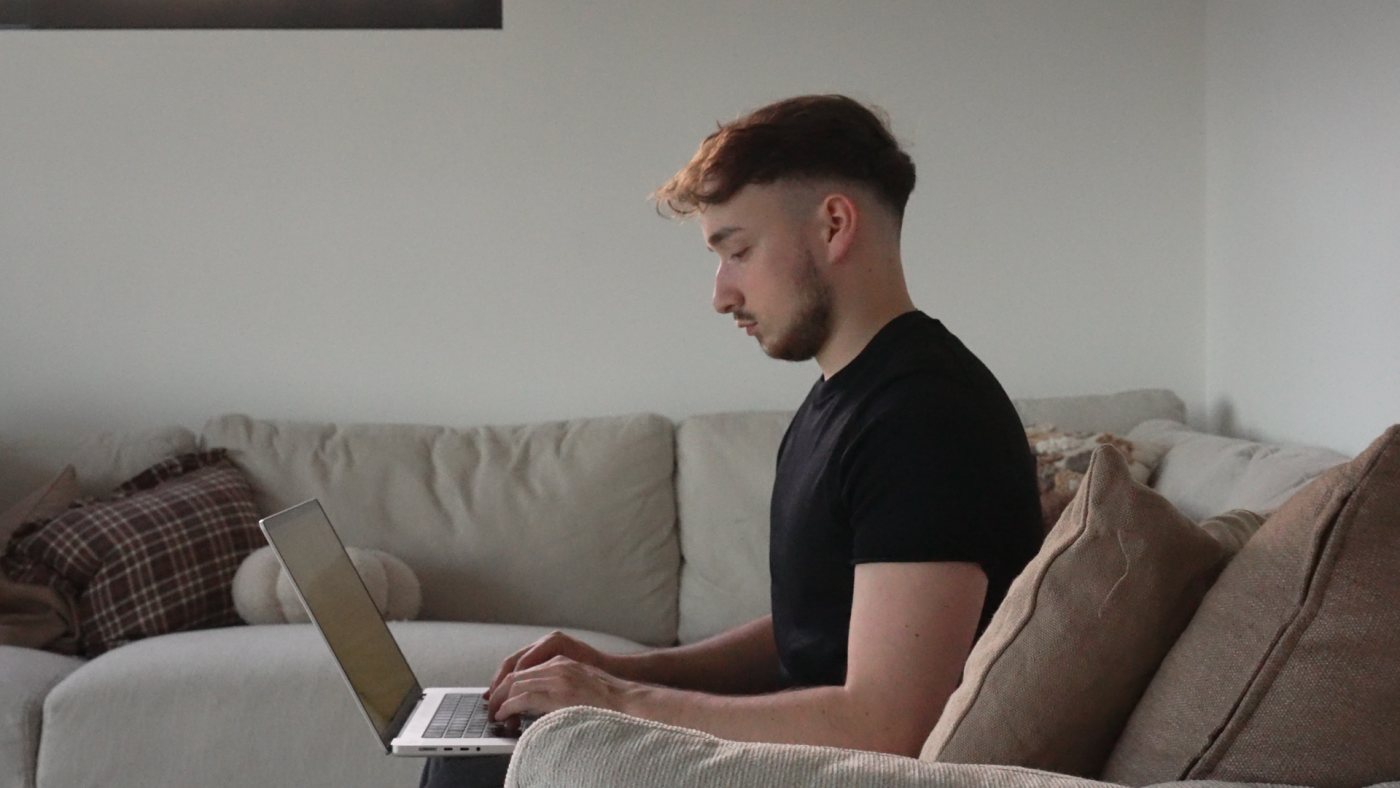
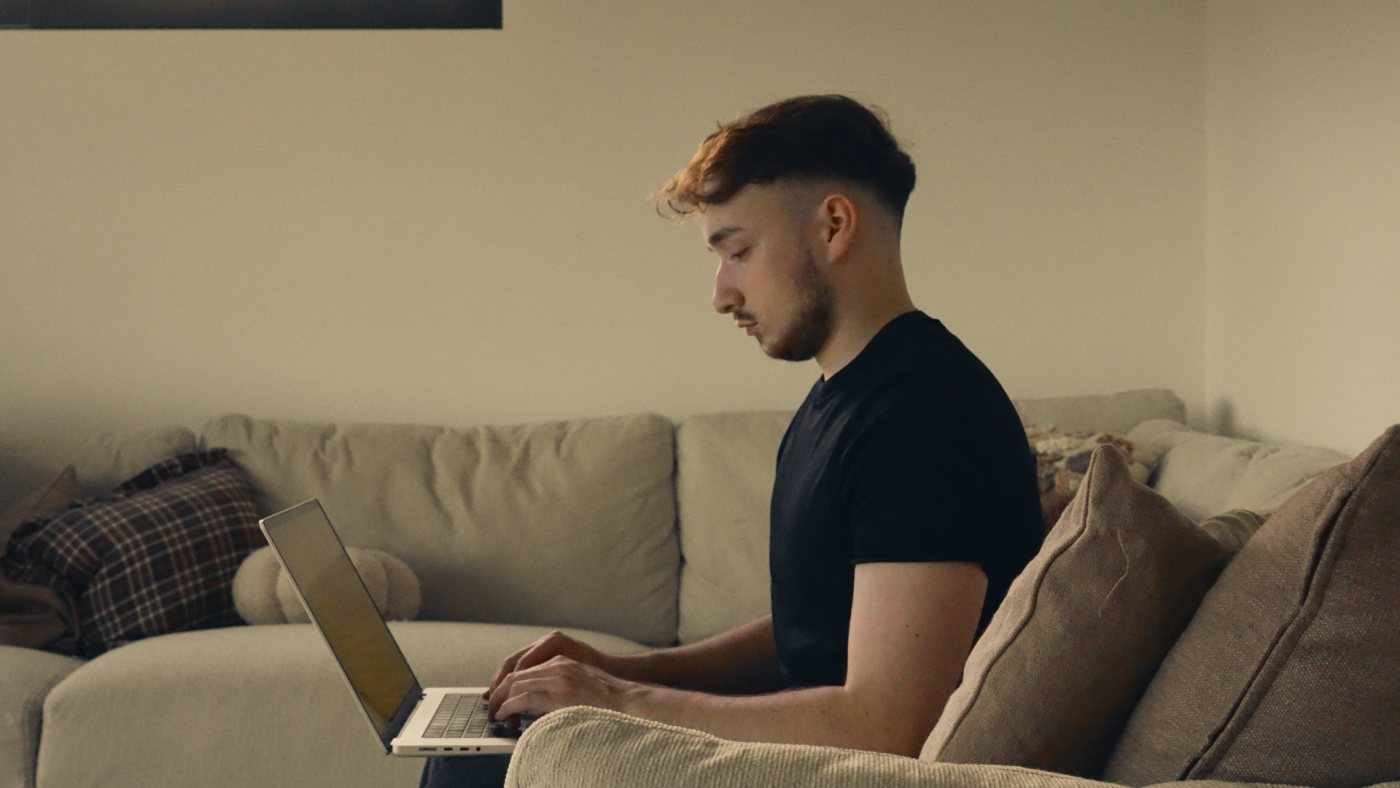 RawWarm
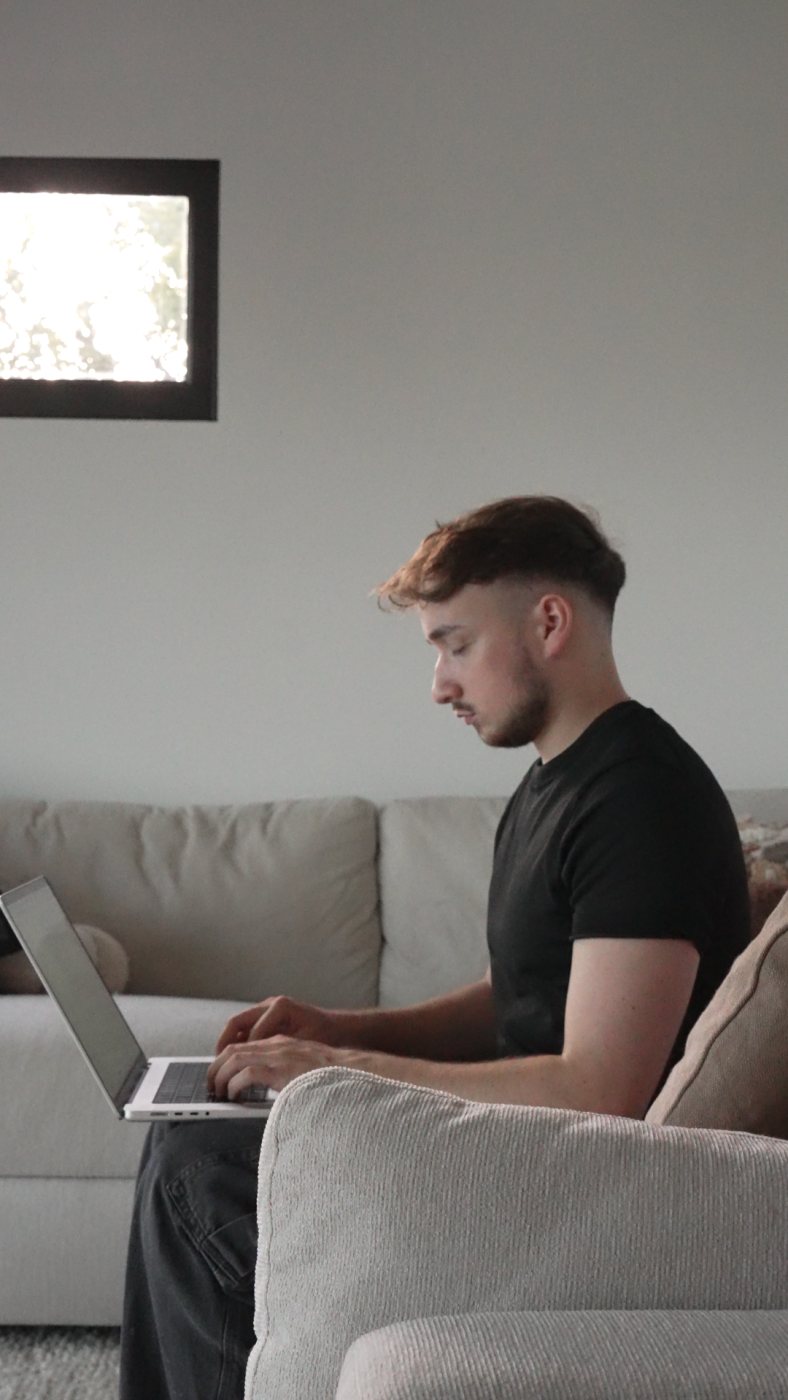
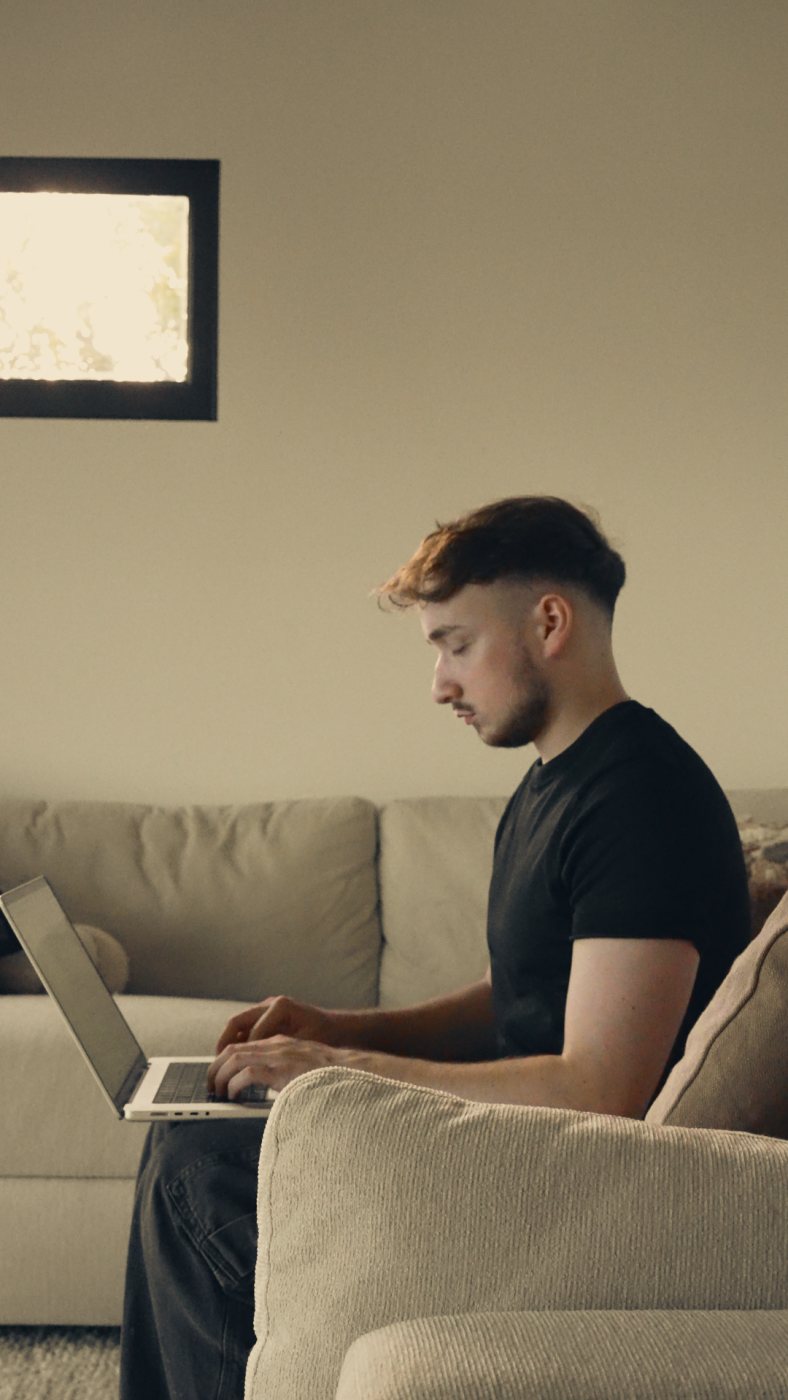 RawWarm
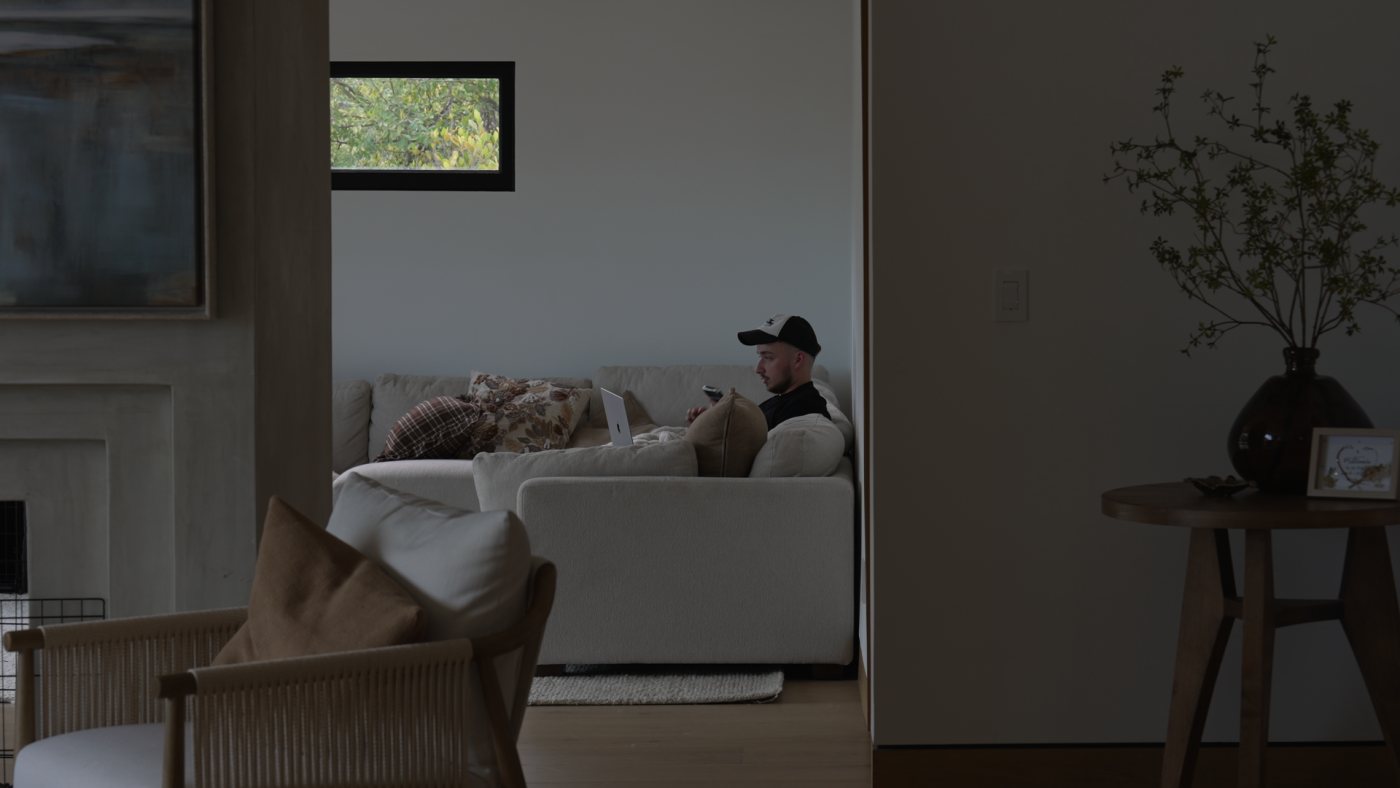
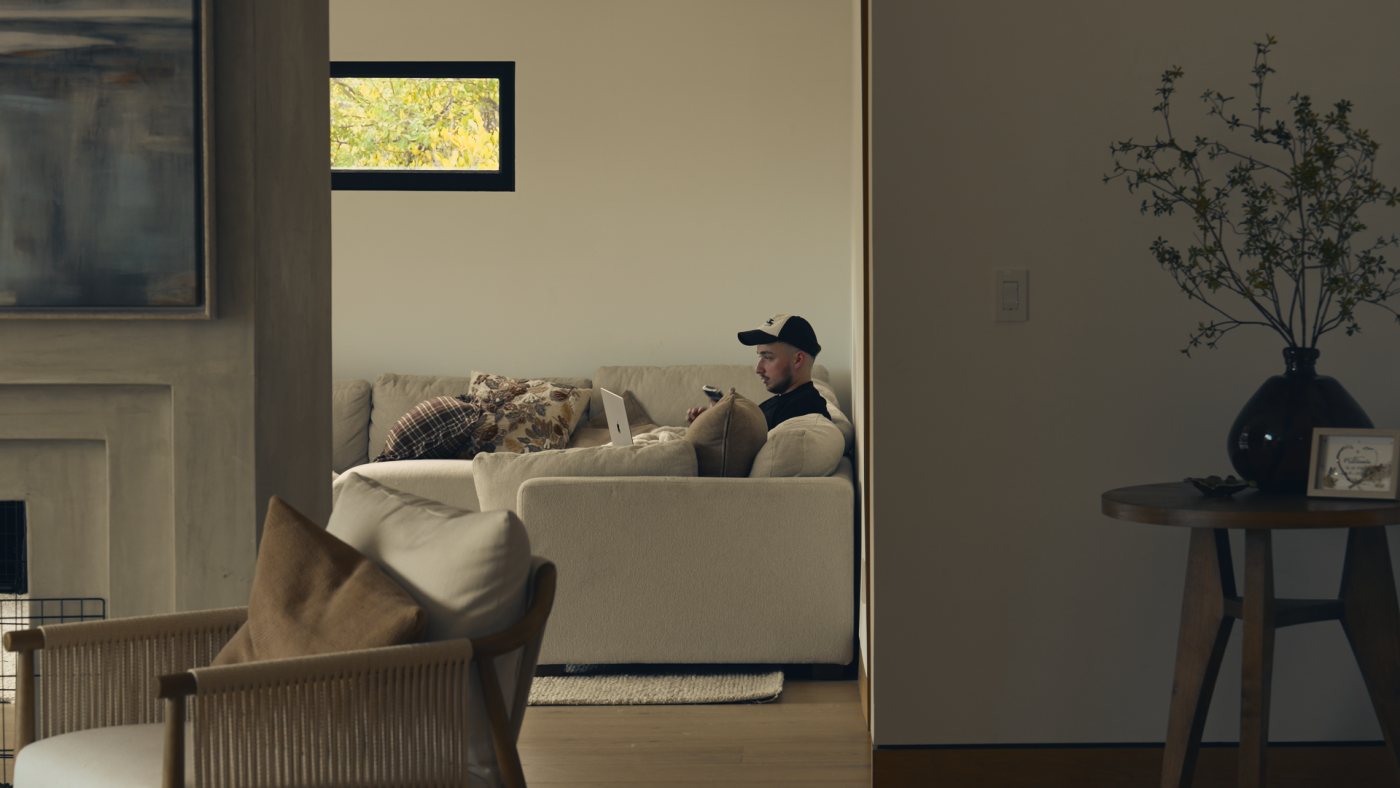 RawWarm
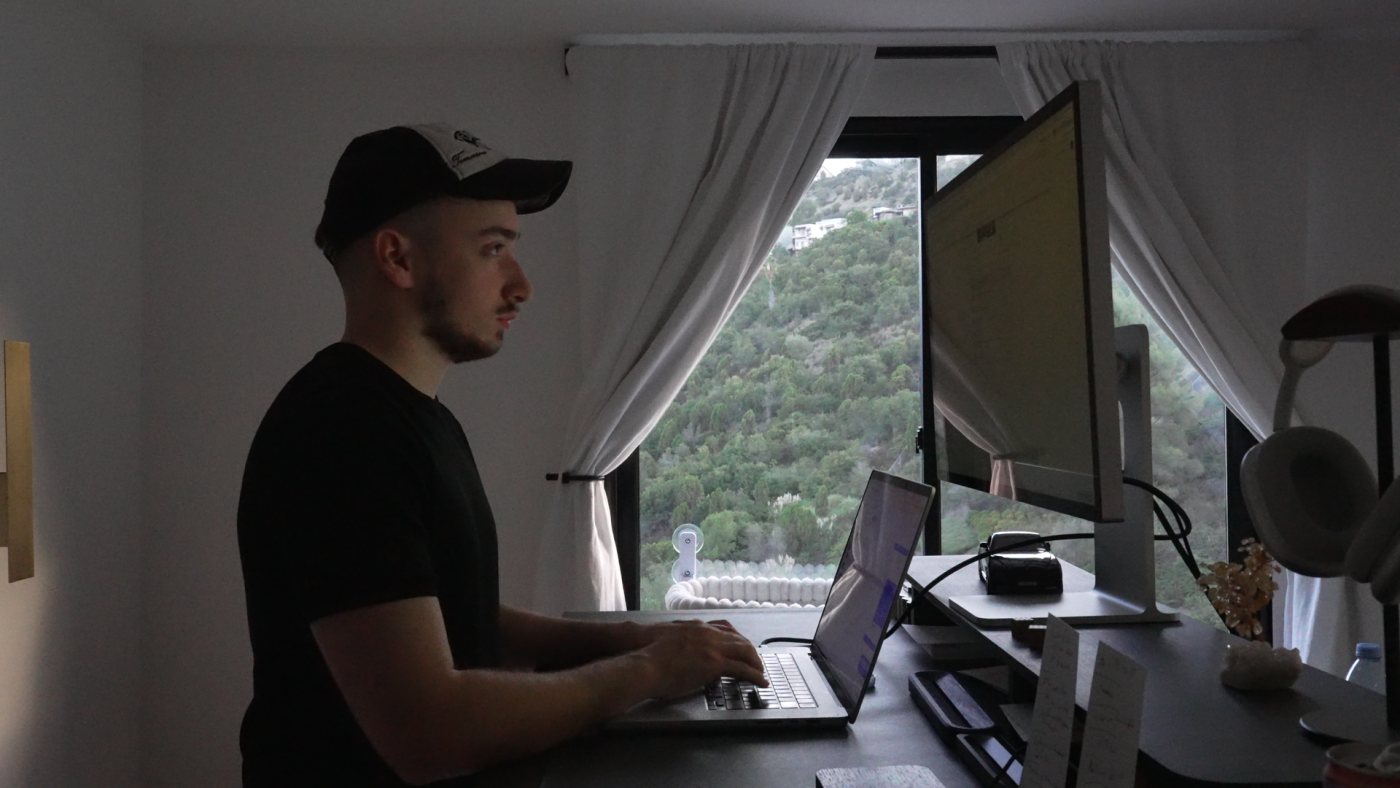
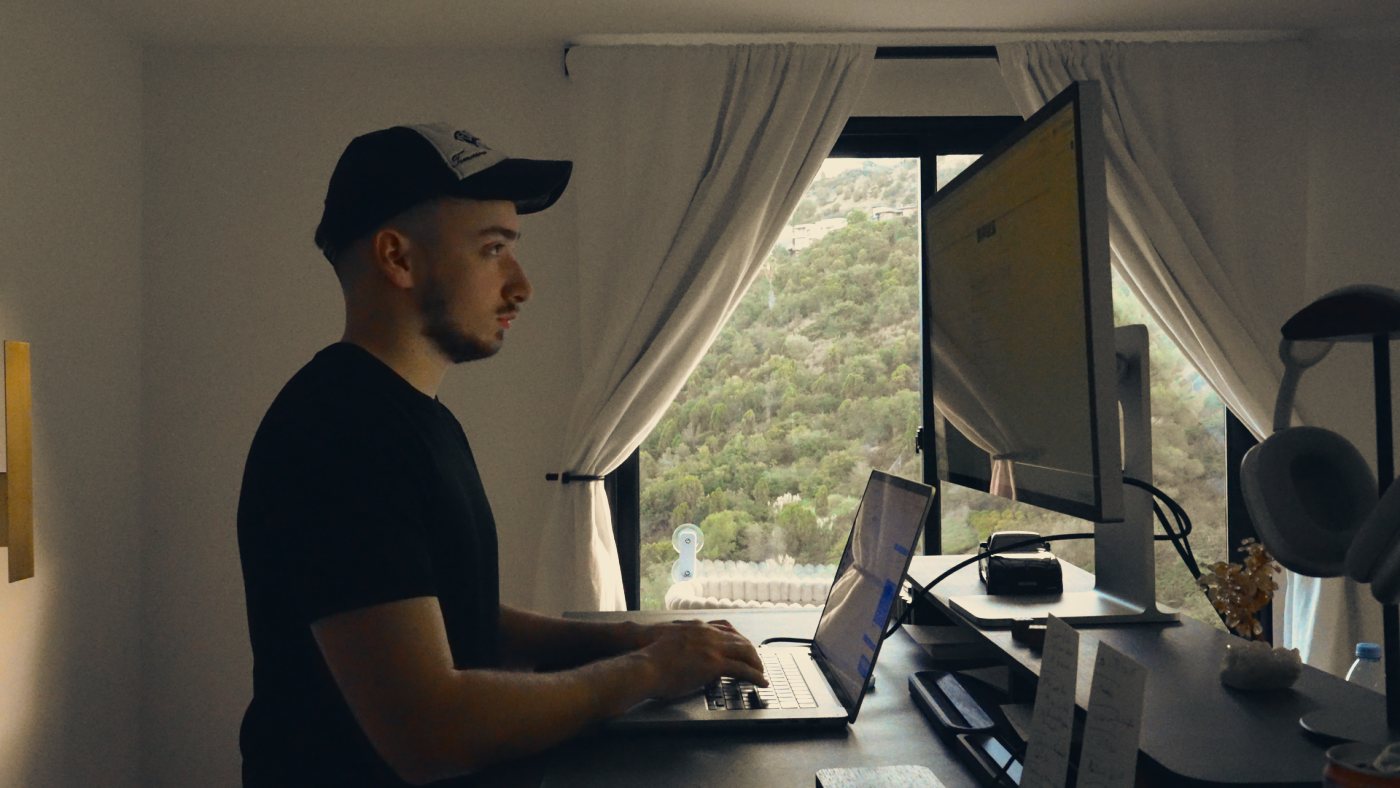 RawWarm
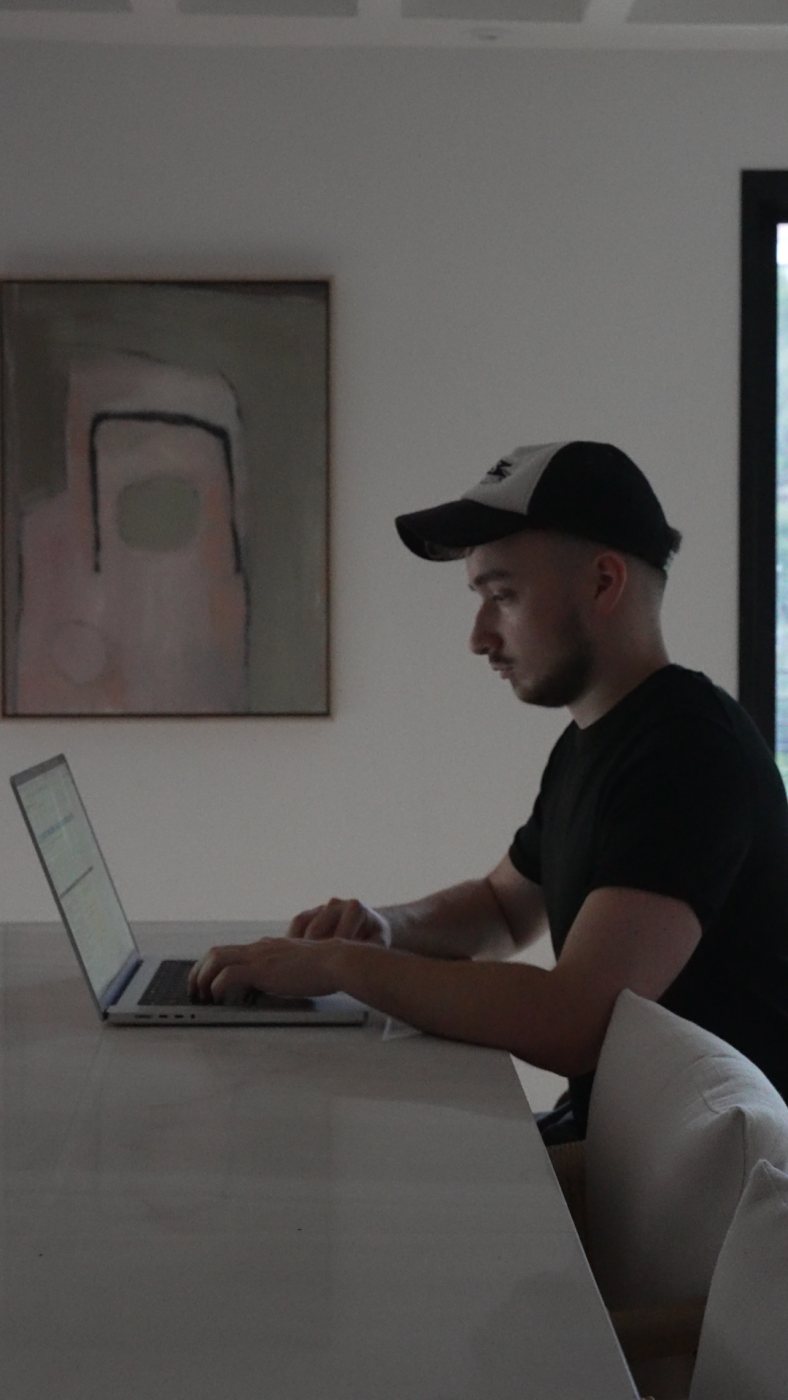
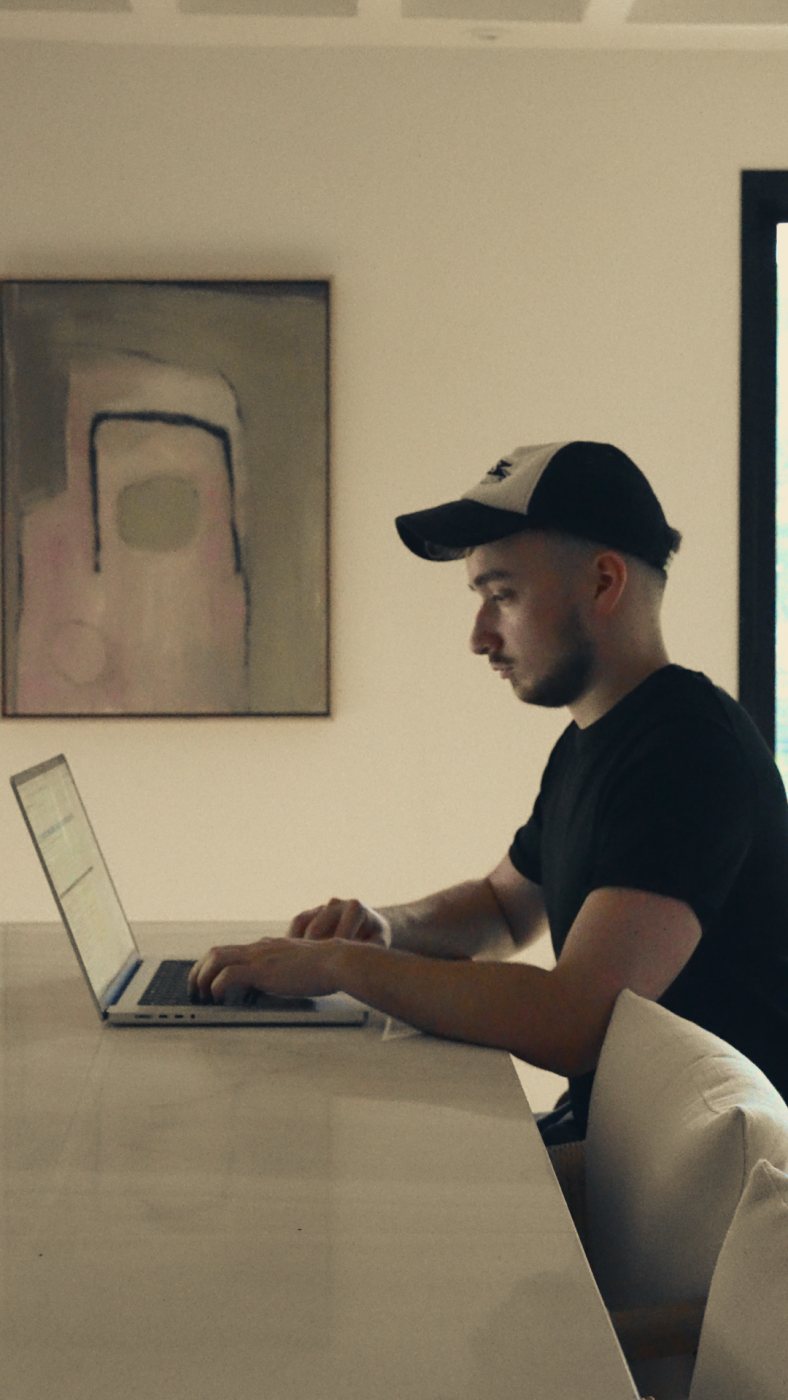 RawWarm
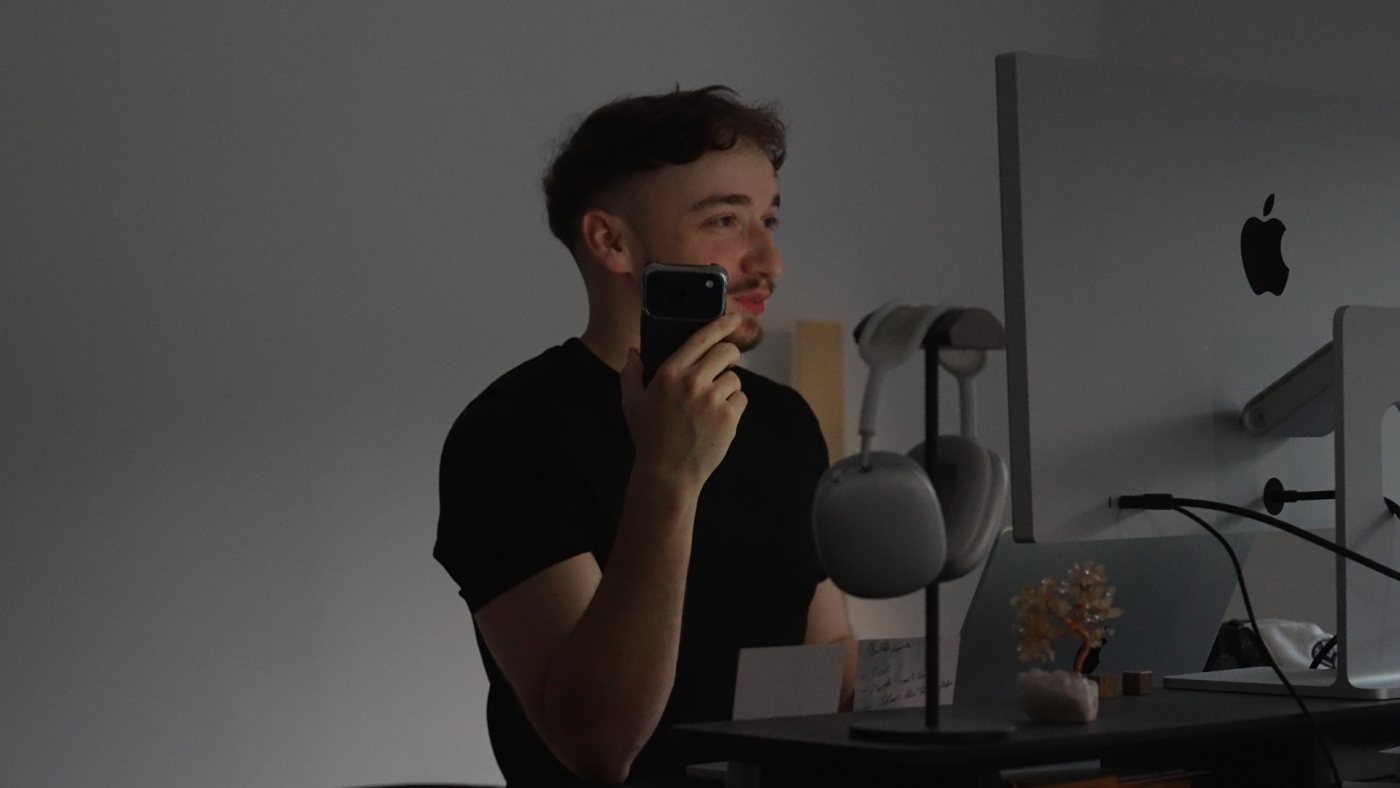
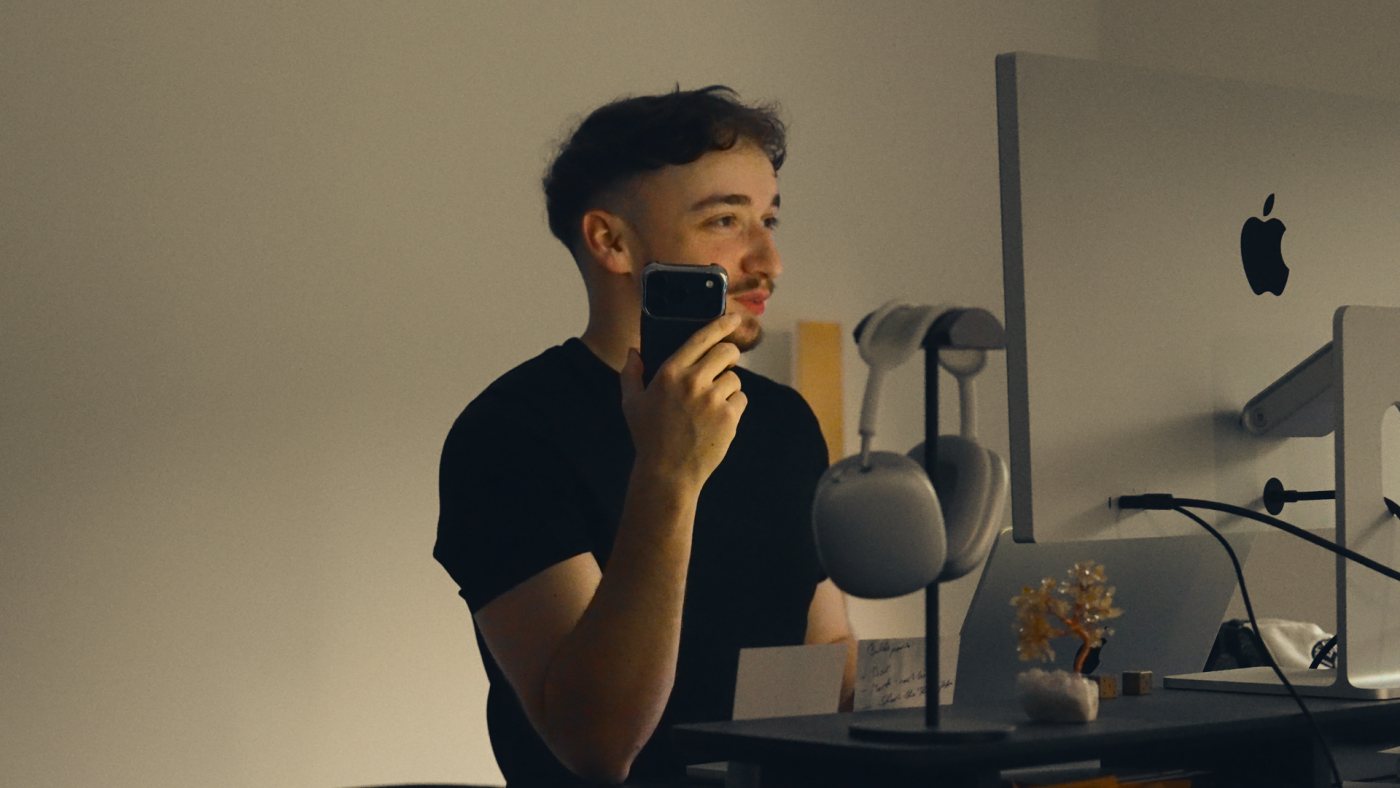 RawWarm
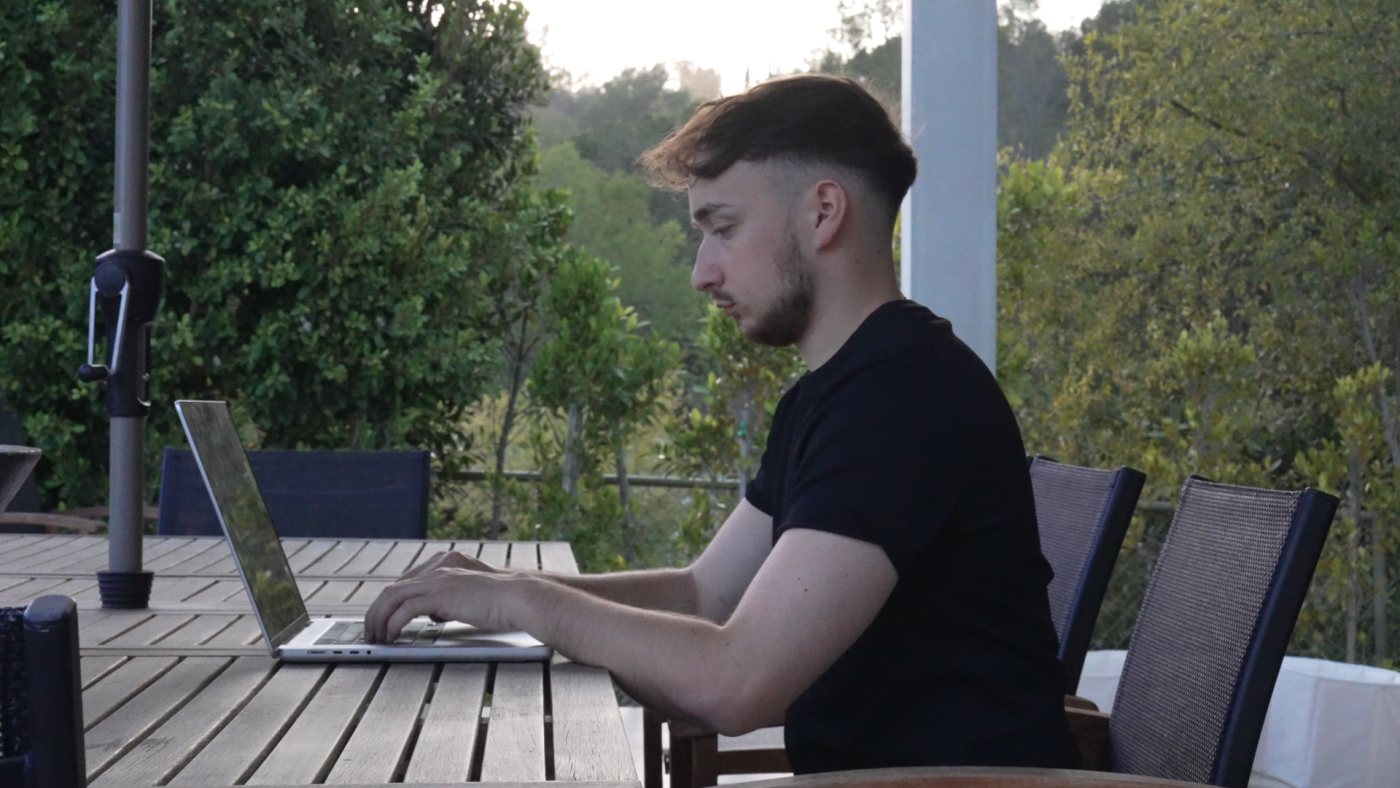
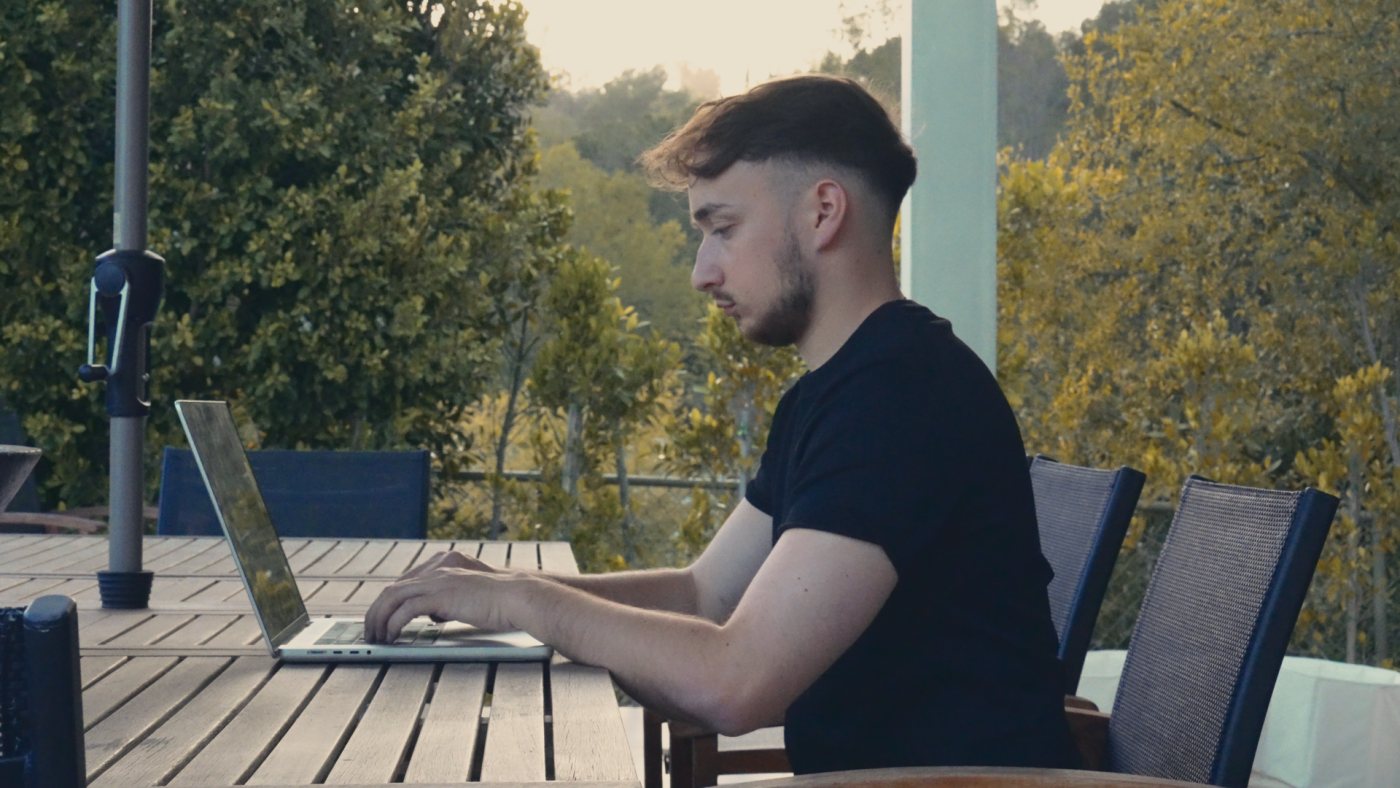 RawOutdoor
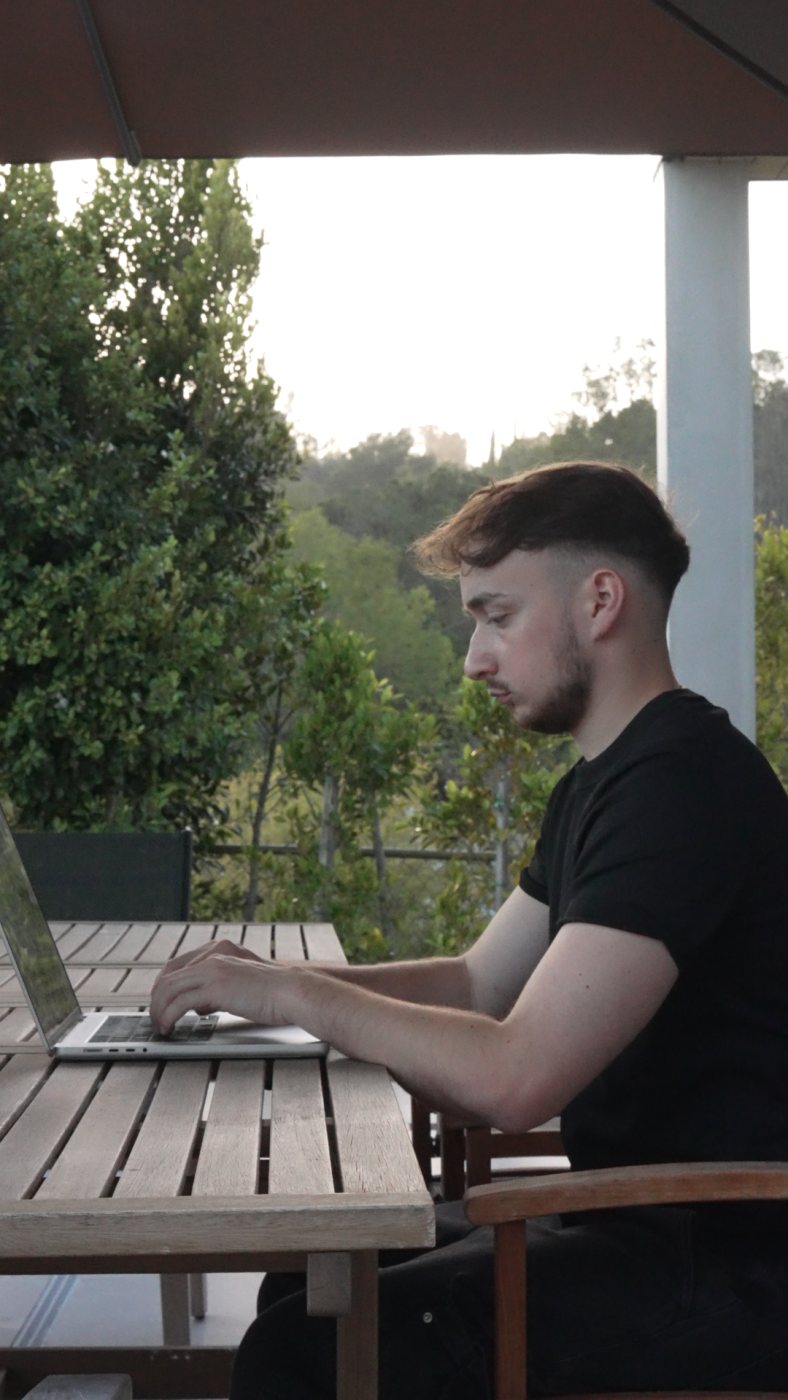
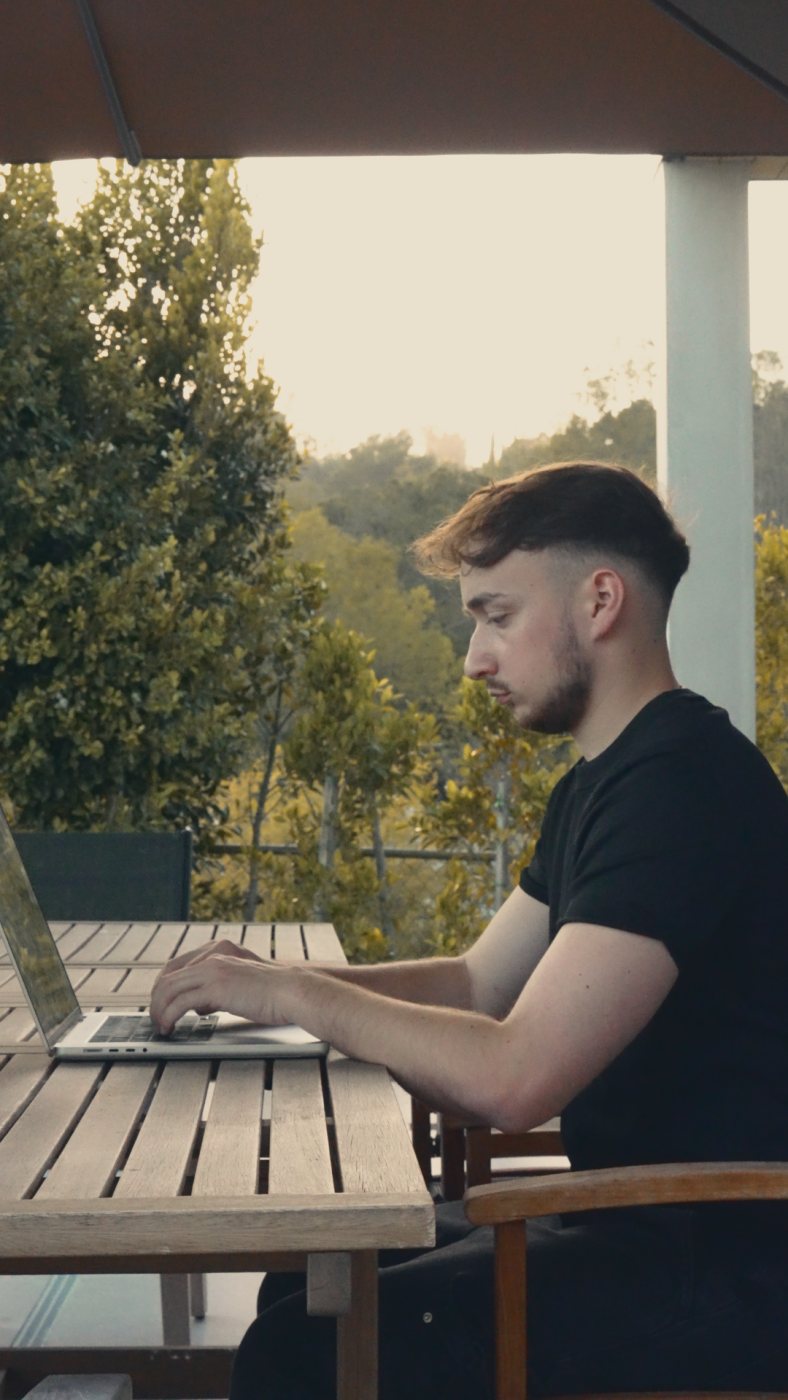 RawOutdoor
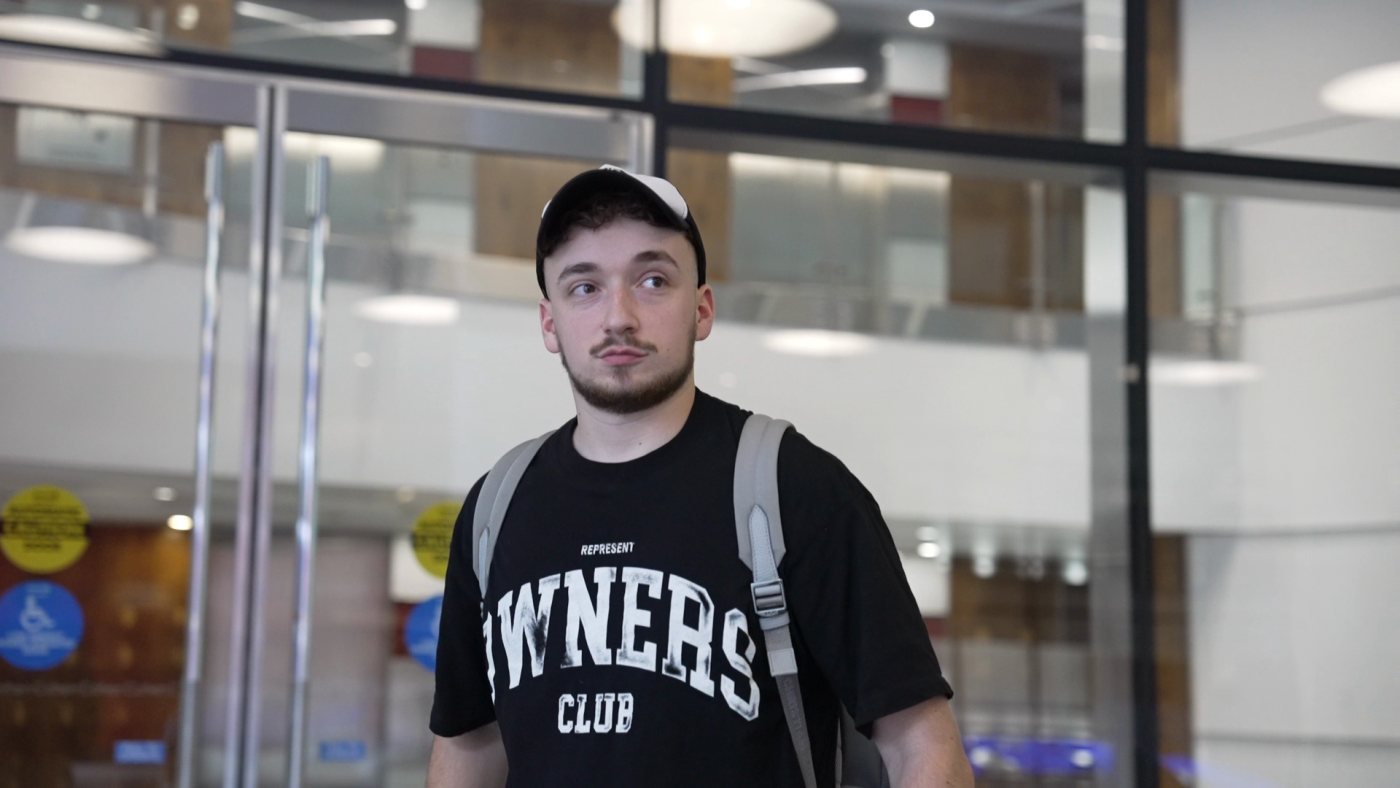
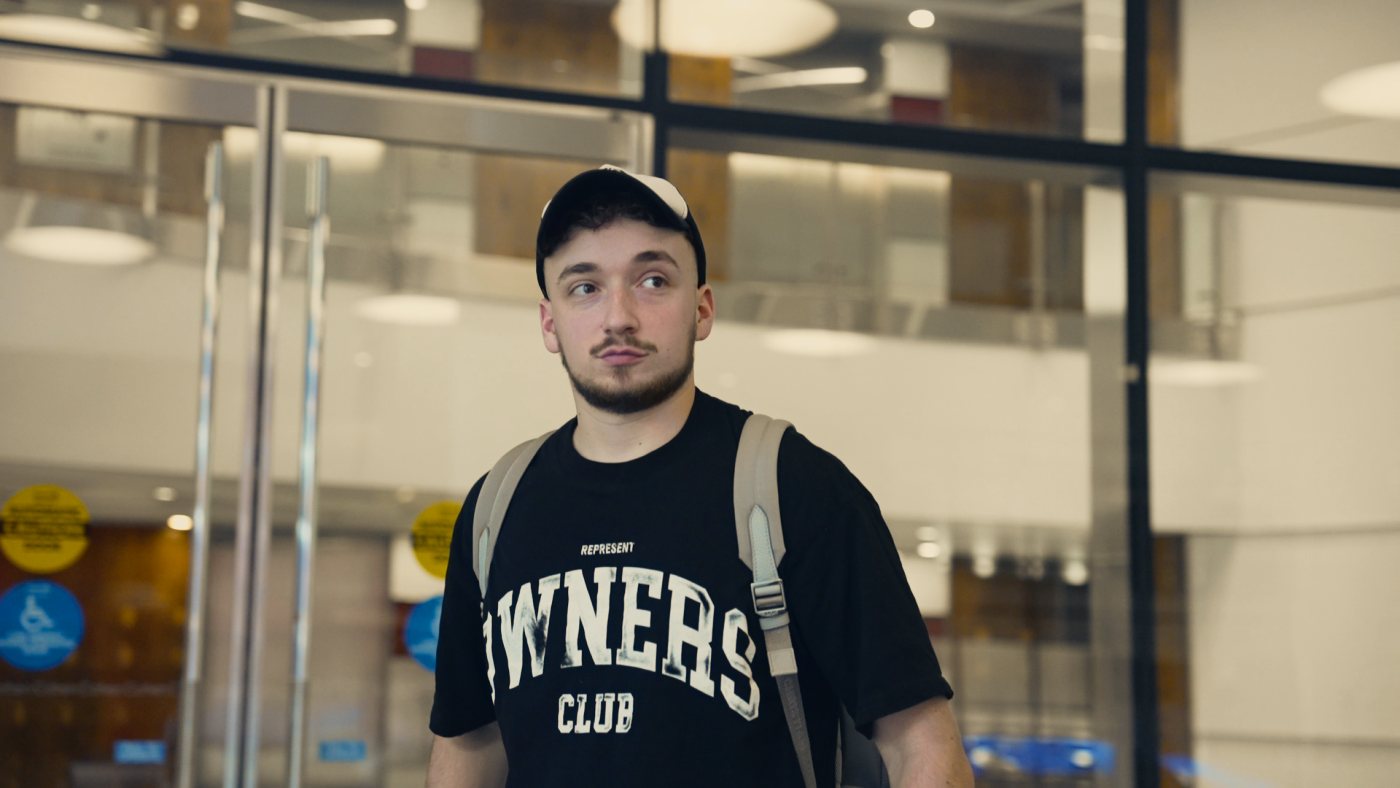 RawWarm
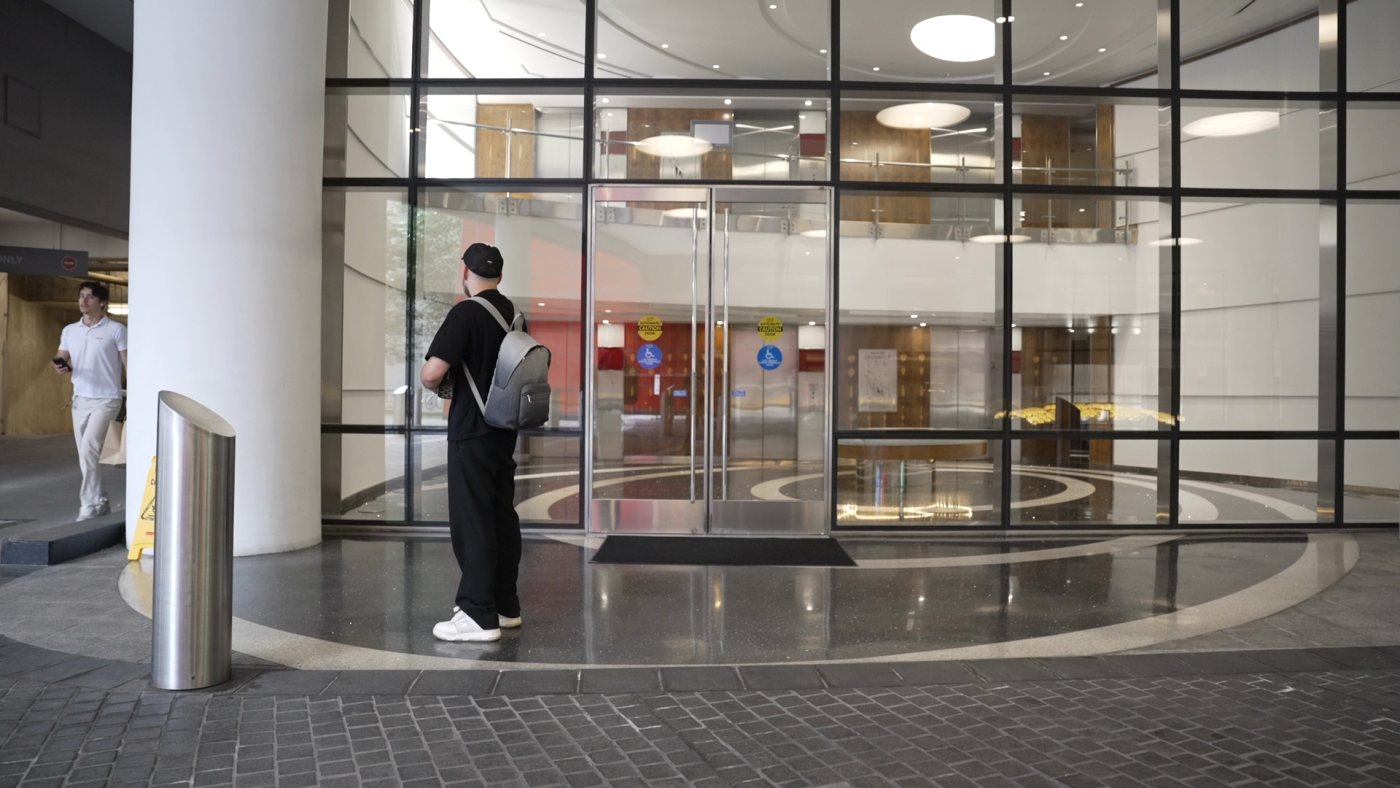
 RawWarm
 RawWarm
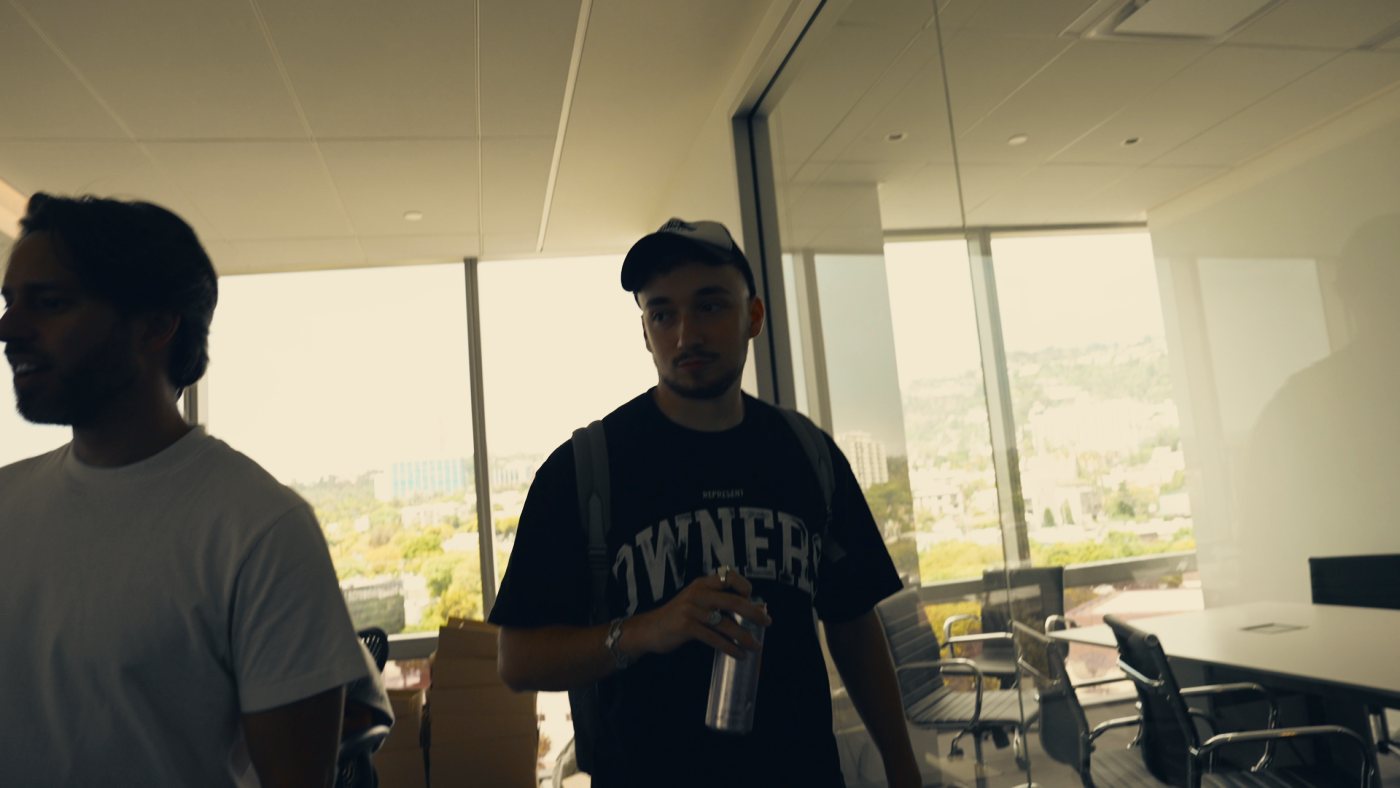 RawWarm
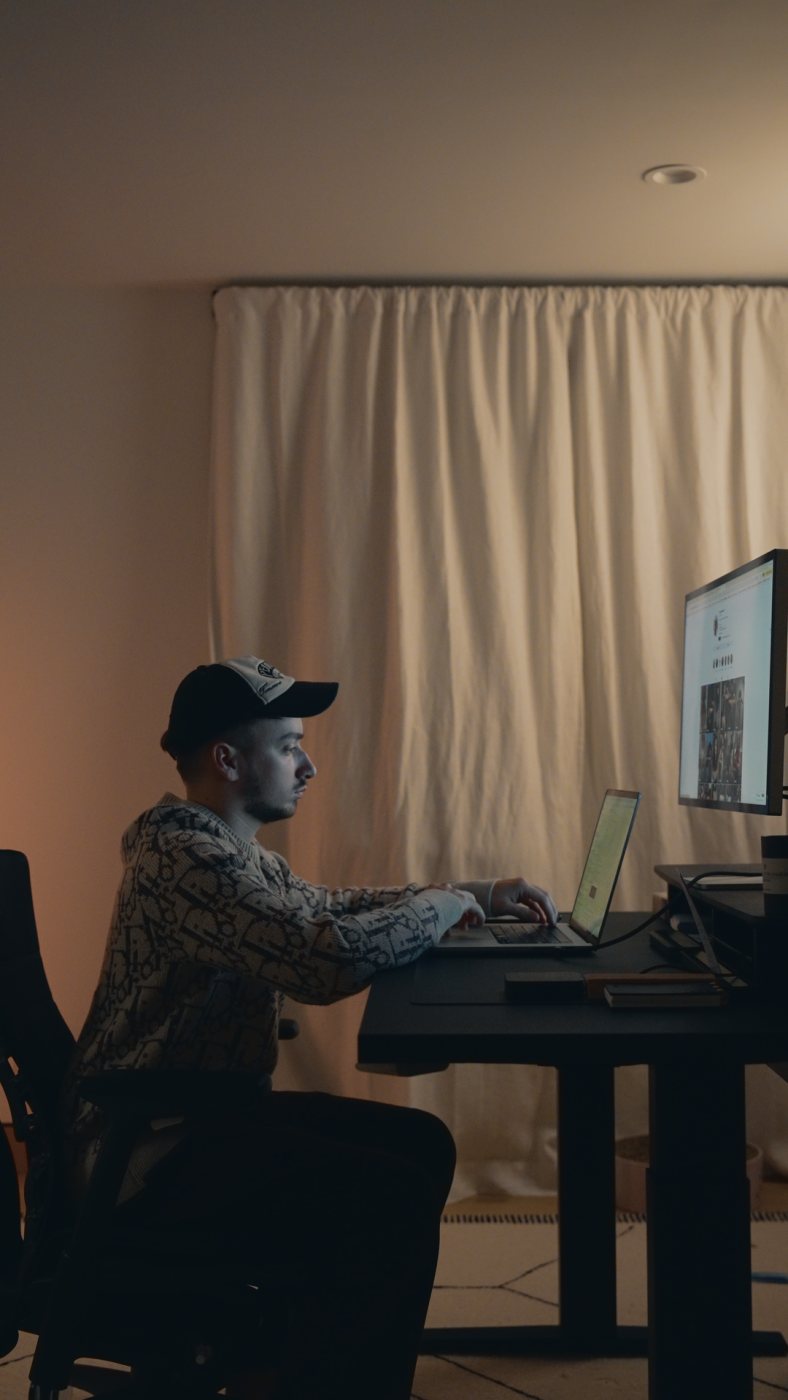
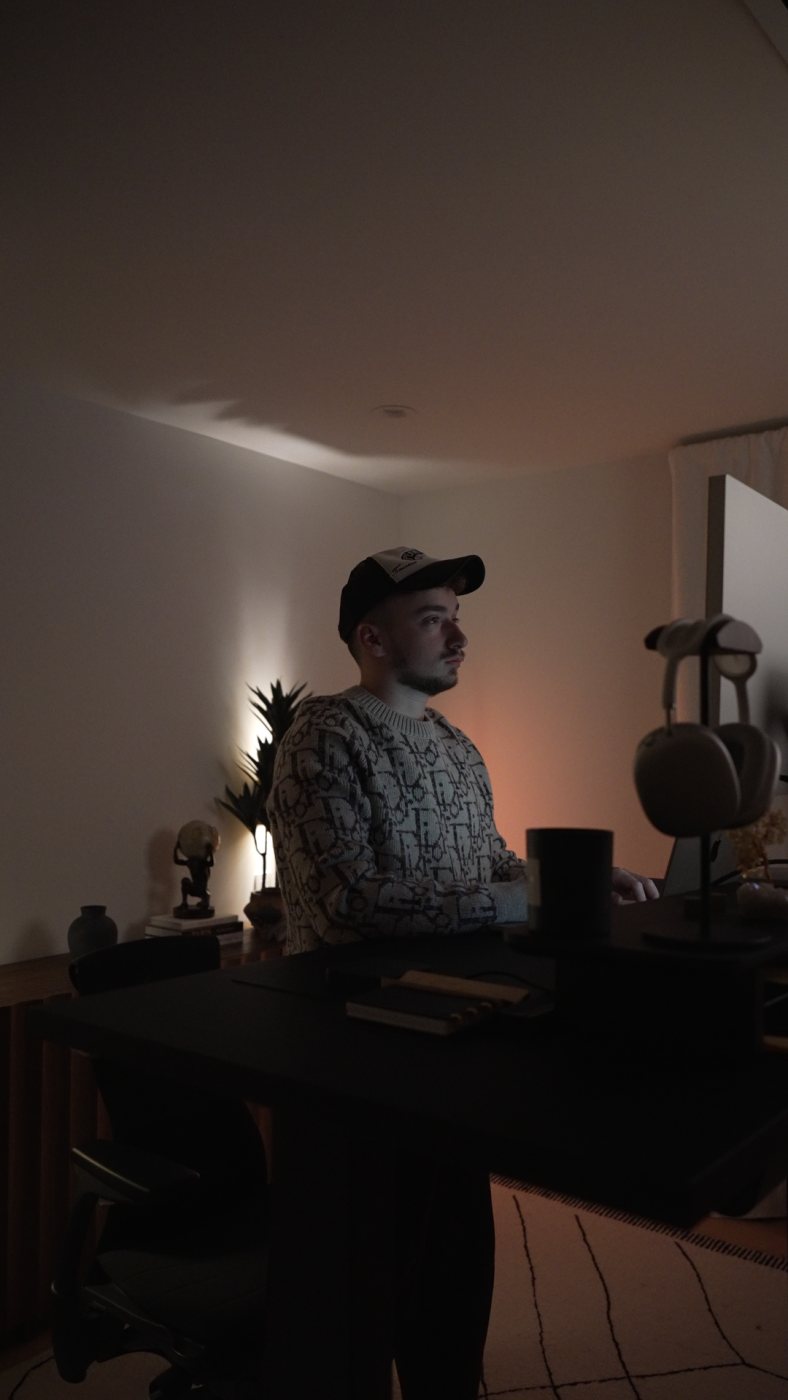
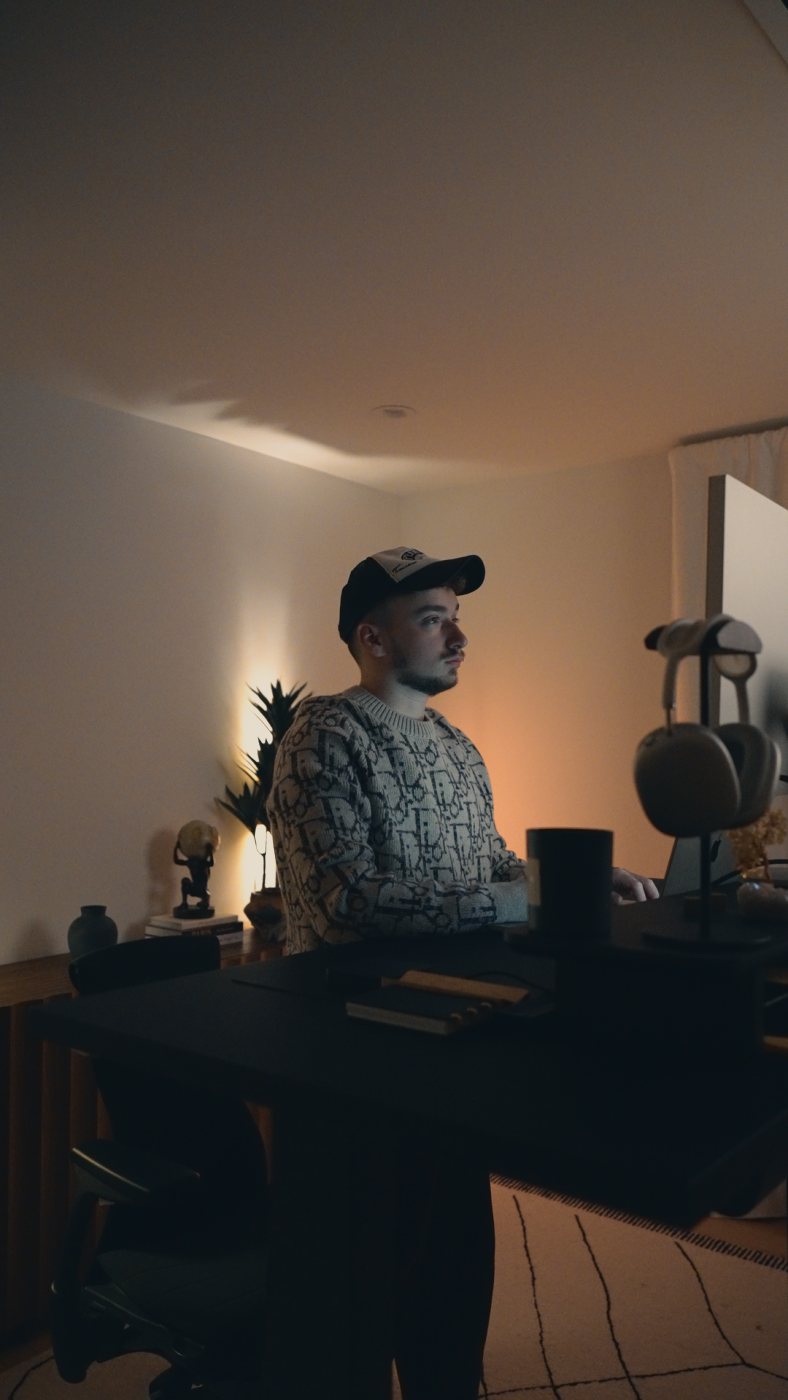
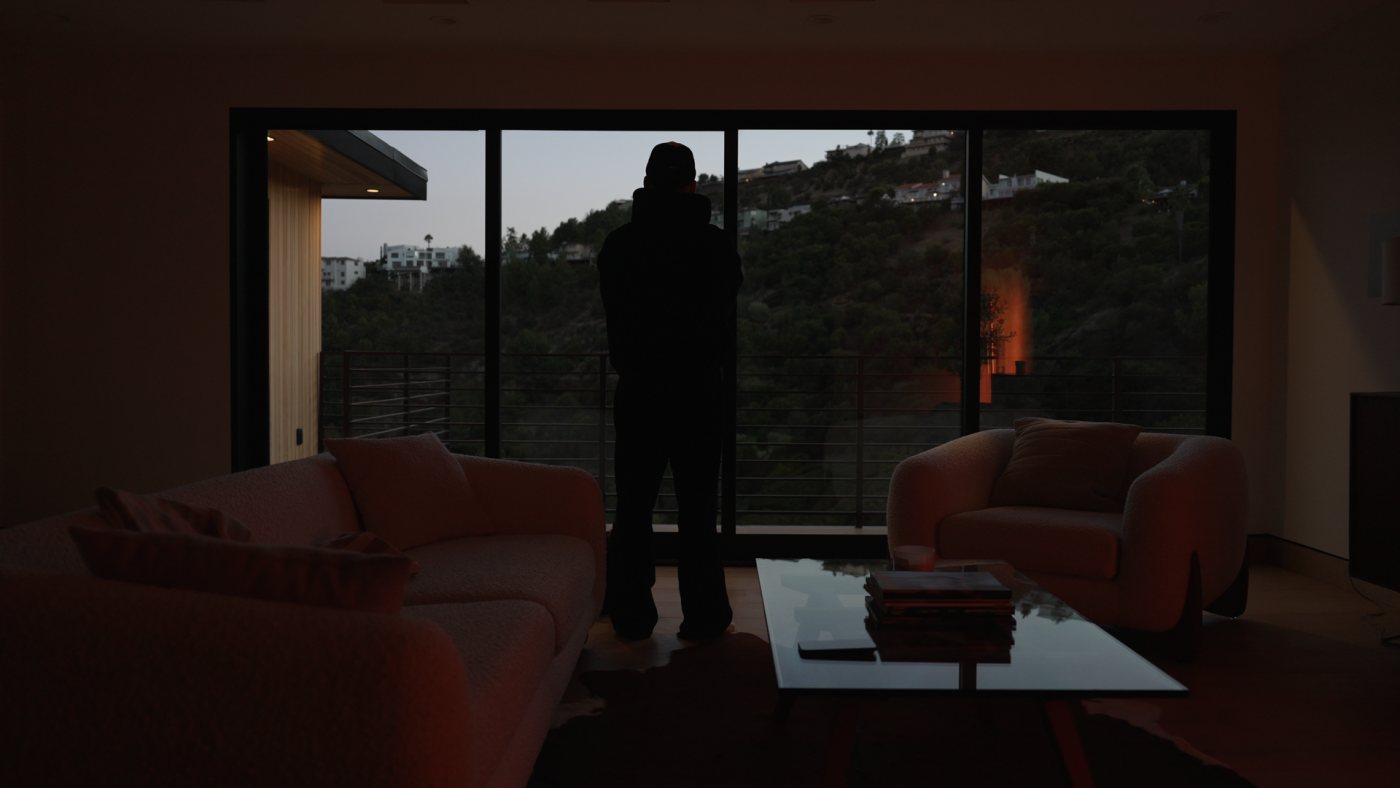
 RawNight
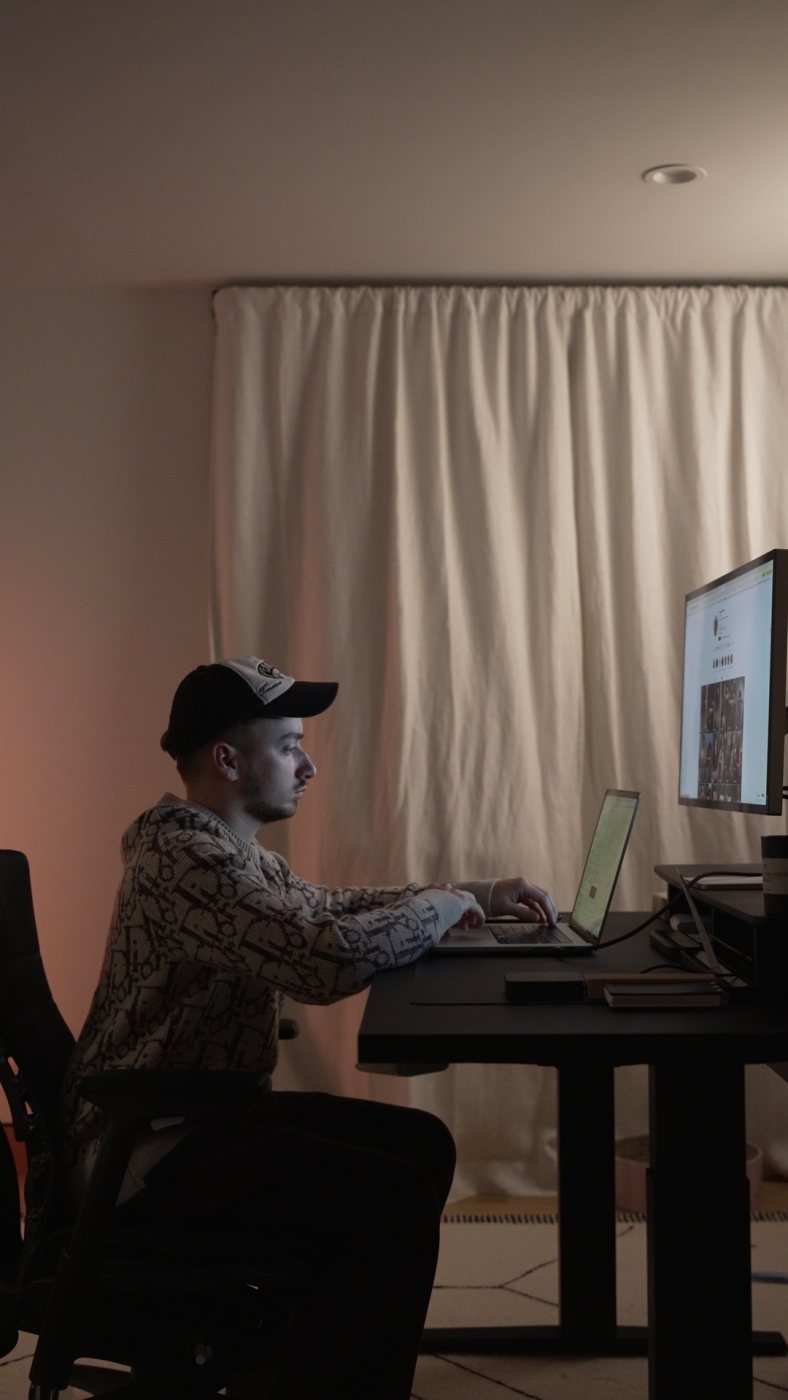
 RawNight
 RawNight

 RawNight
 RawNight
 RawSunlit
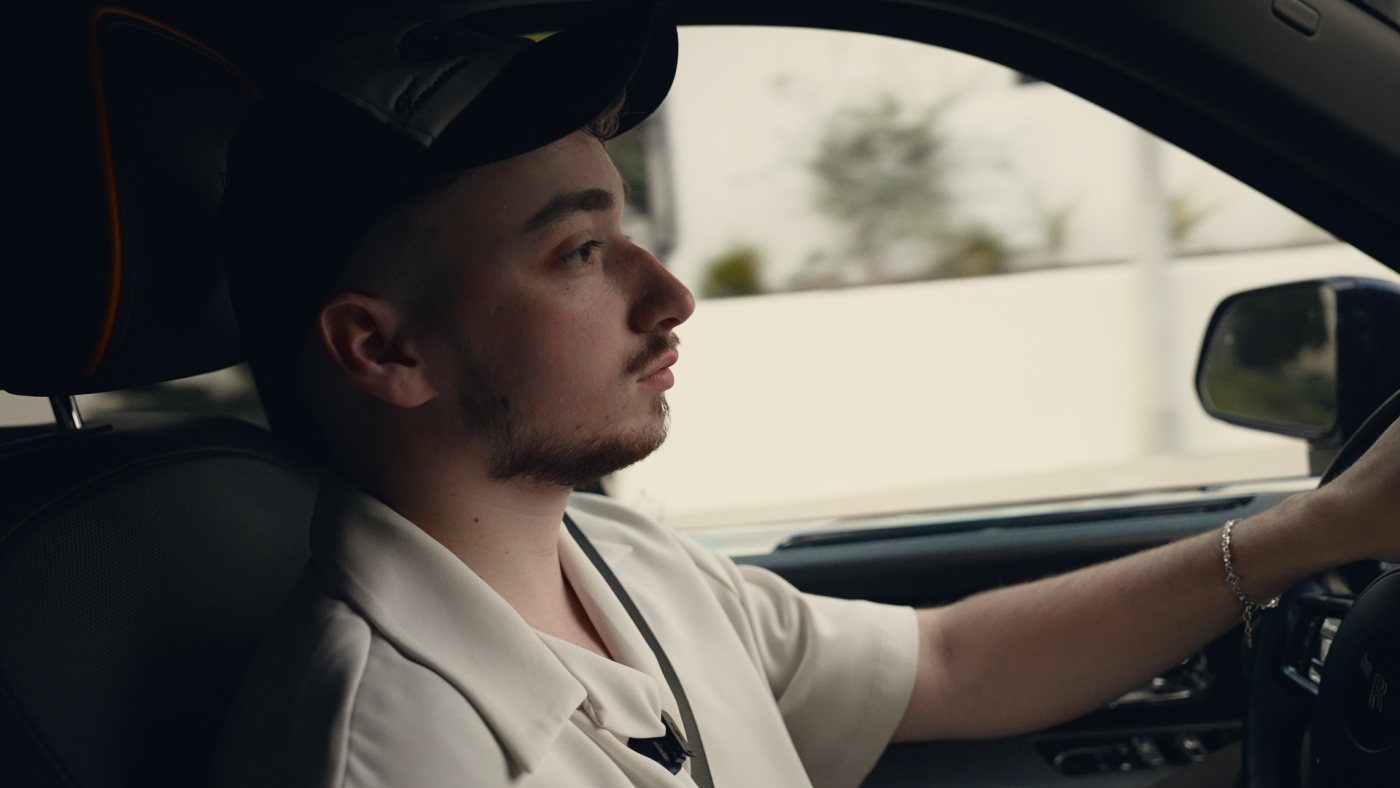 RawSunlit
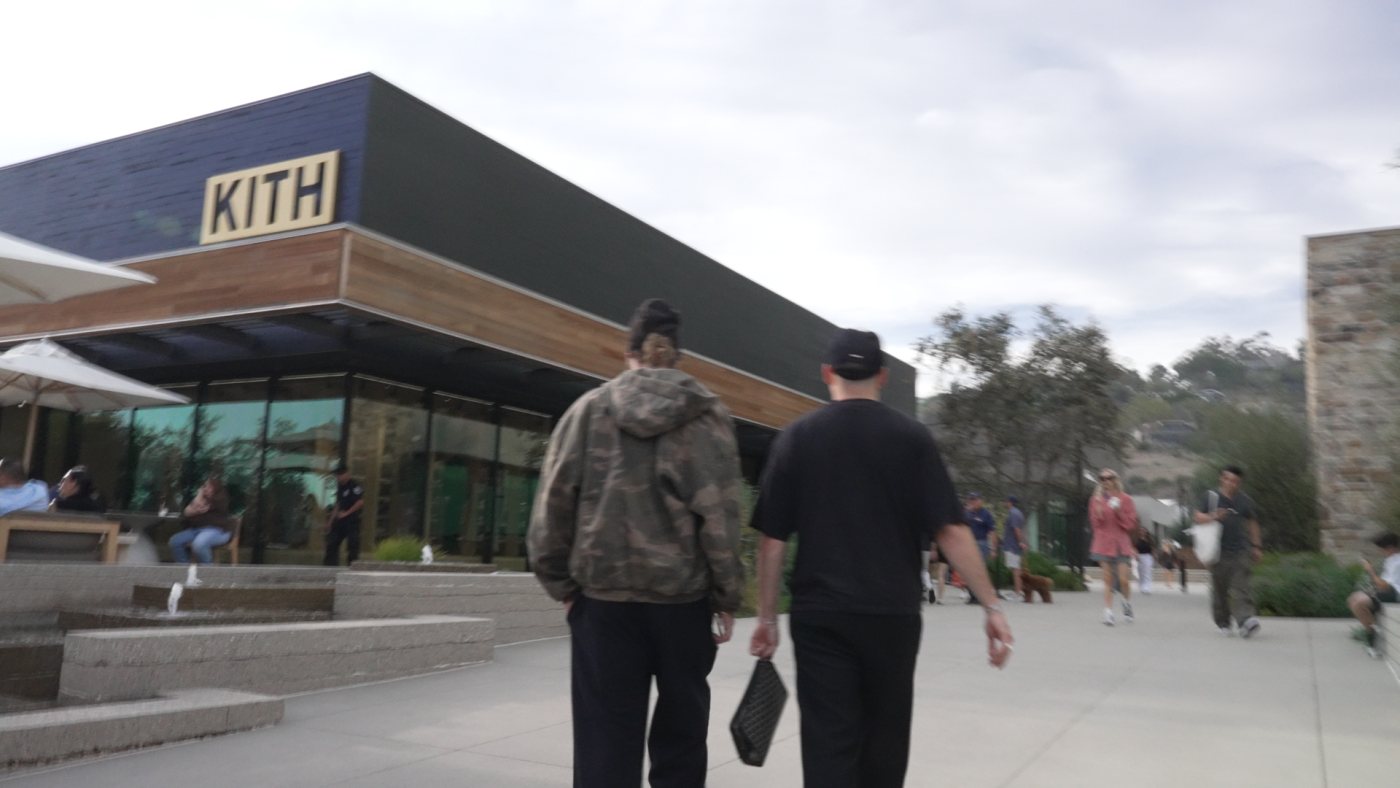
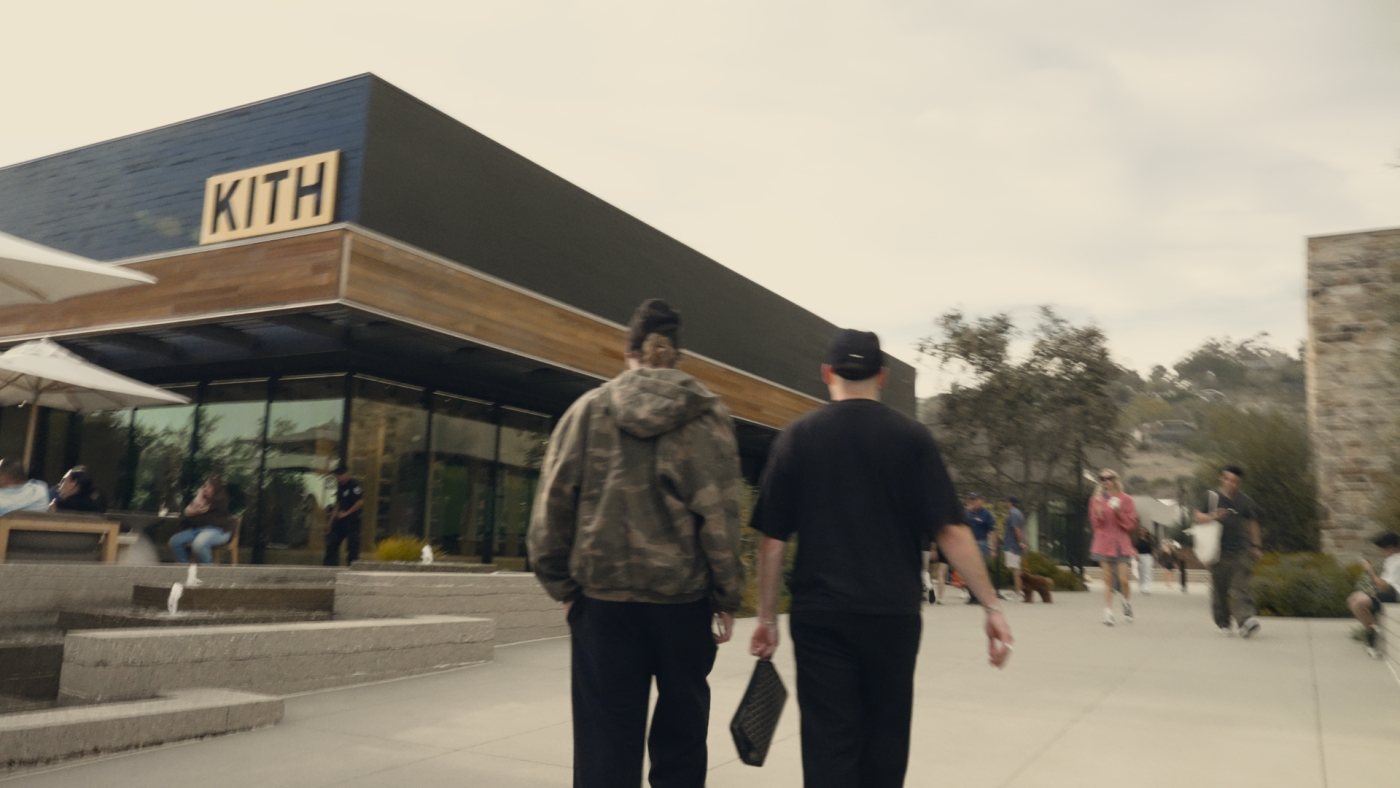 RawSunlit
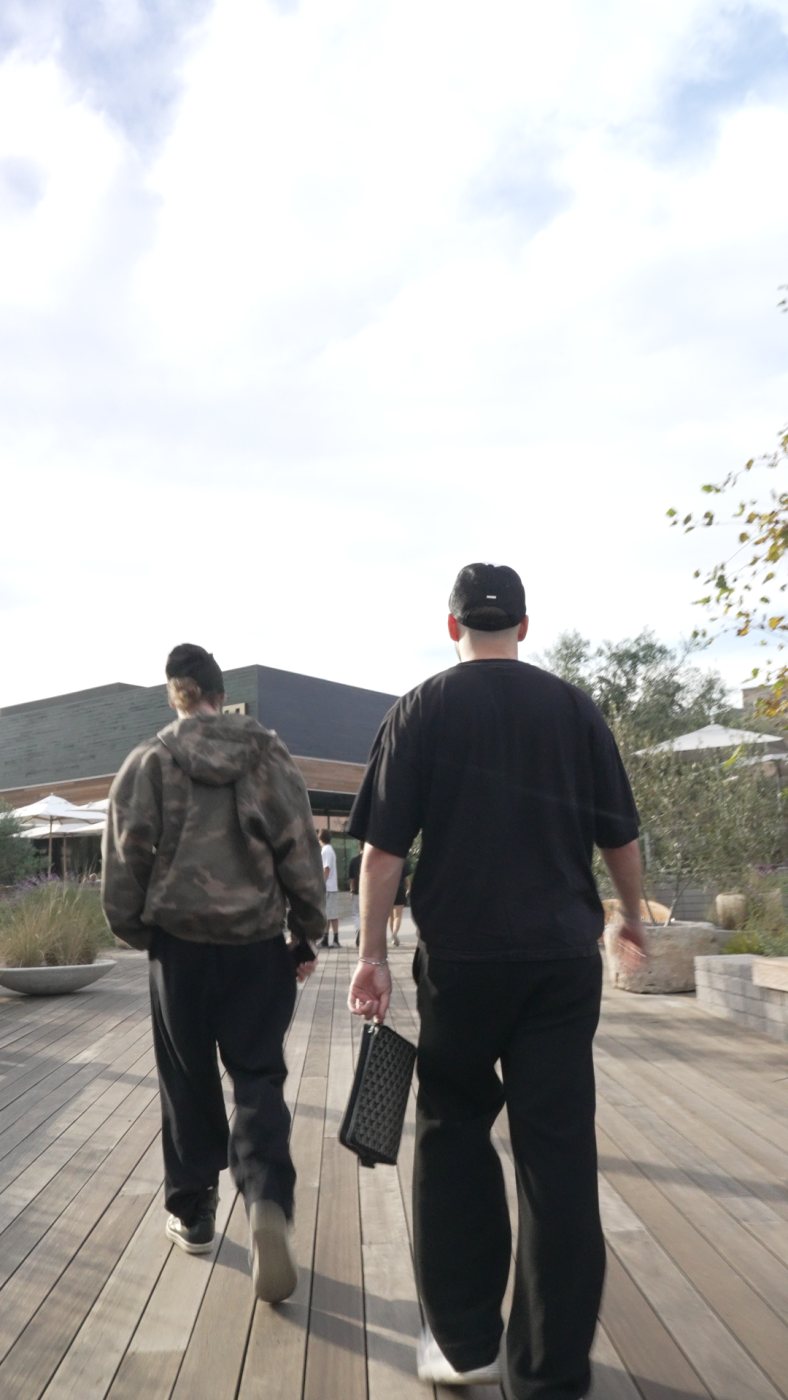
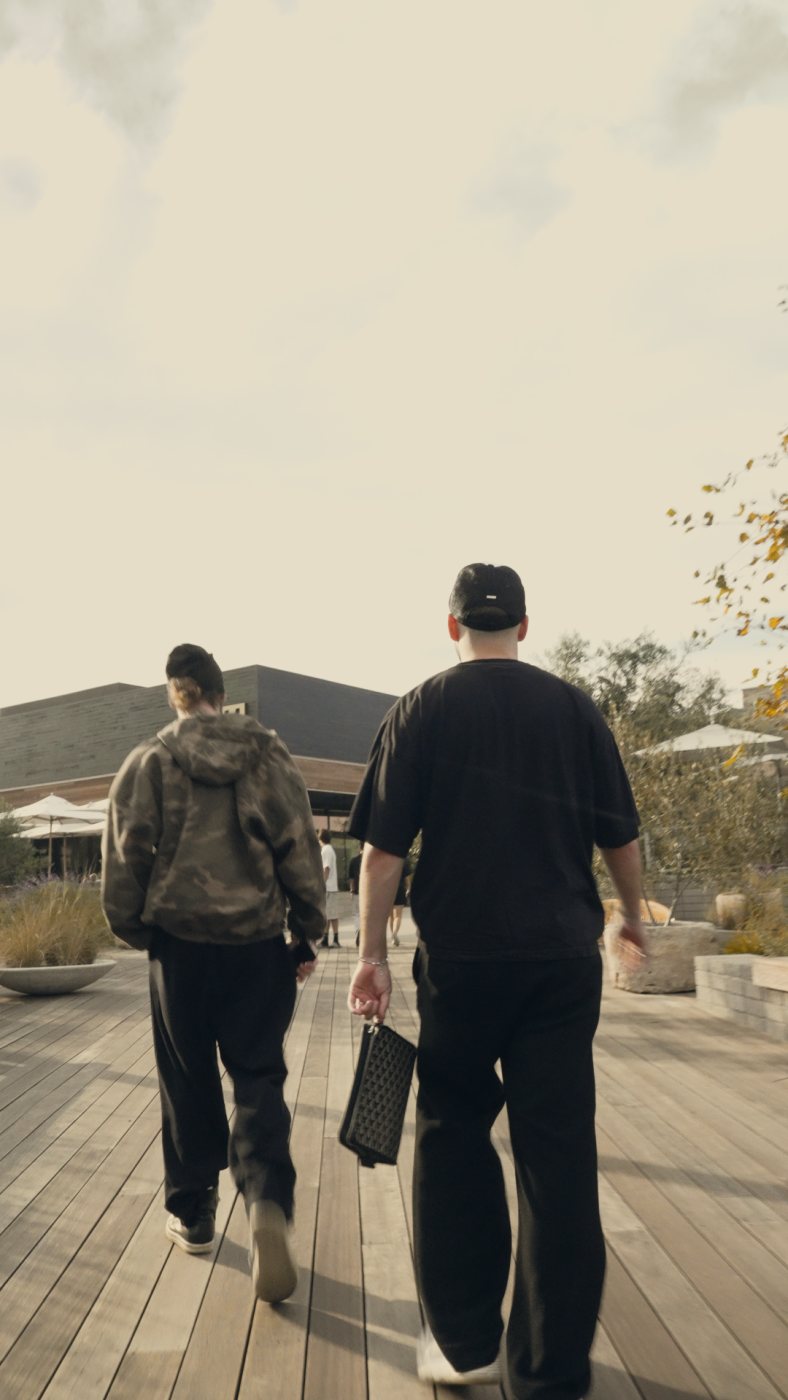 RawSunlit
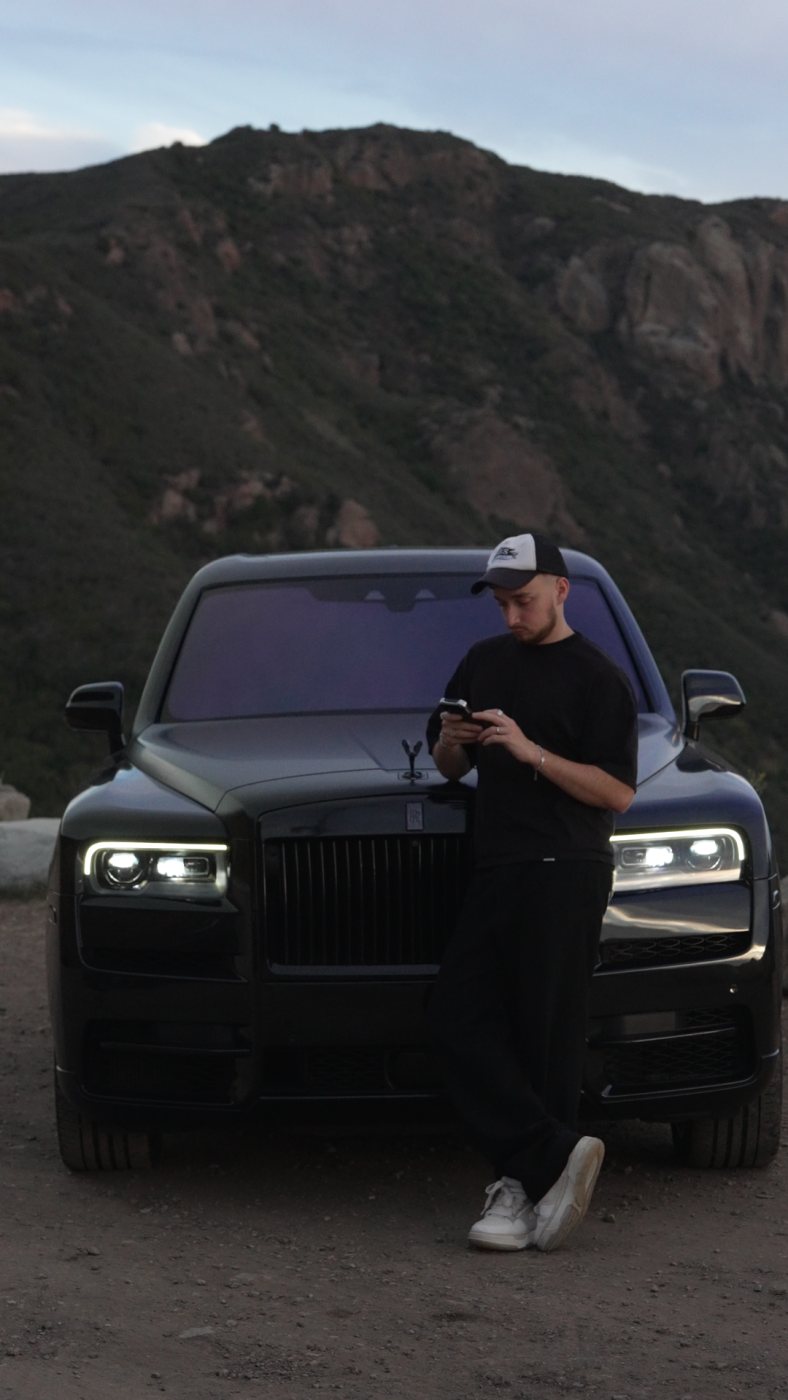
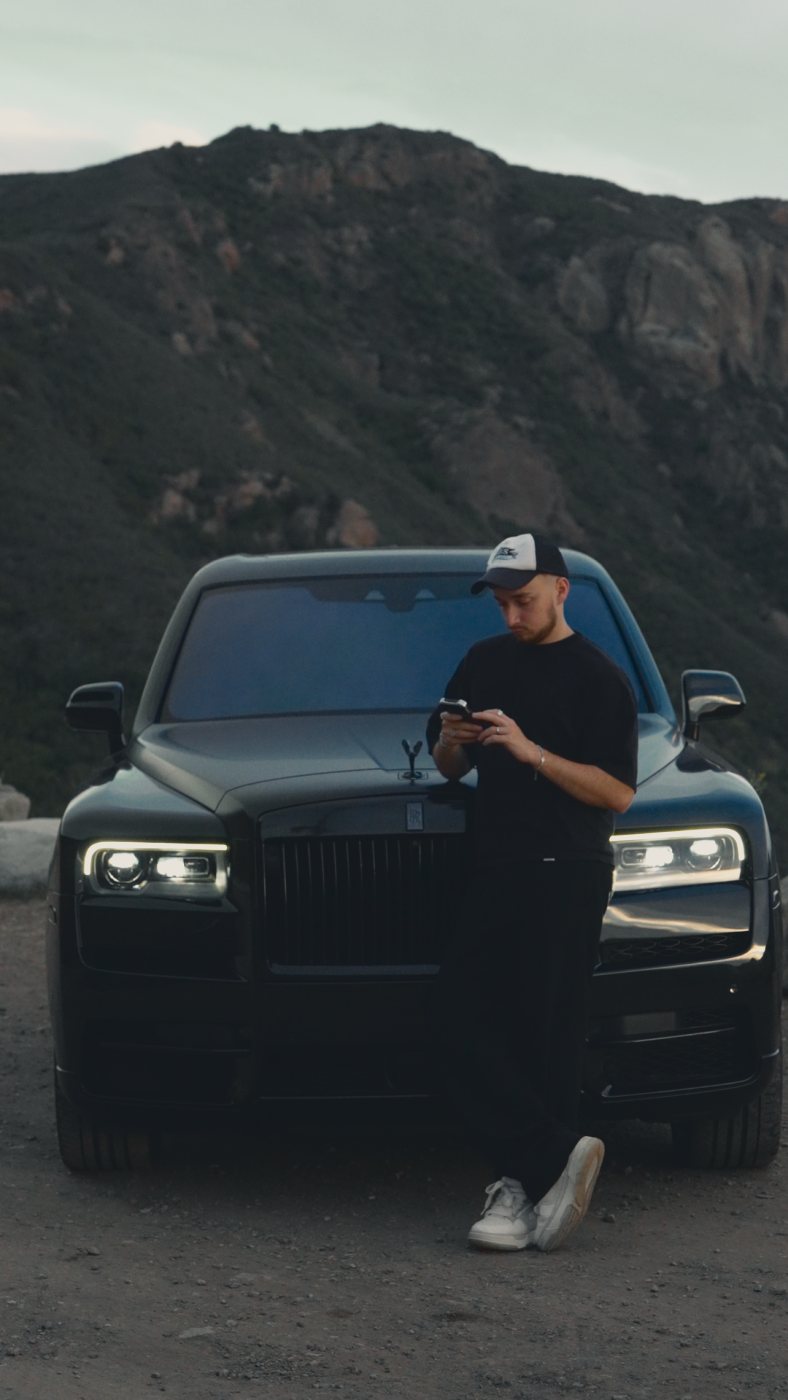 RawCoast
 RawCoast
 RawSunlit
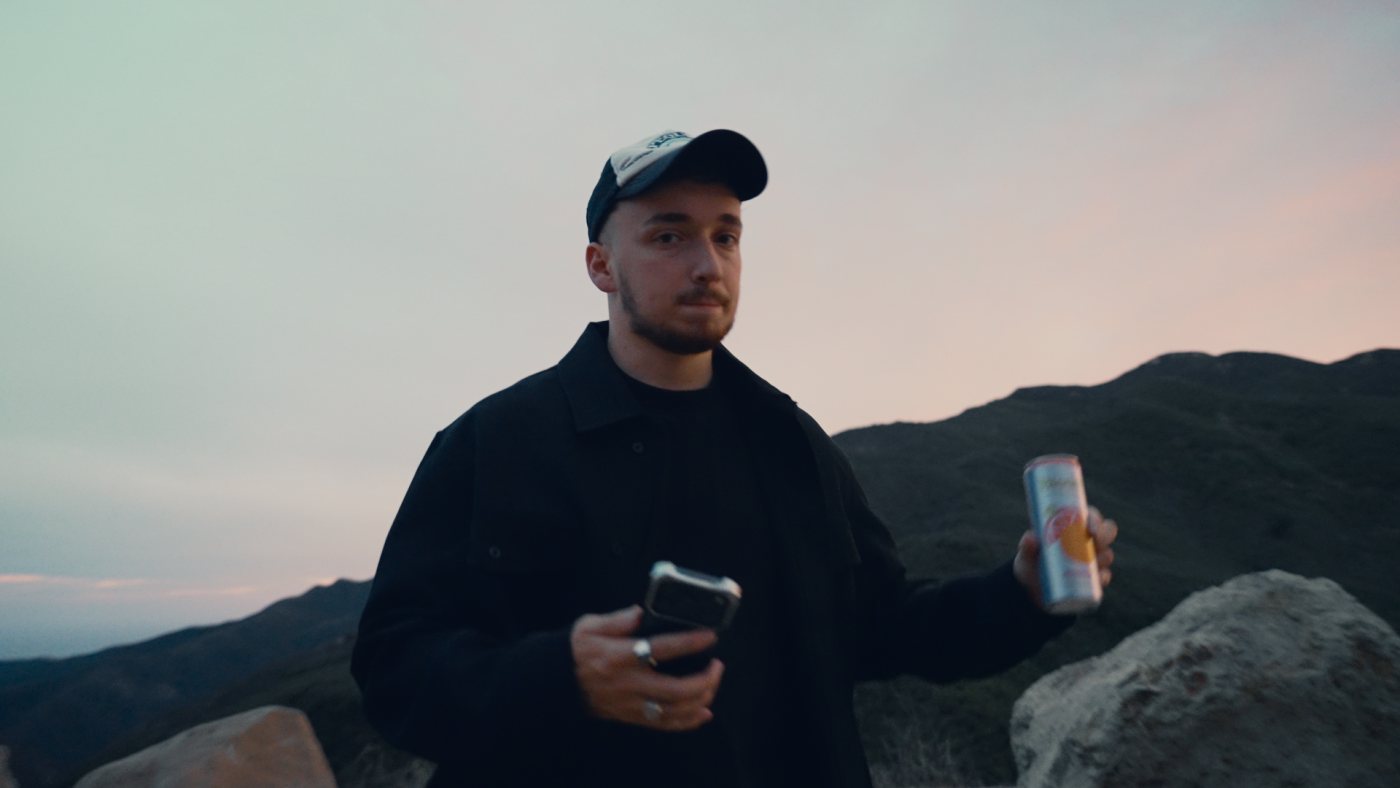 RawDusk
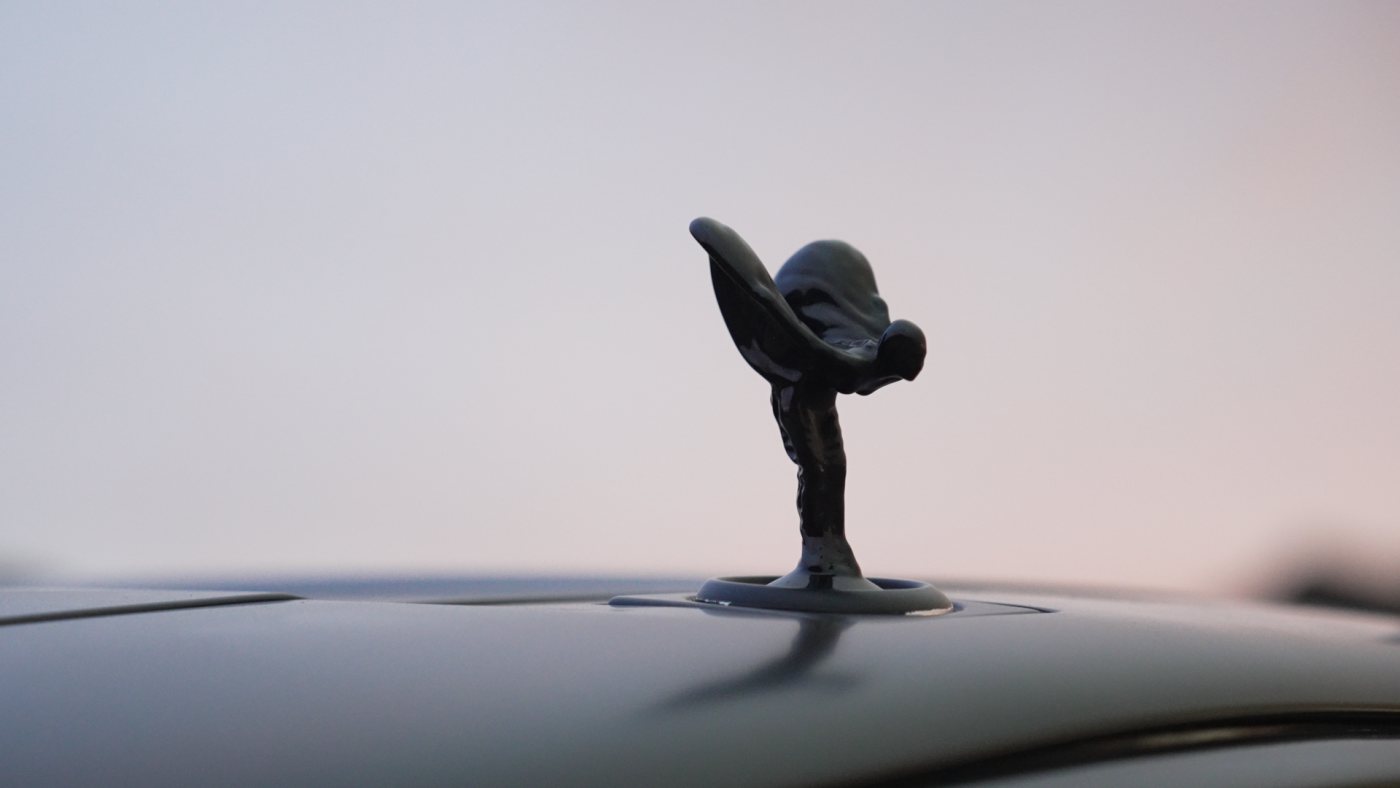
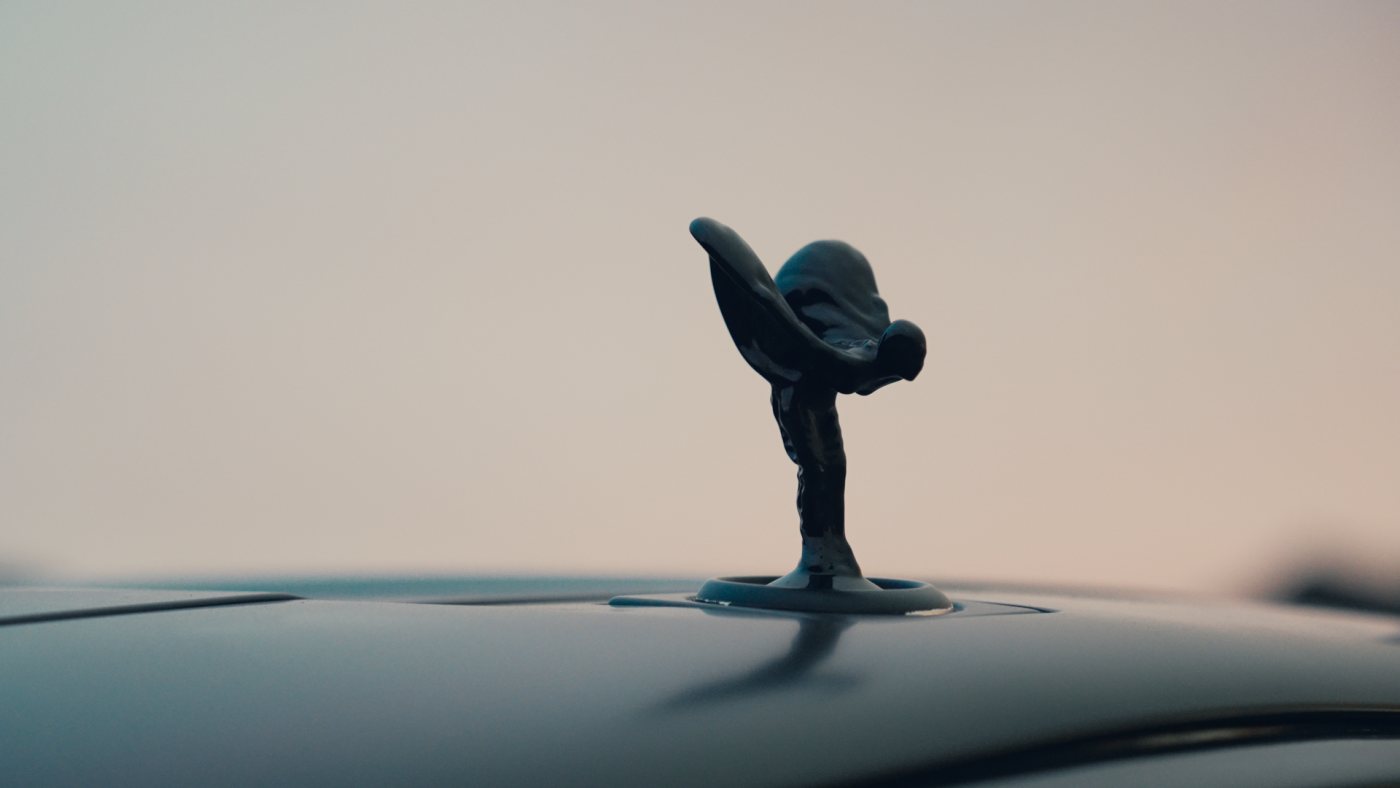 RawDusk
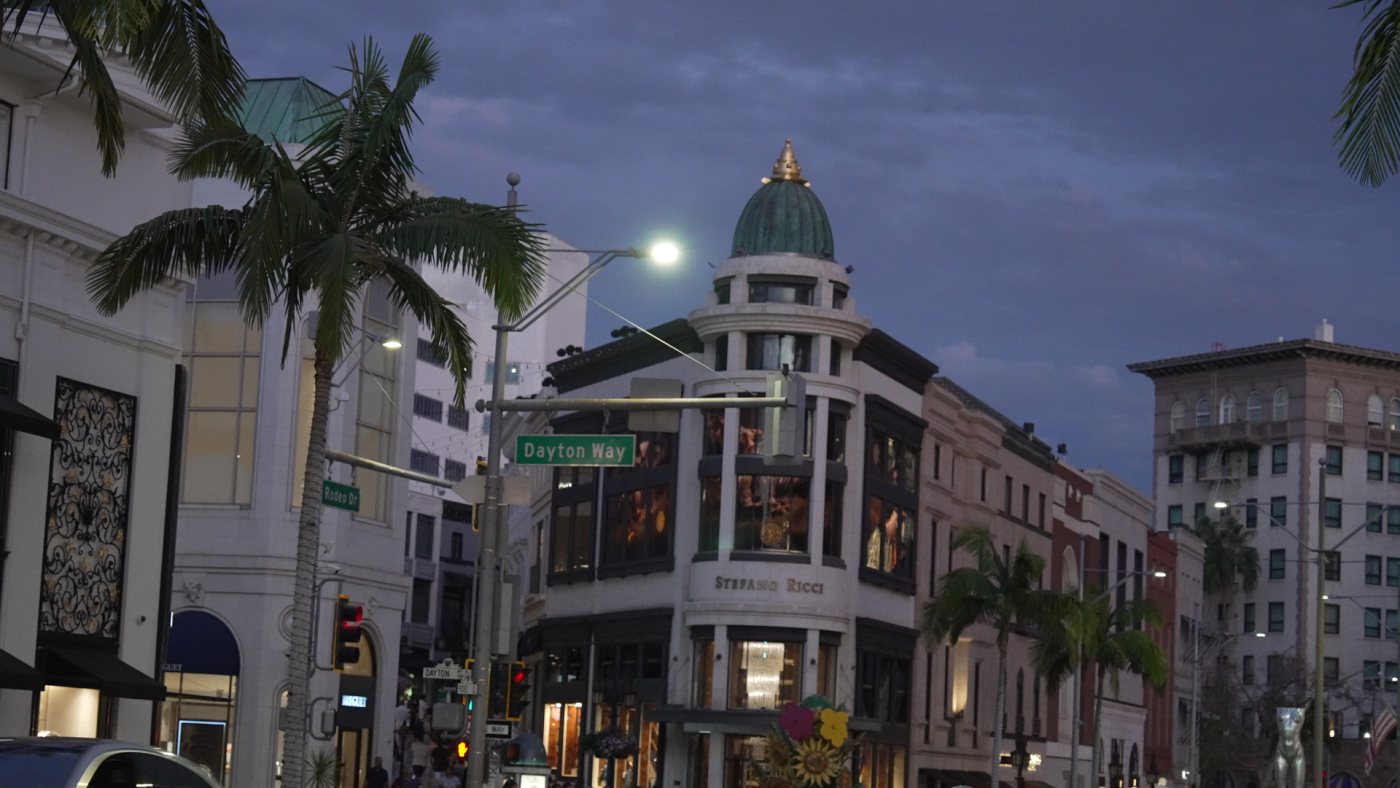
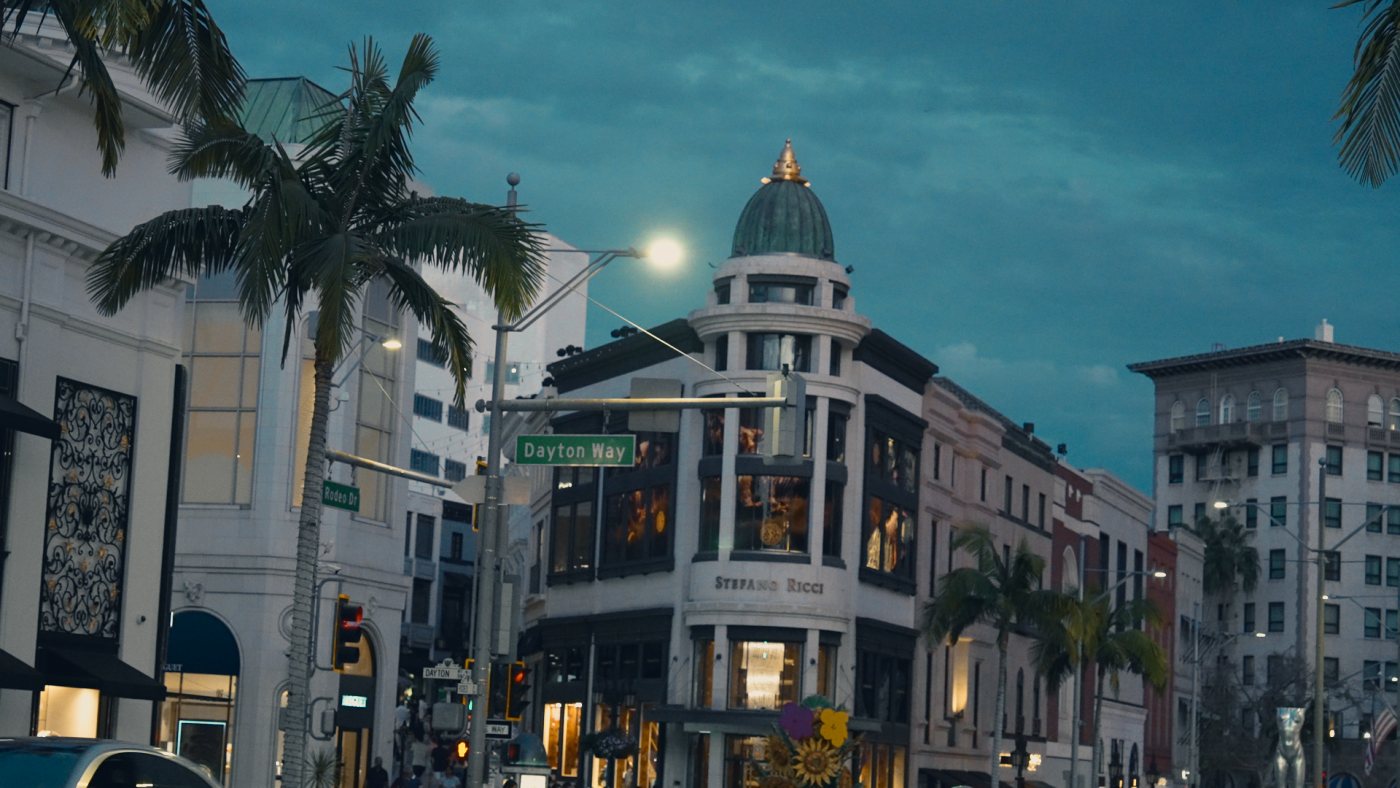 RawDusk
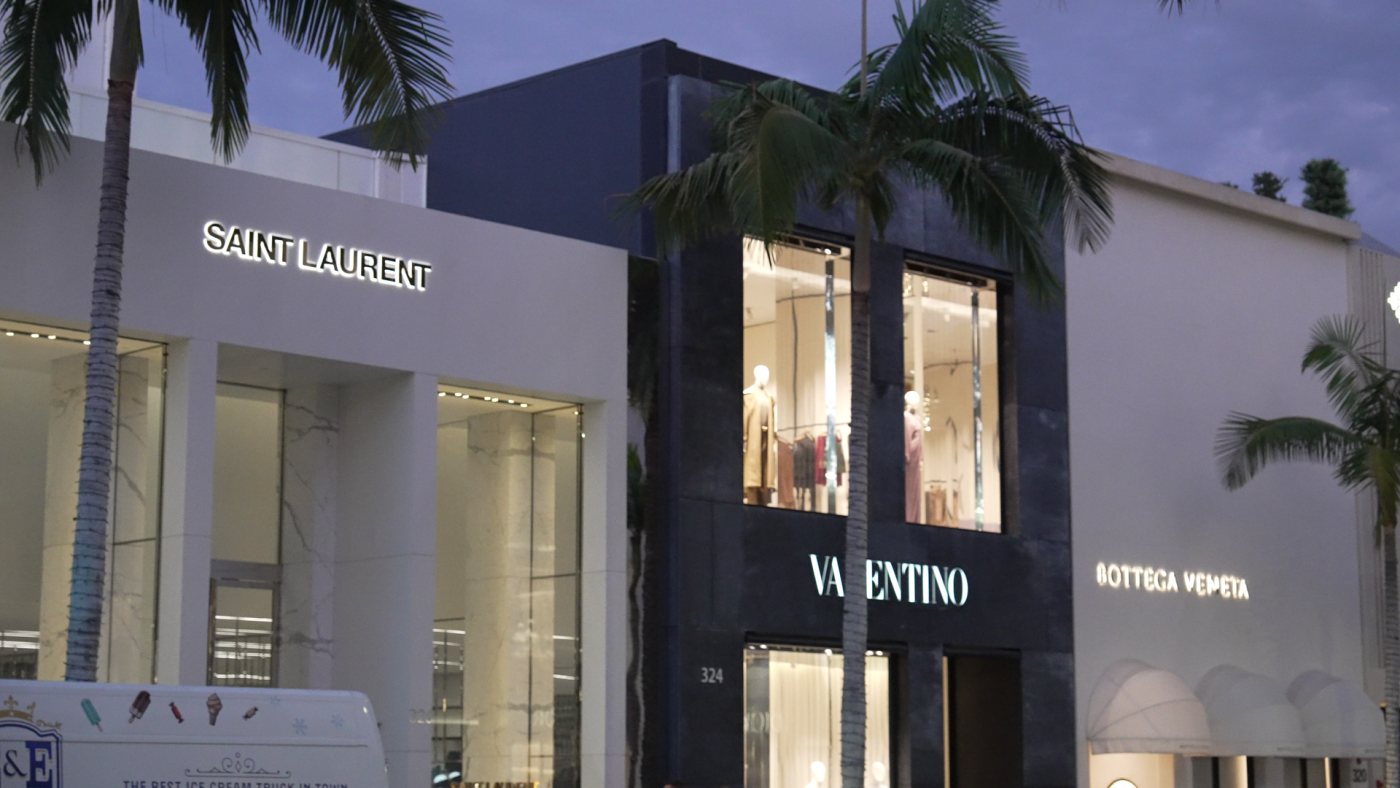
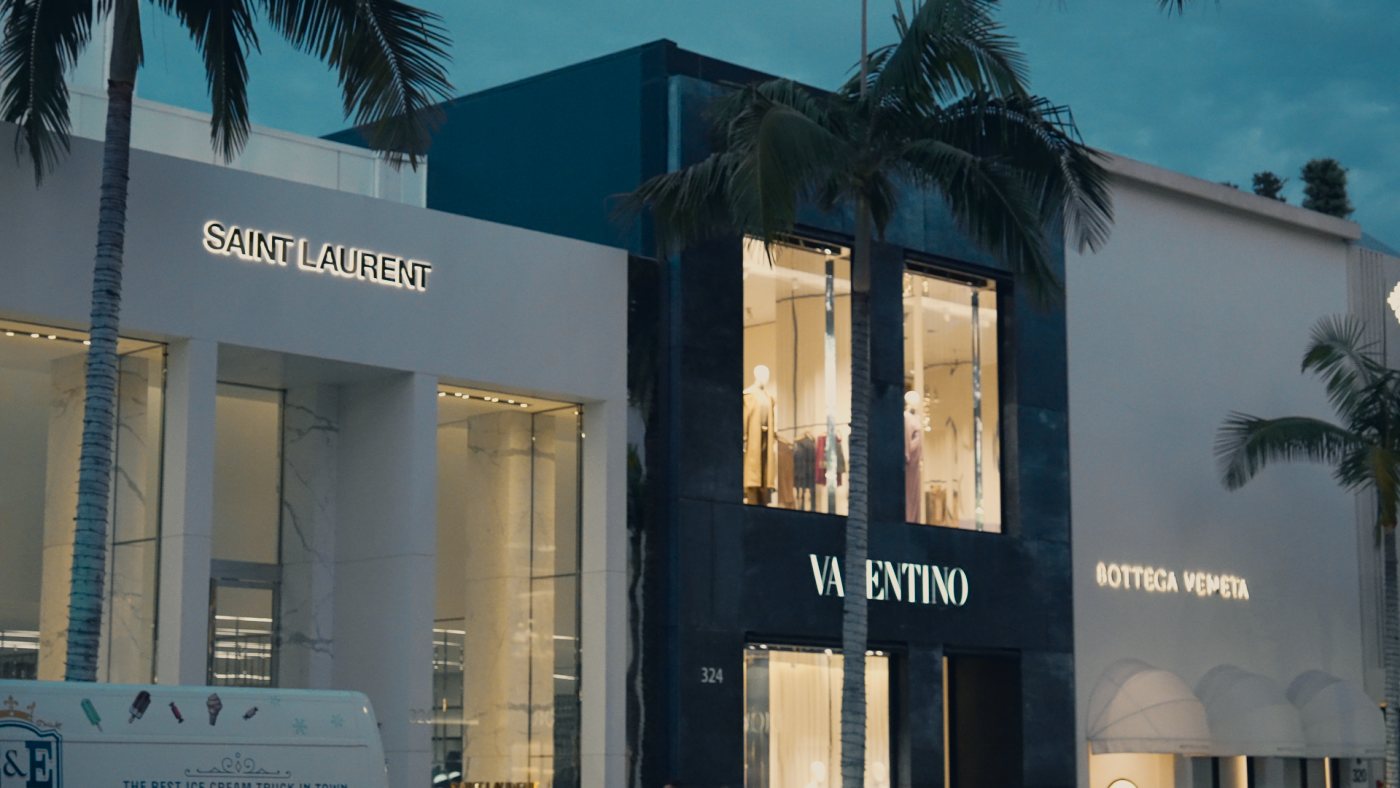 RawDusk
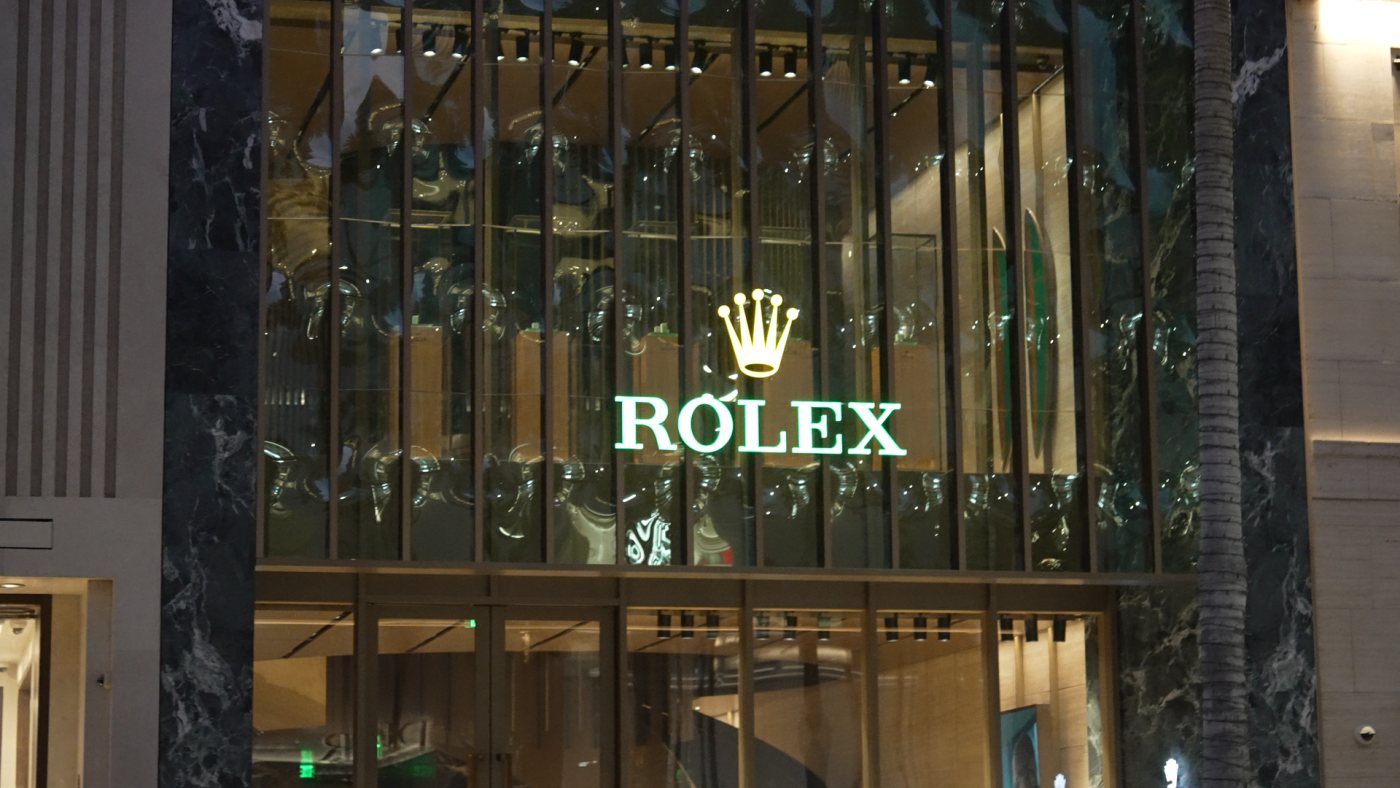
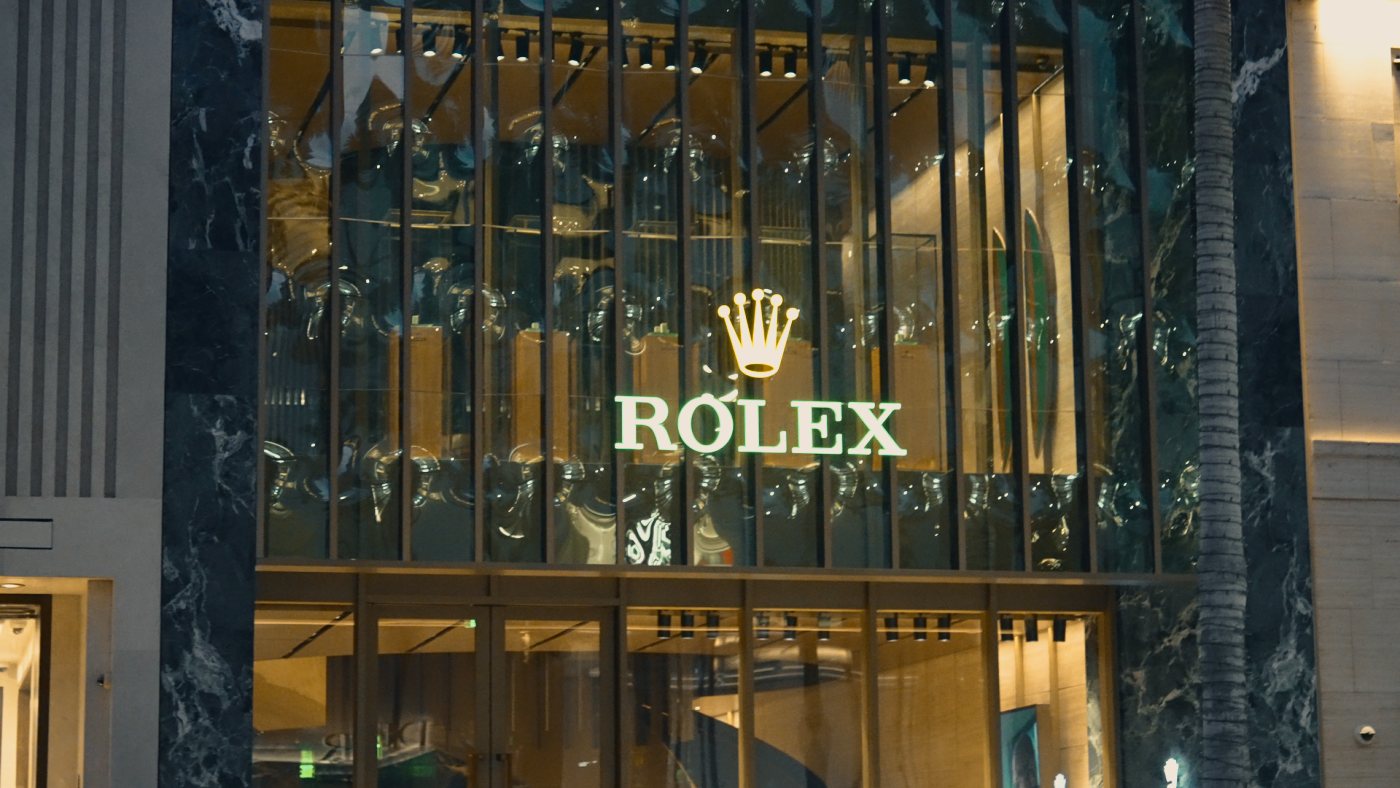 RawDusk
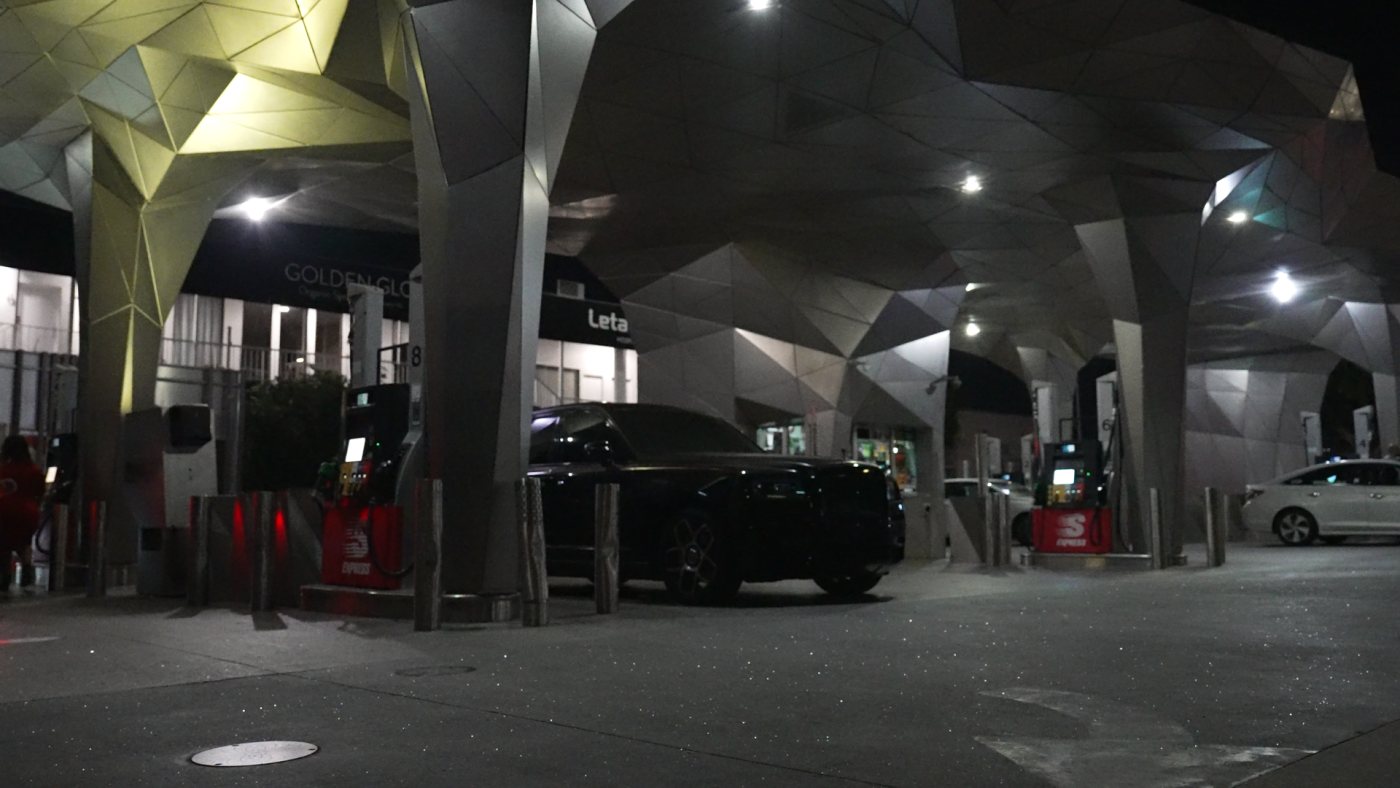
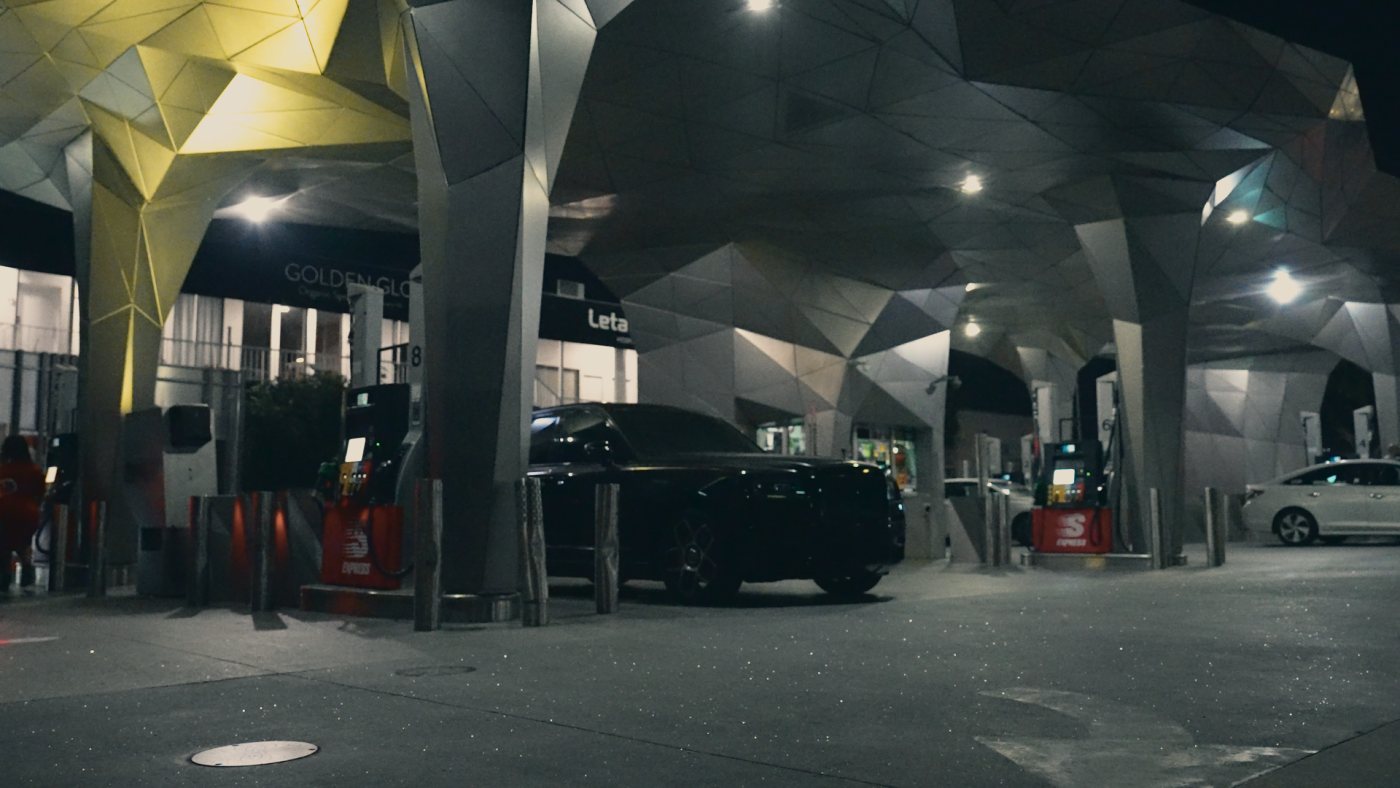 RawNight
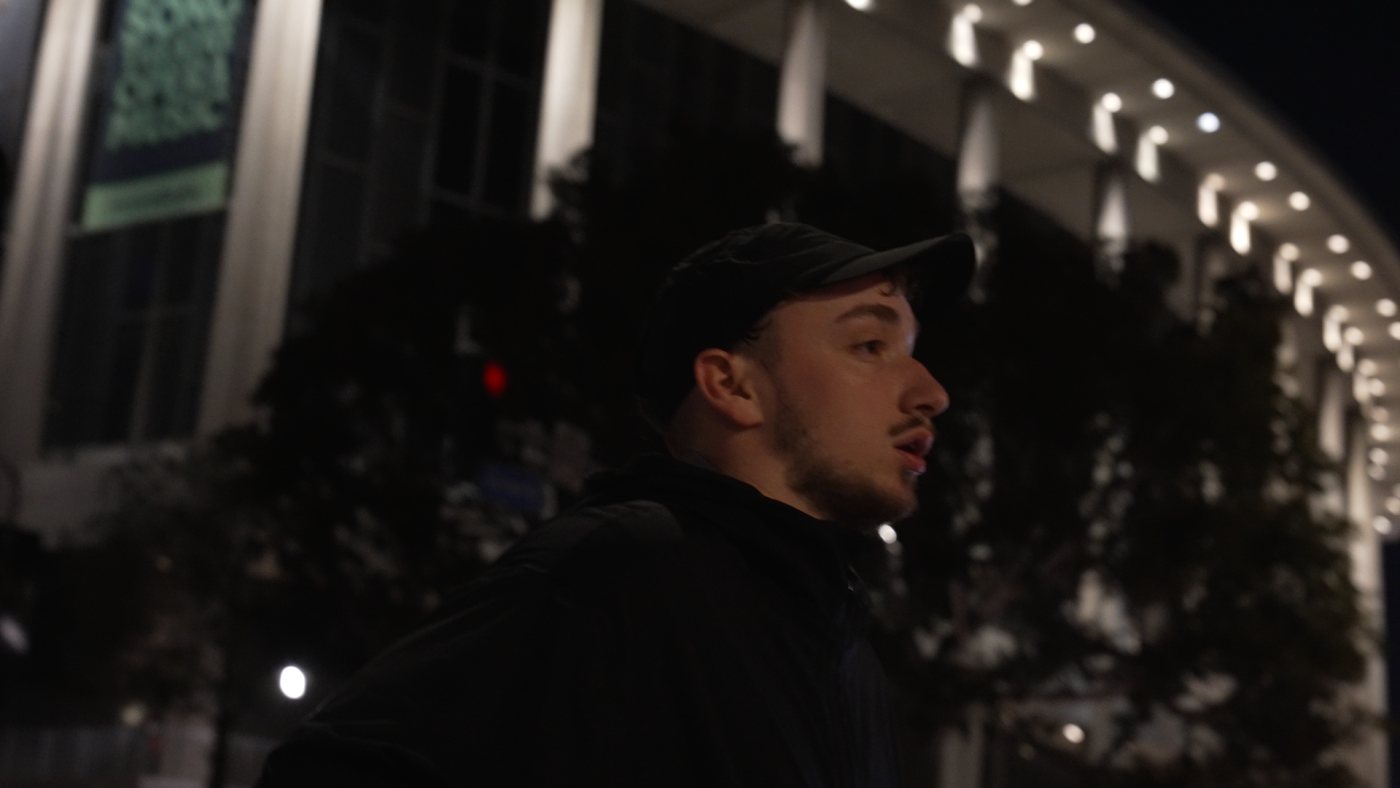
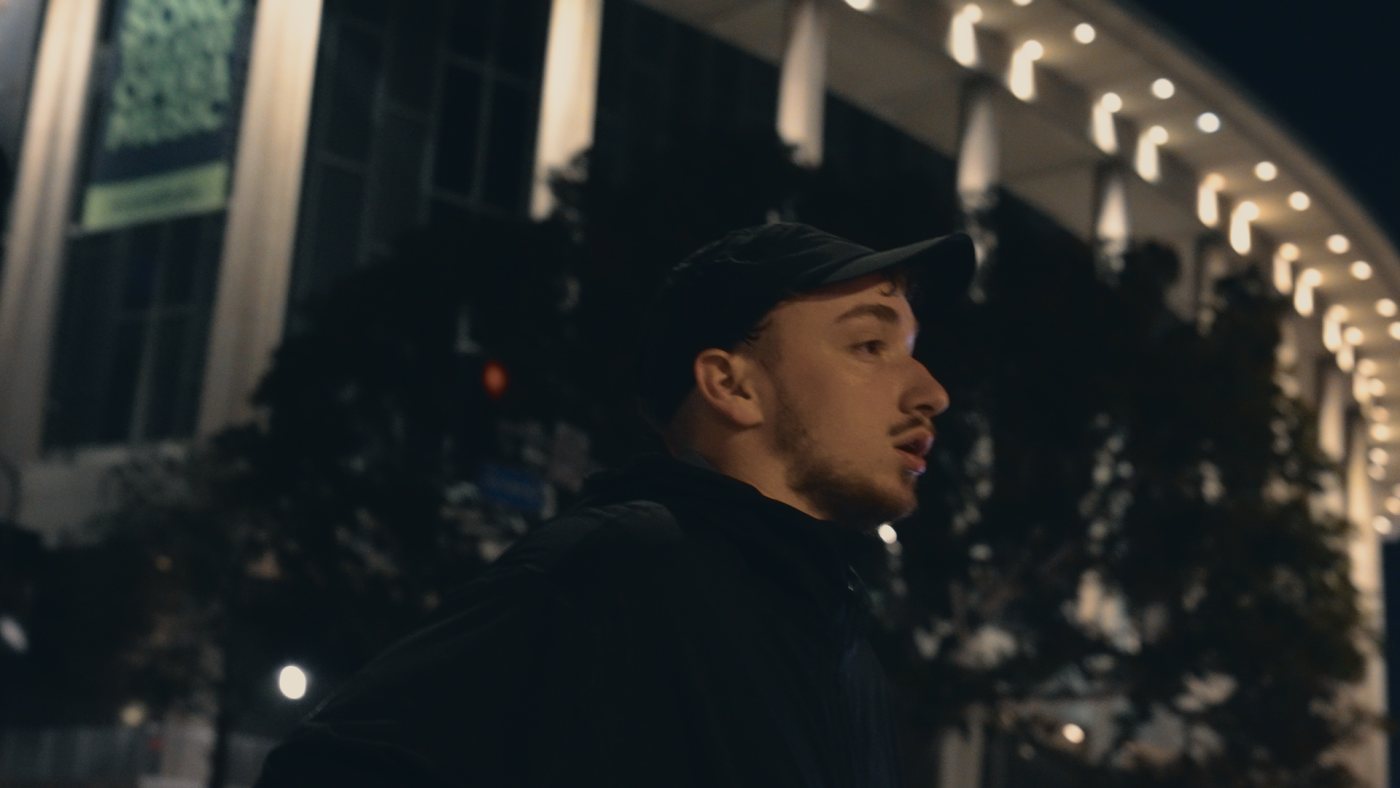 RawNight
 RawNight
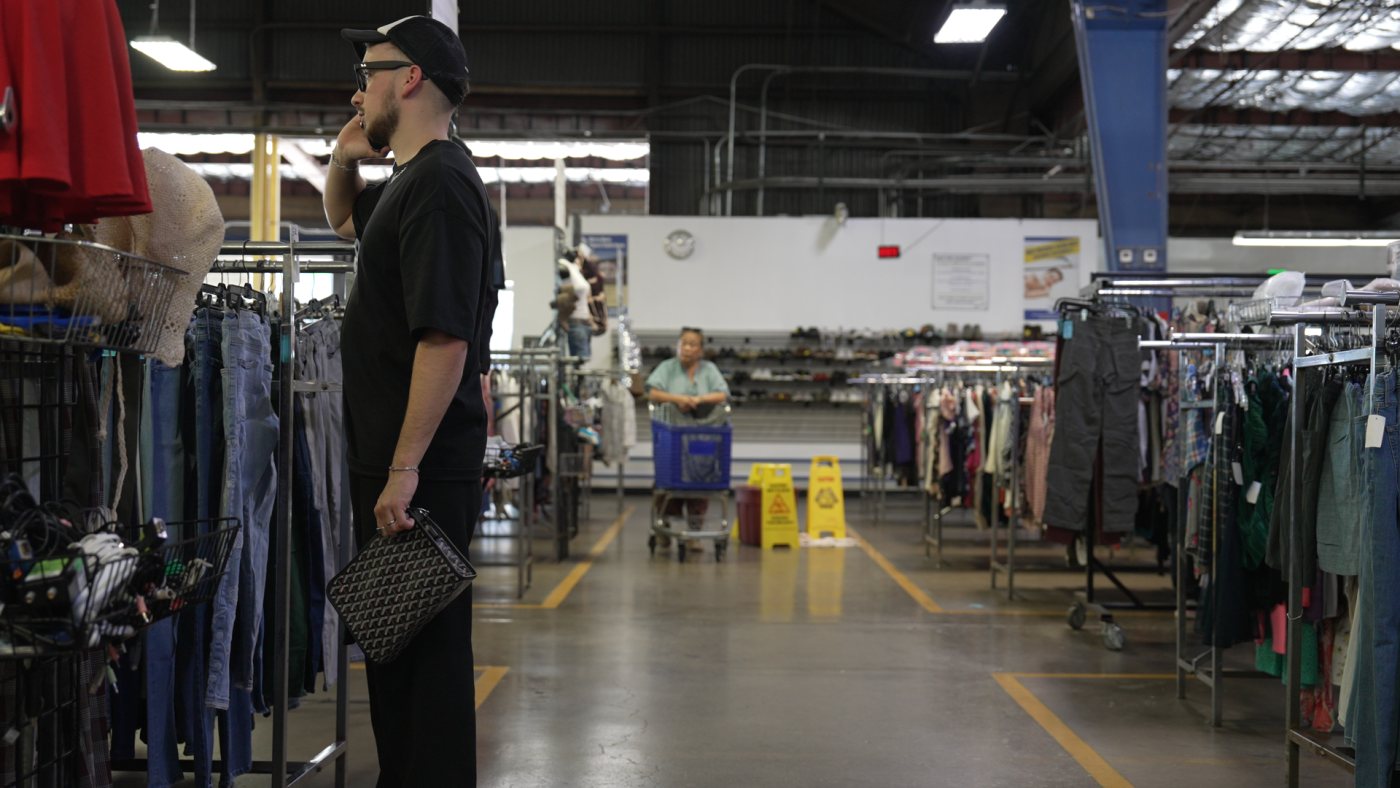
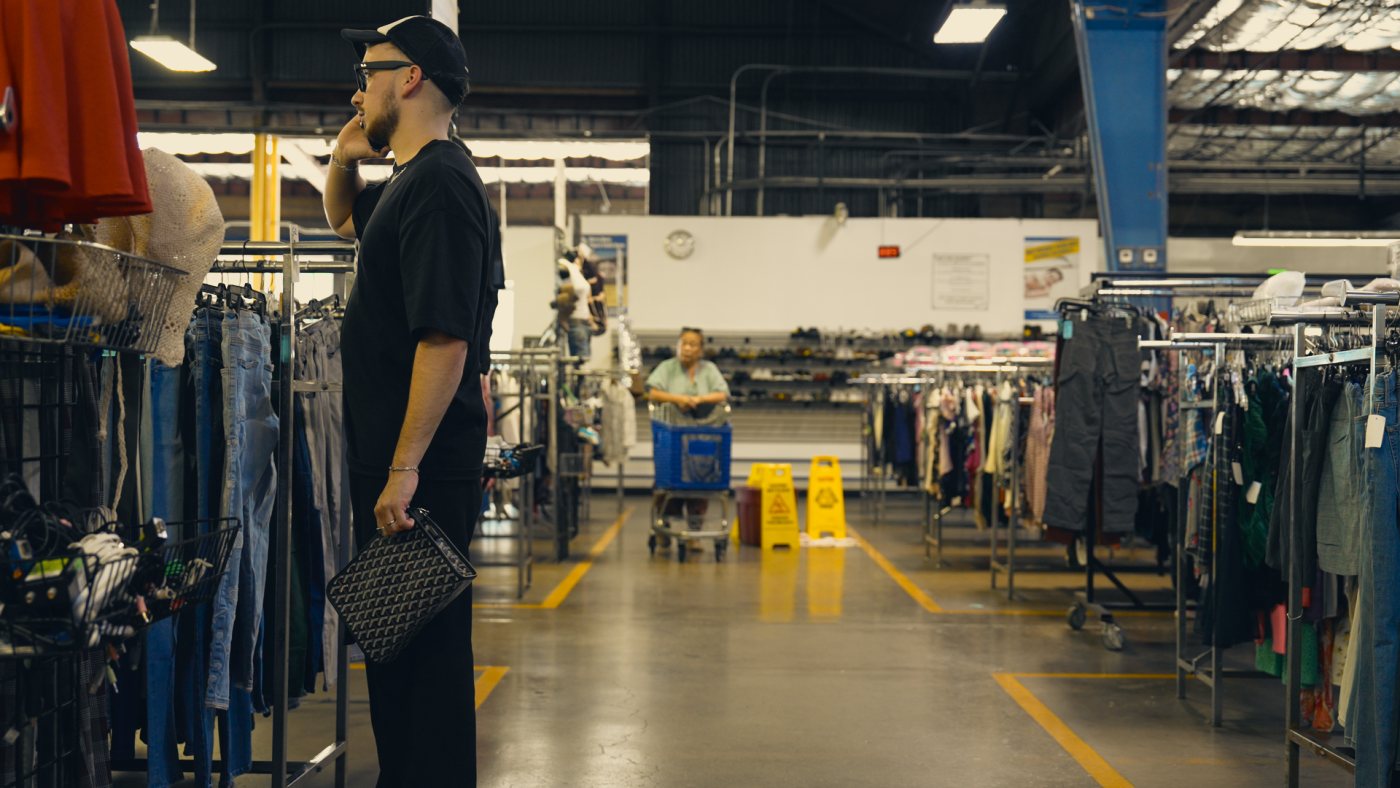 RawWarm
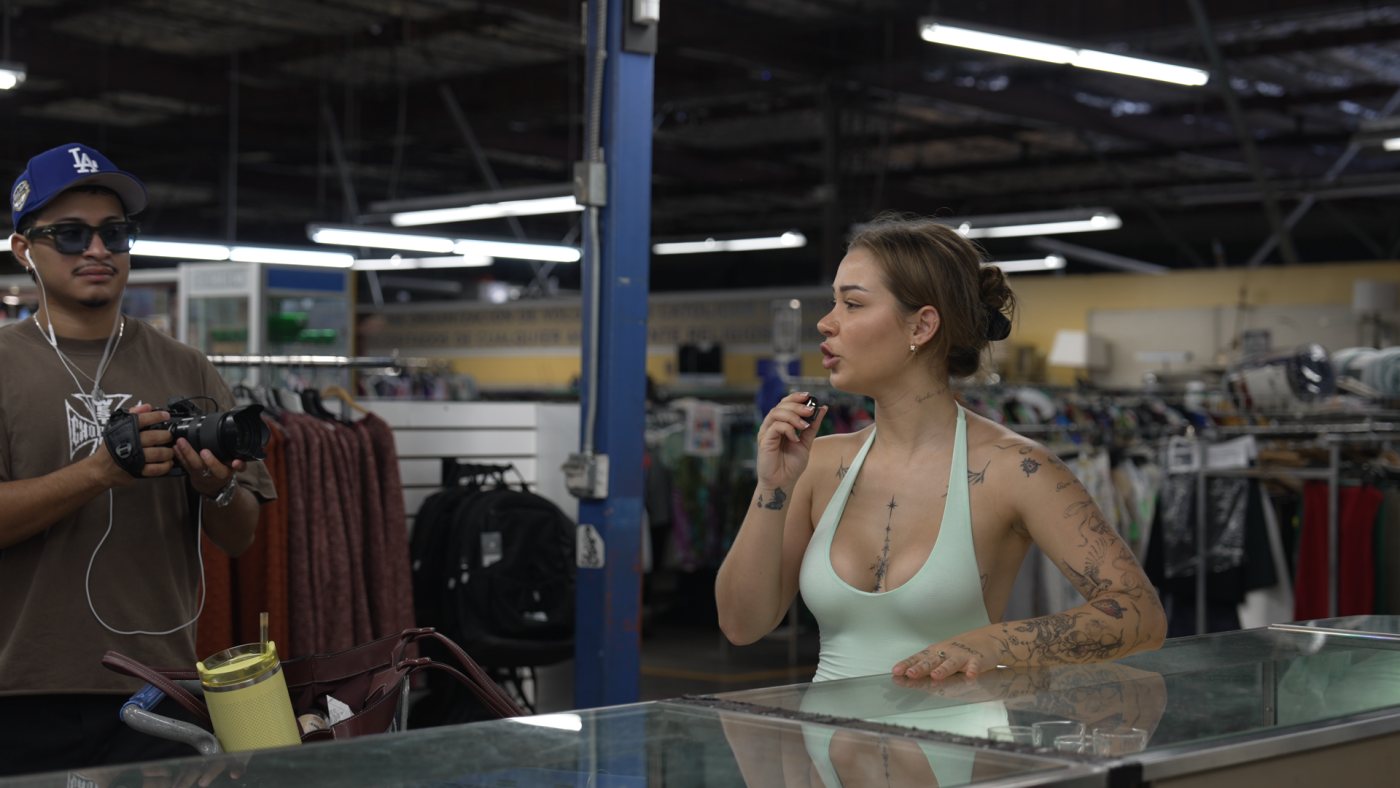
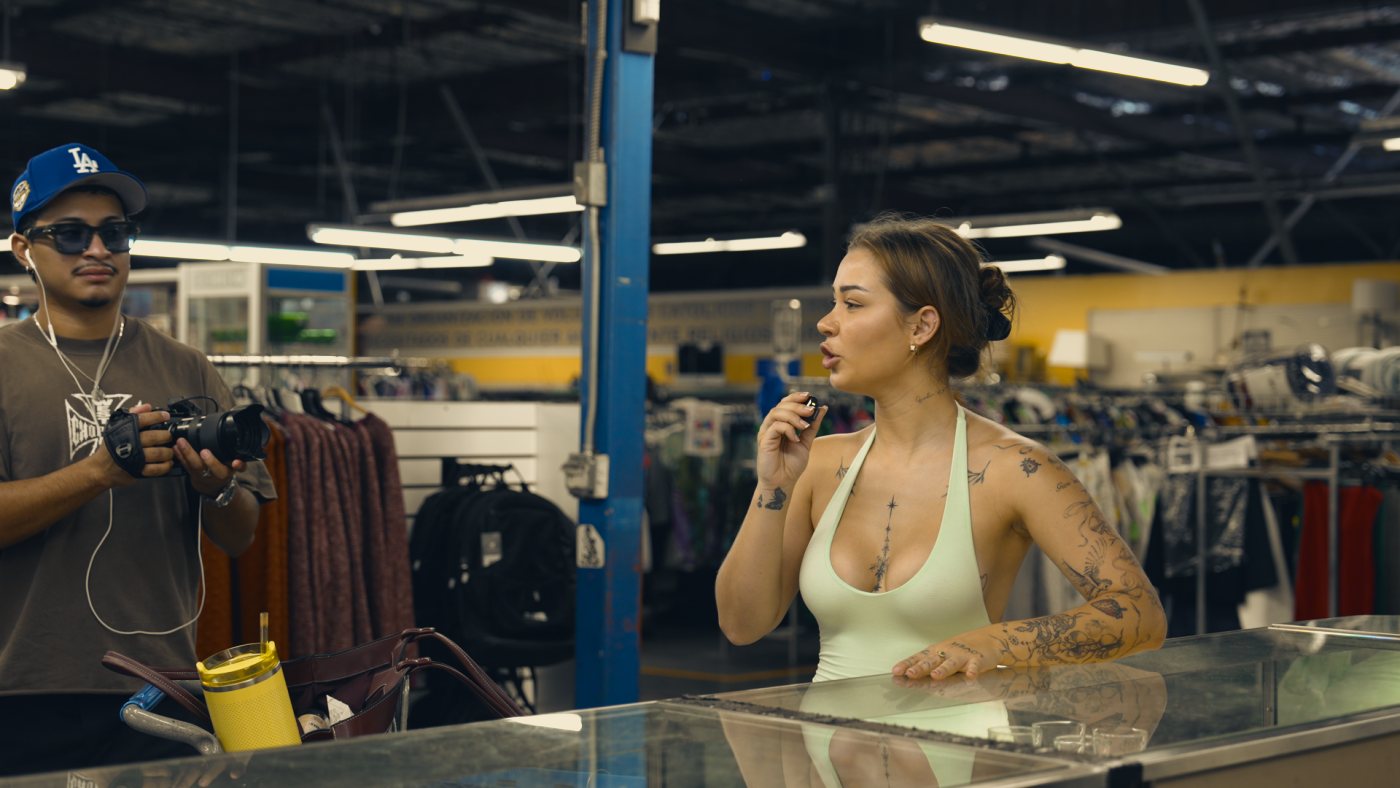 RawWarm
How these were made
Every frame is a still from the original 4K clip in the Drive, shot in S-Cinetone. Exposure was set once per clip (the EV next to each frame) and stays the same when you switch LUTs, so you see only what the LUT changes.
Settings marked New come from the Malibu, Rodeo Drive, DTLA and thrift store folders.
In the edit
Chapter 02
Greg runs six text styles. Each has one job and one place on screen. The fonts are matched against his reels at full resolution, and every style is shown on Tito's graded footage.
Fonts
On Mac and iPhone this page shows the real fonts. Elsewhere it falls back to the closest free ones.
22 should be the worst
year of your life
Same font as Greg's hooks, with a 4 px black outline.
And that ended up
turning into everything
Apple's license is written for app design, so for paid videos it's a grey area. Free stand-in in the kit: Inter Display ExtraBold, tracking +10.
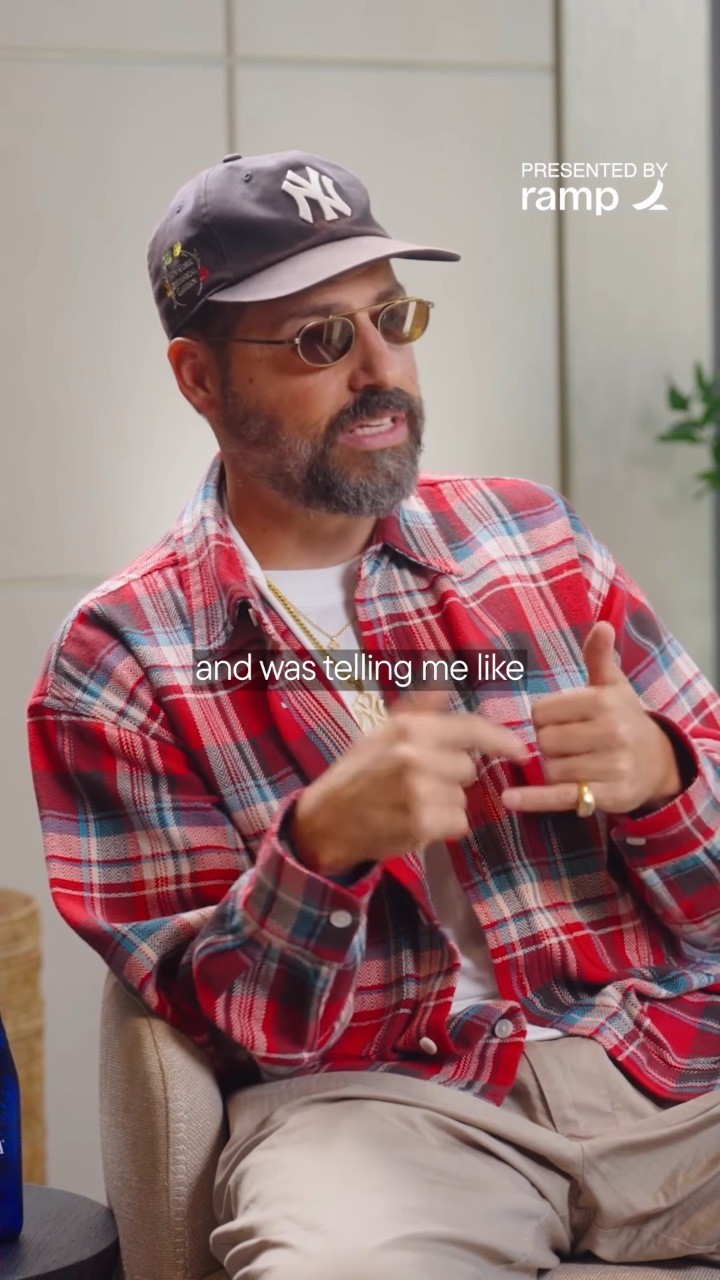
you figure out what you're good at
TranscriptsYellow #EFC232 with a thin dark outline. Only for transcripts.
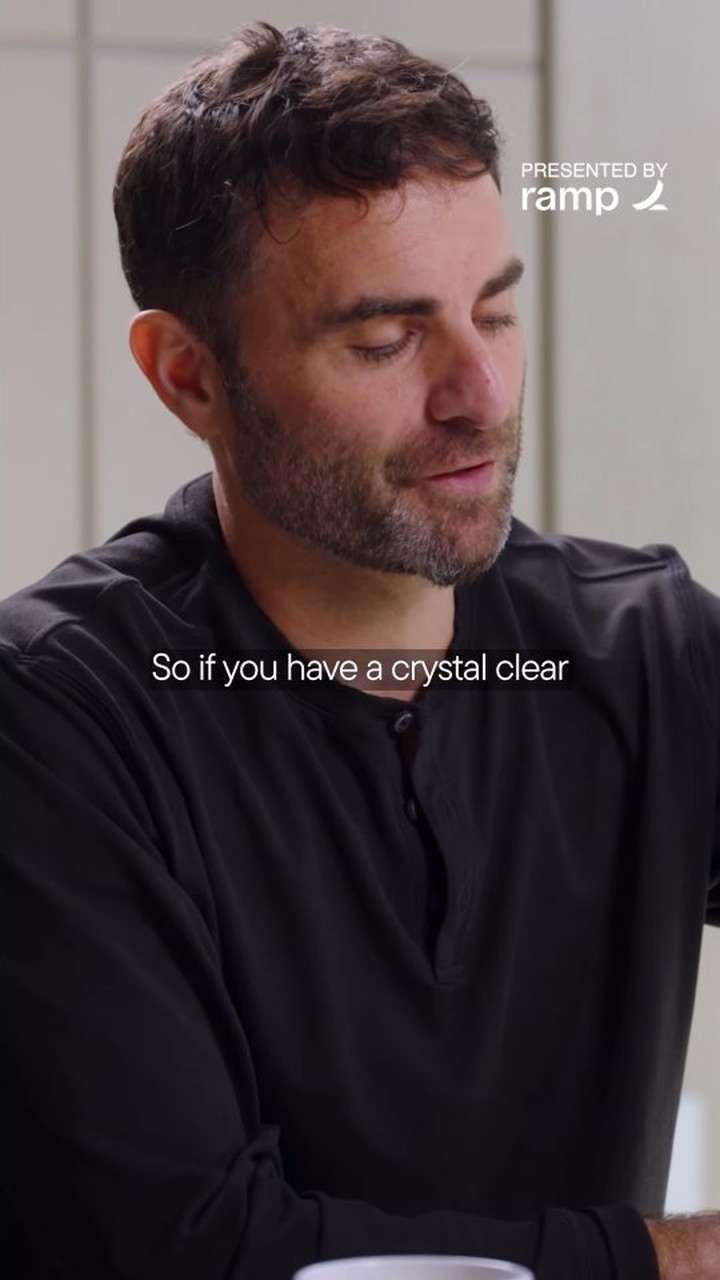
right now is not the time to rest.
Serif linesTracking −25. Tinos in the kit is a free twin.
Styles
Sizes are for a 1080 × 1920 timeline. Tracking in Premiere units. Click a frame to see it large.
The claim. First thing on screen, alone, for about 3 seconds.
Greg
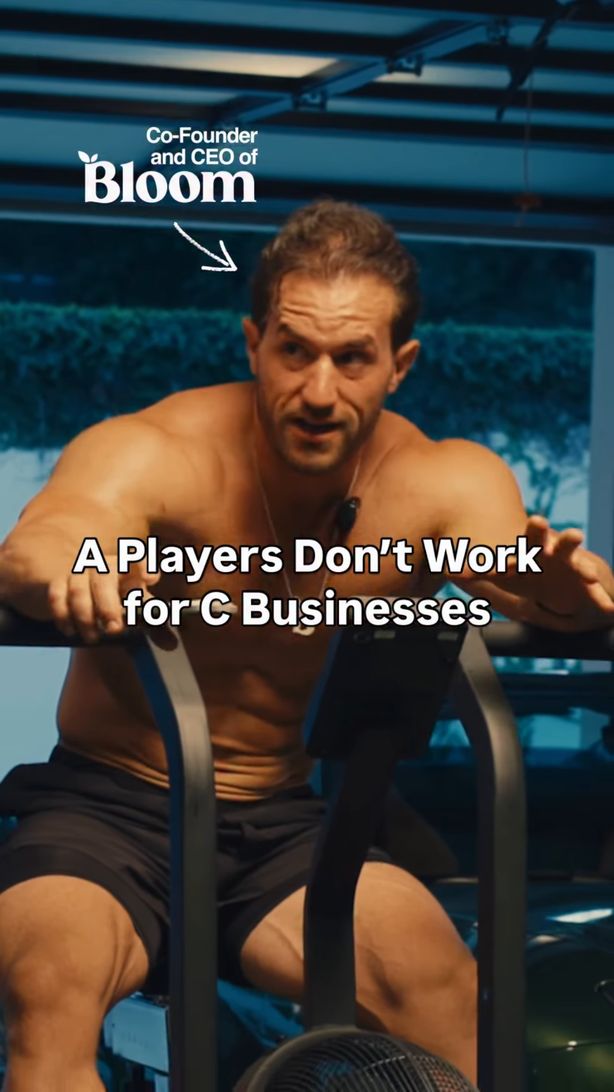
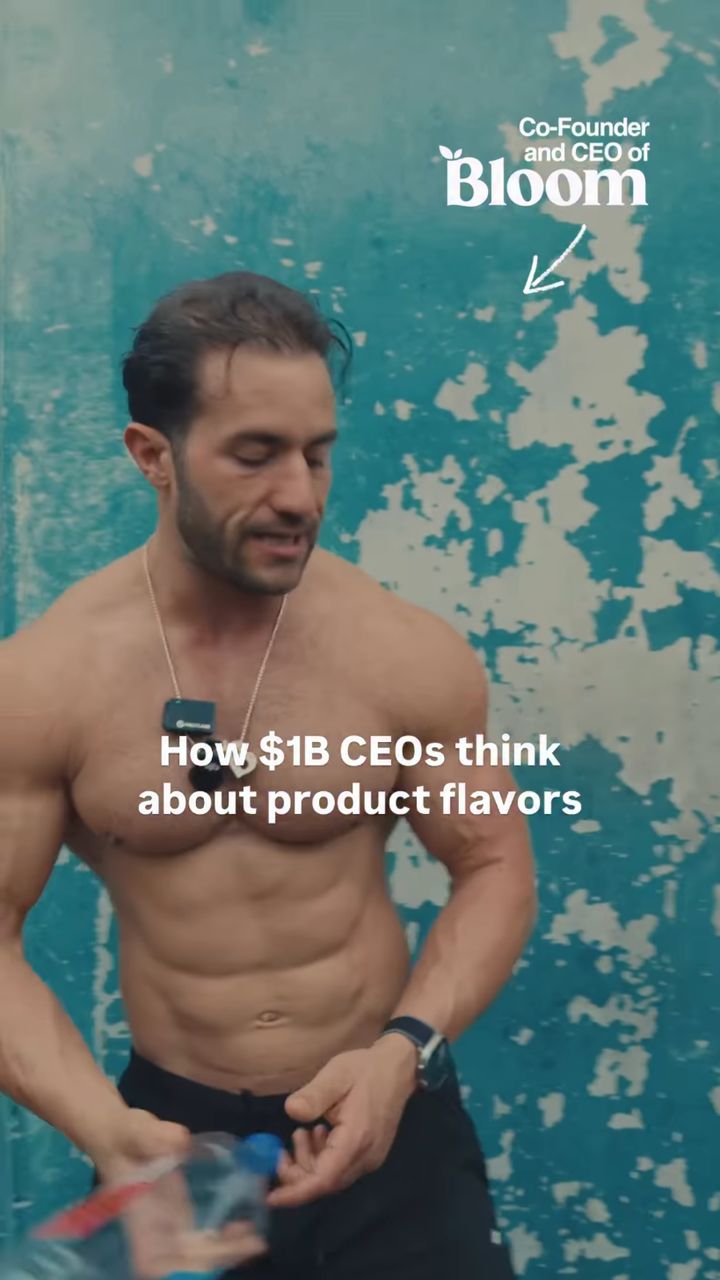
TitoC0350, C0329 · sample copy
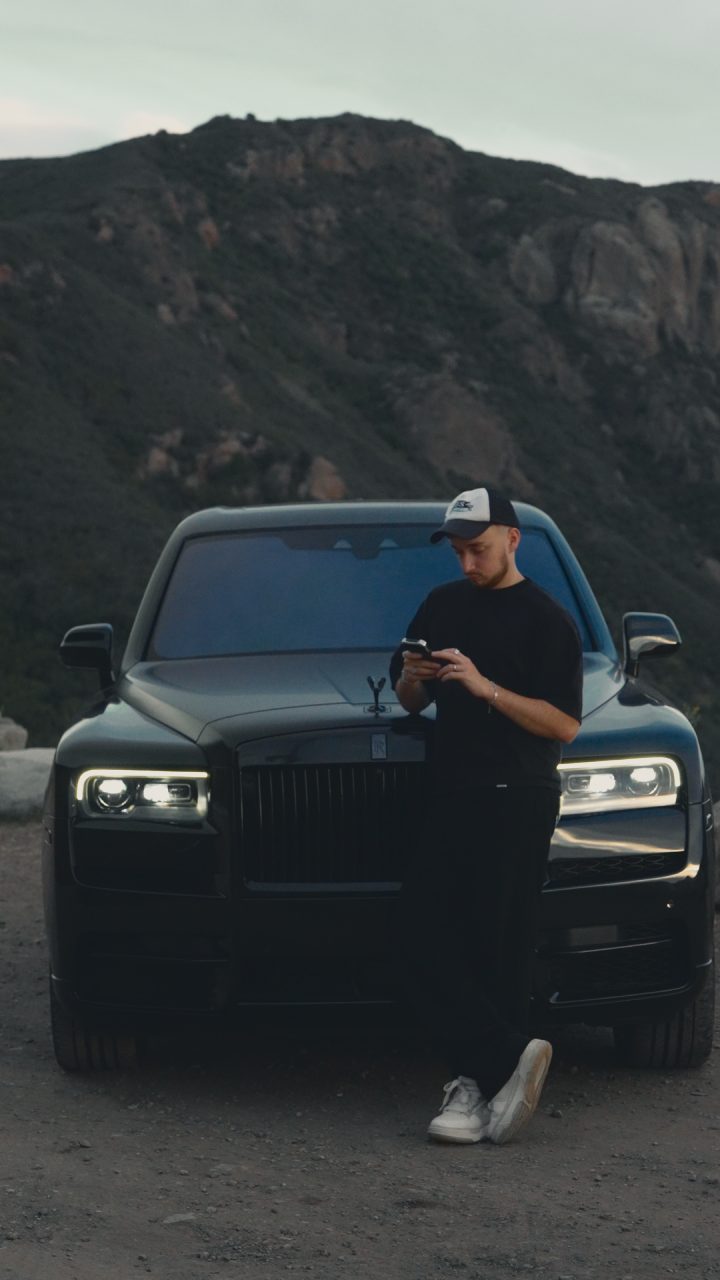
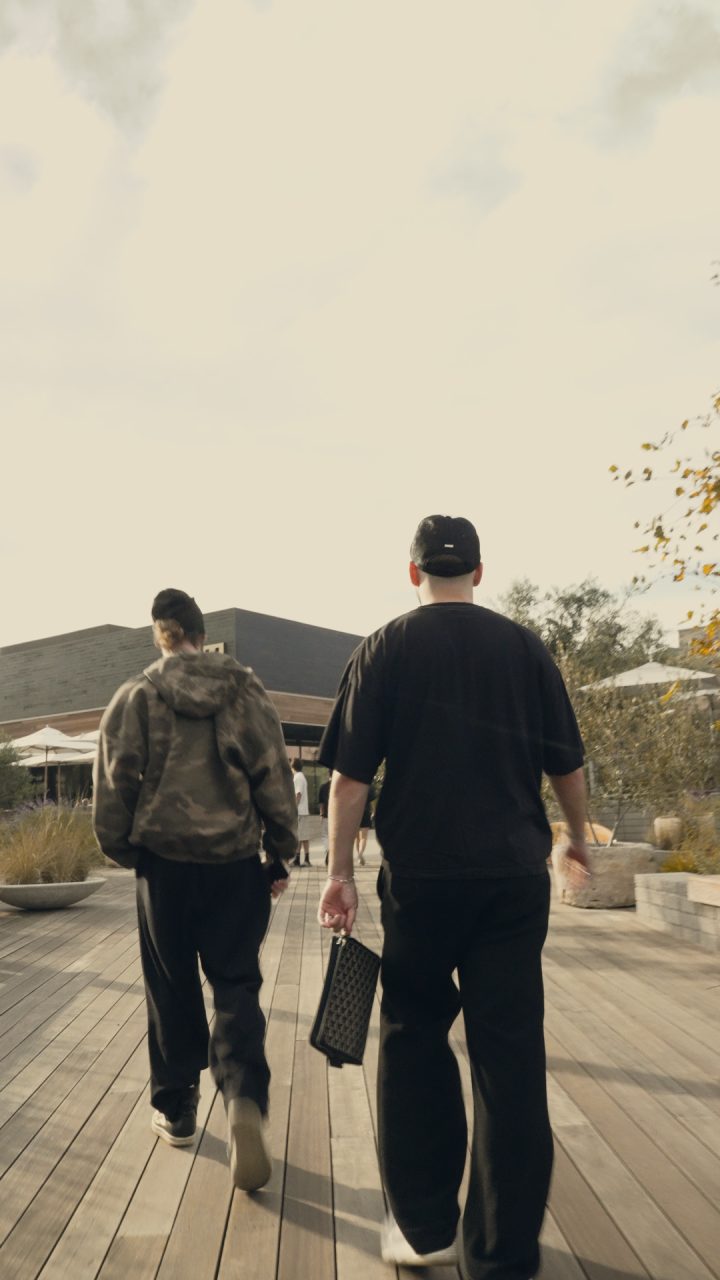
Use forEvery video that opens with a statement: talking head, walk-and-talk, podcast clips.
Who is talking, without a title.
Greg
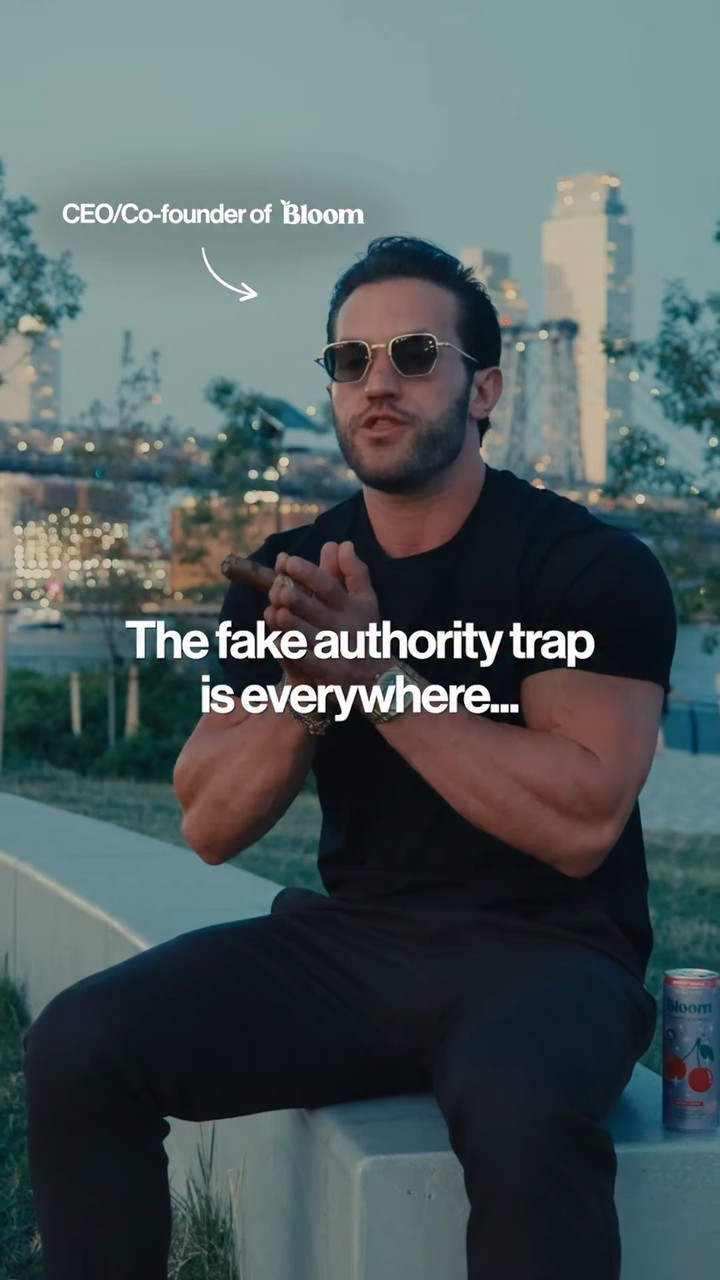
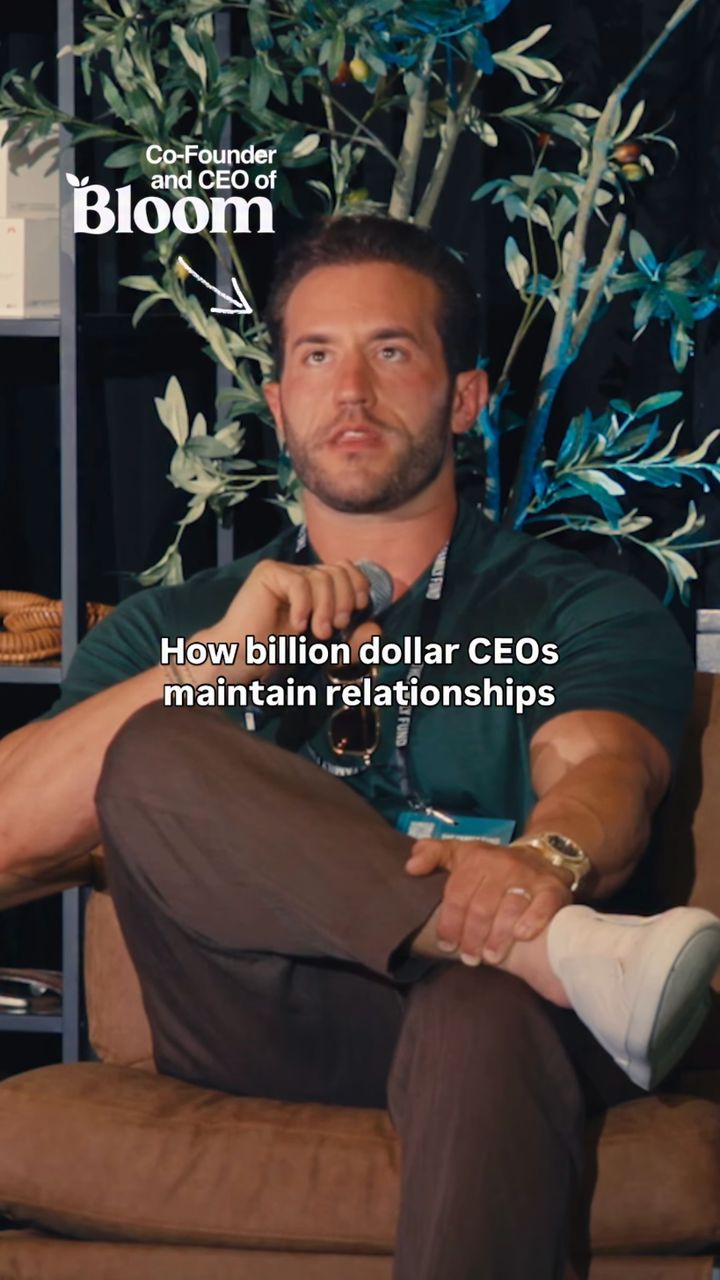
TitoC0019, C0537 · sample copy
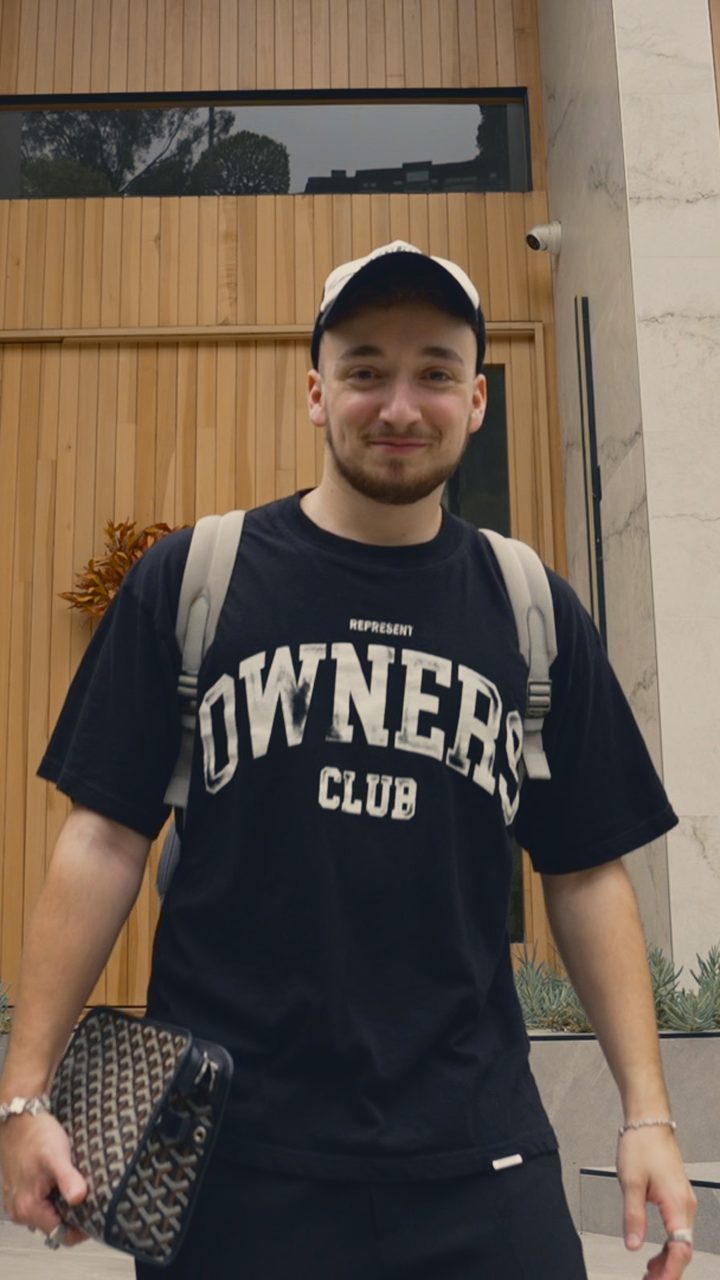
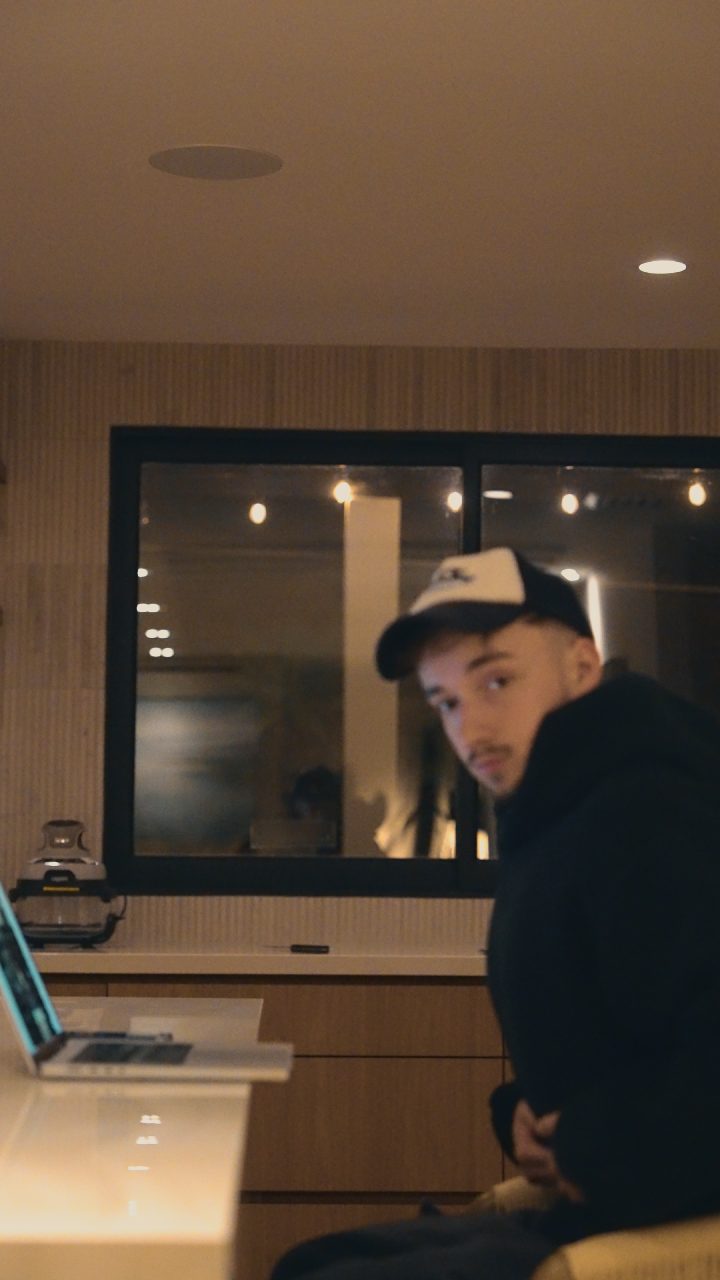
Use forThe first 3 seconds of a talking head or podcast clip, together with the hook.
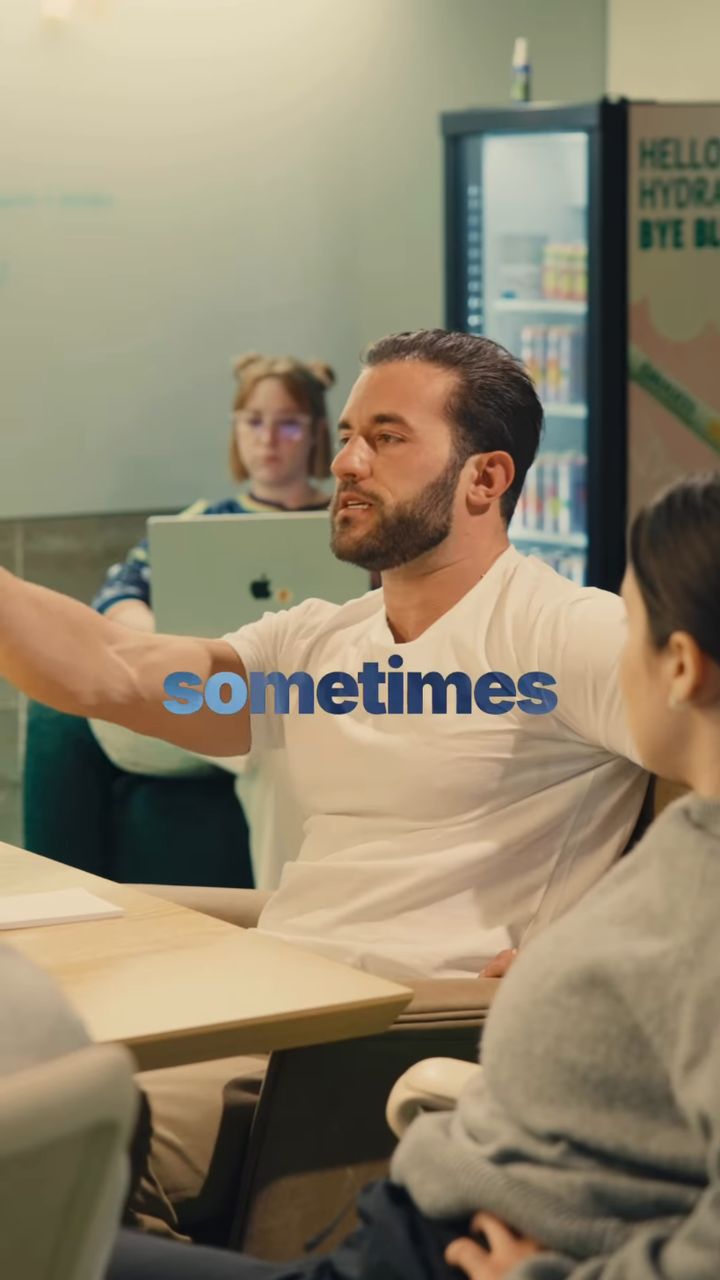
What he says, one phrase at a time.
Greg
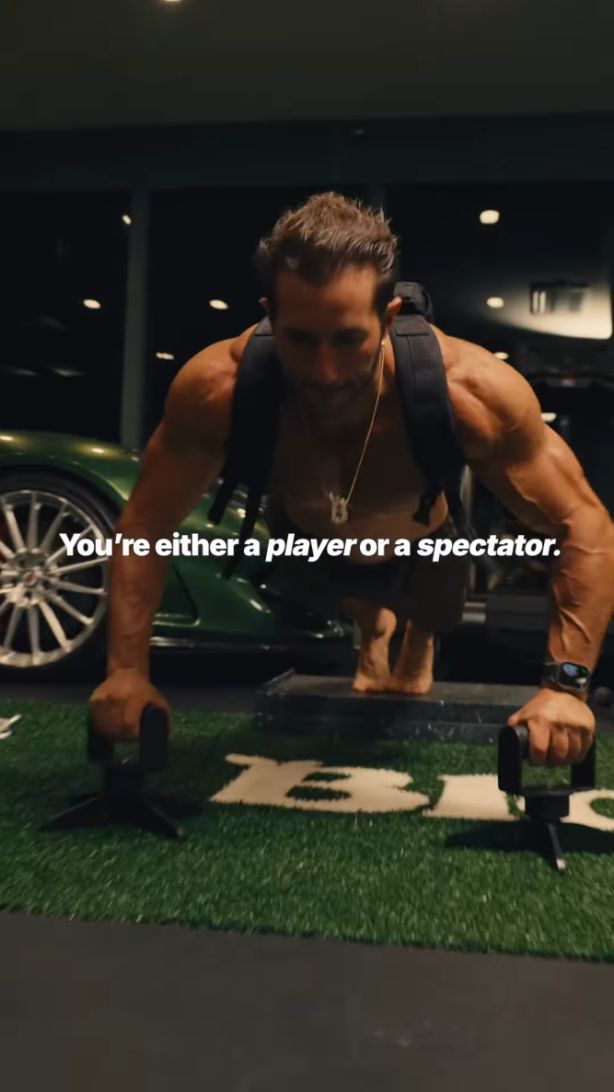
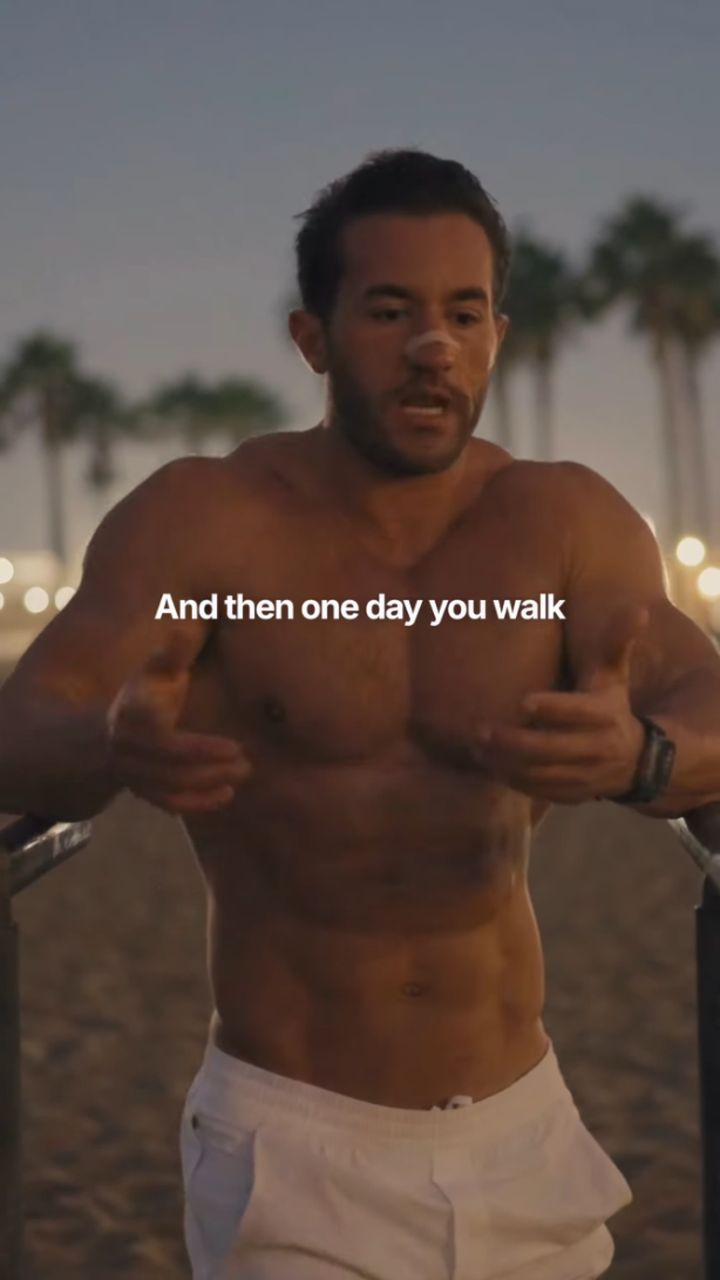
TitoC0302, C0024 · sample copy
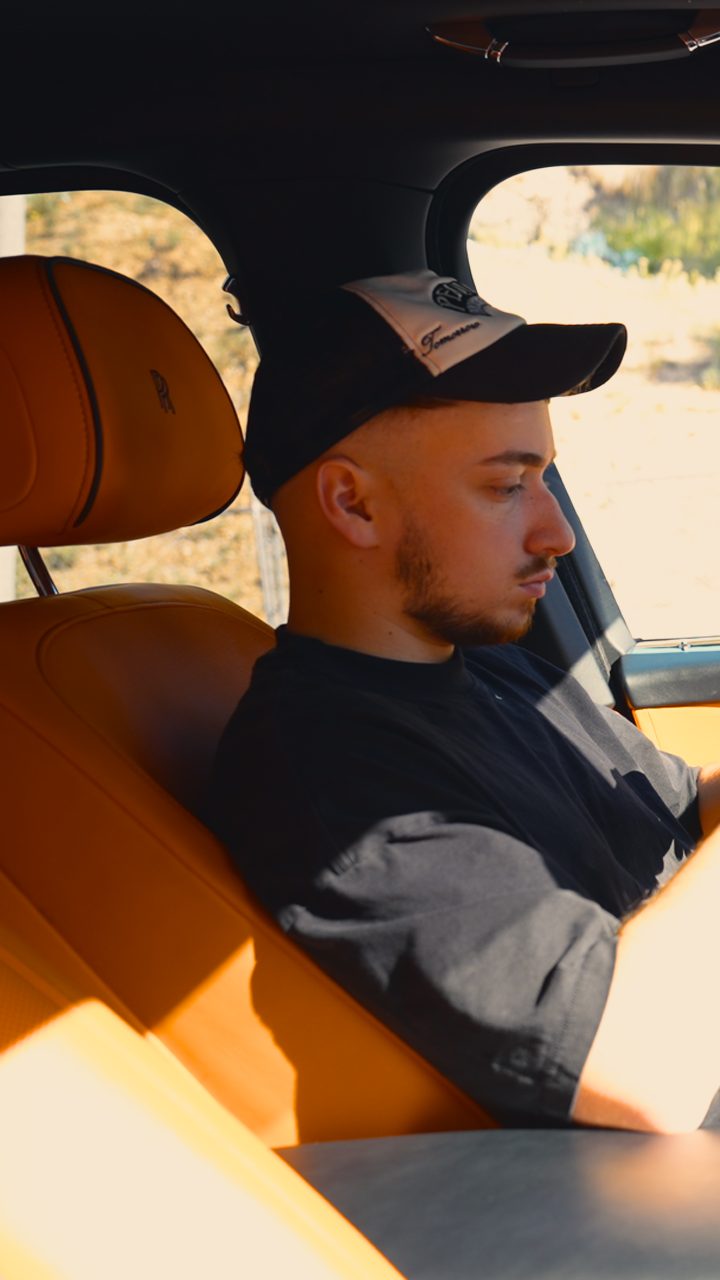
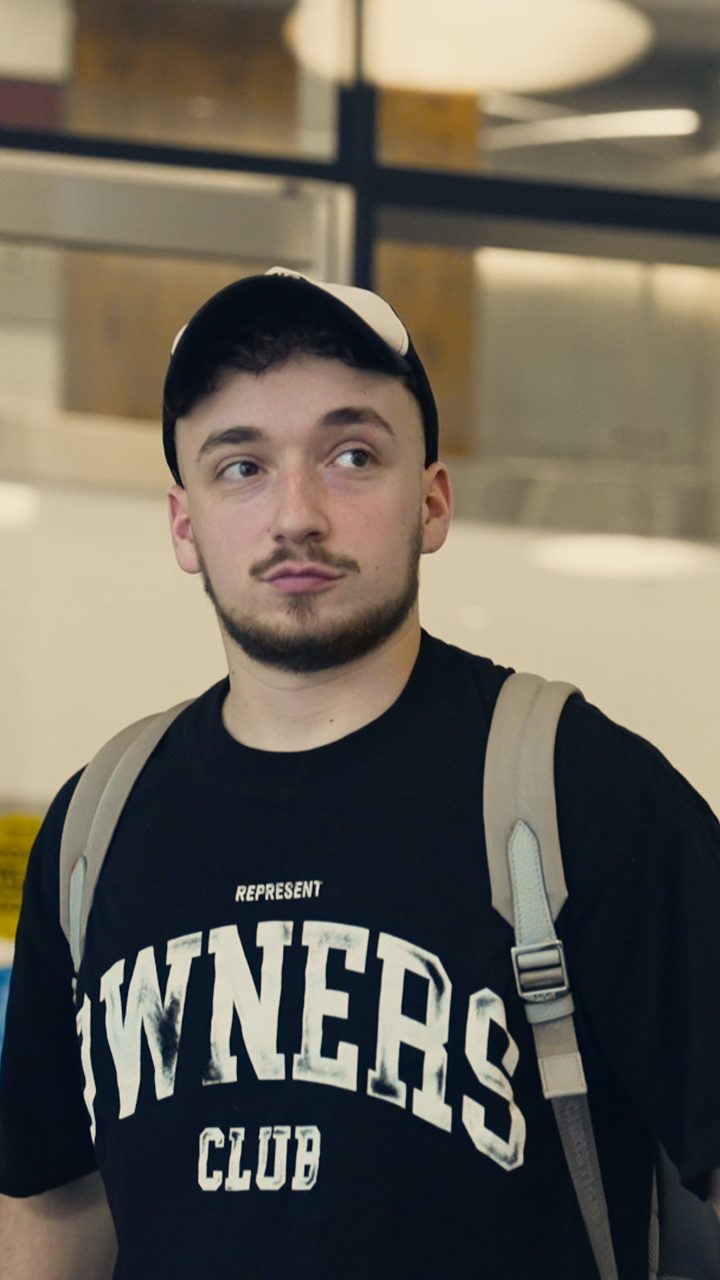
Use forEverything spoken after the hook.
A voice from a podcast or interview, played over b-roll.
Greg
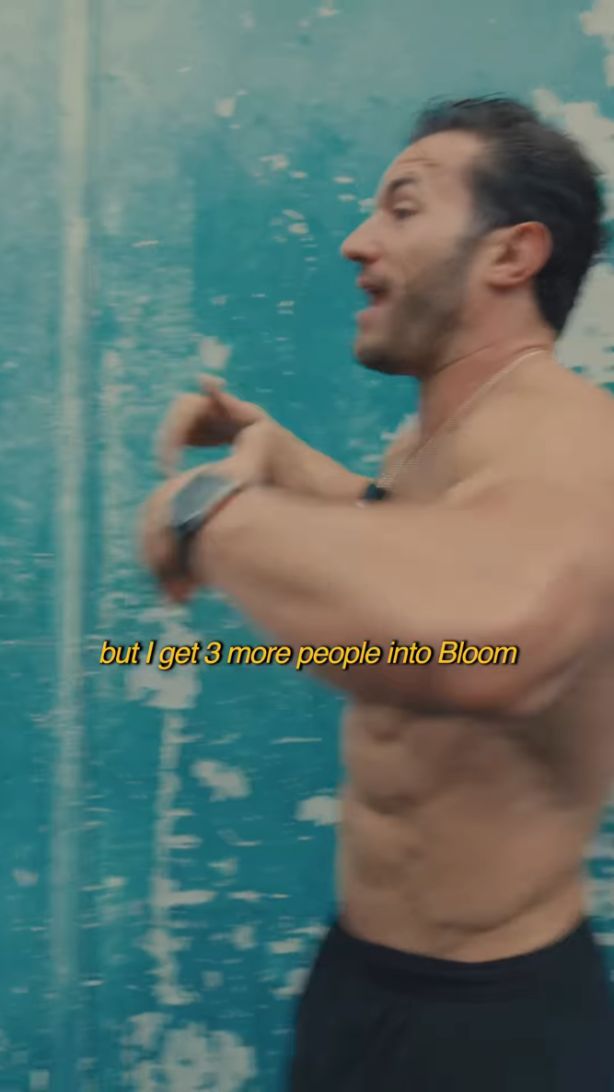
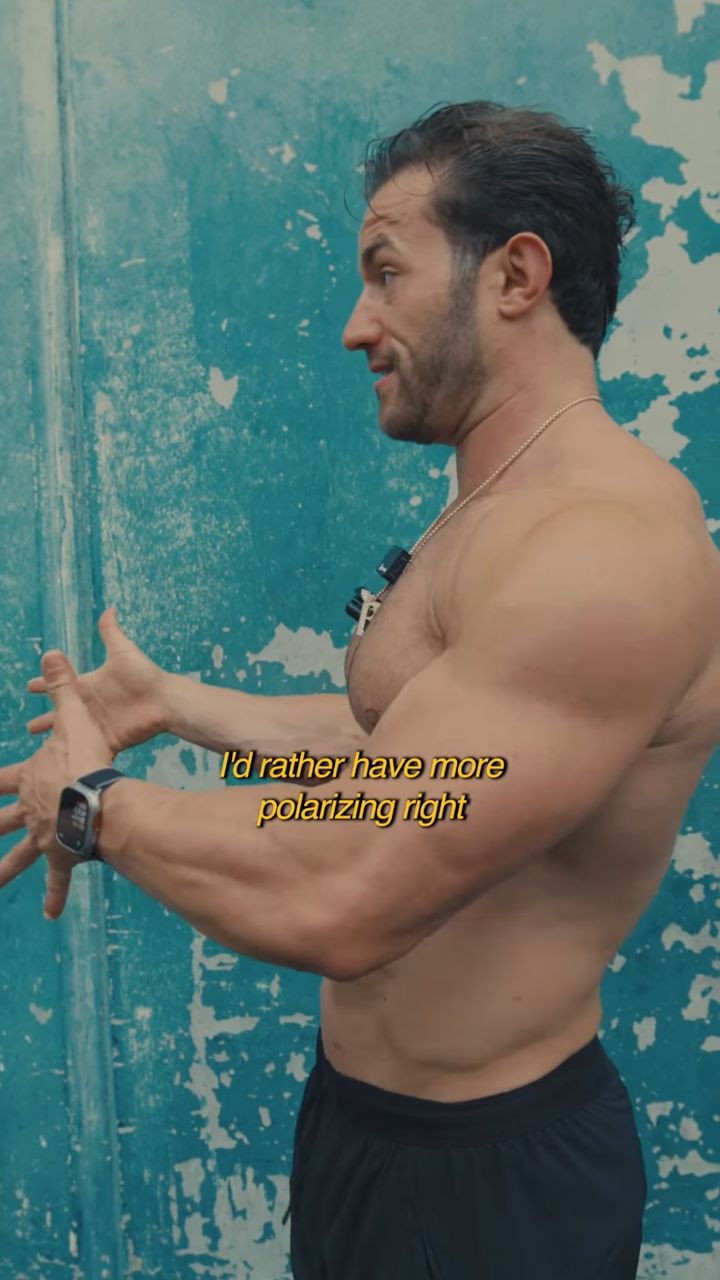
TitoC0385, C0501 · sample copy
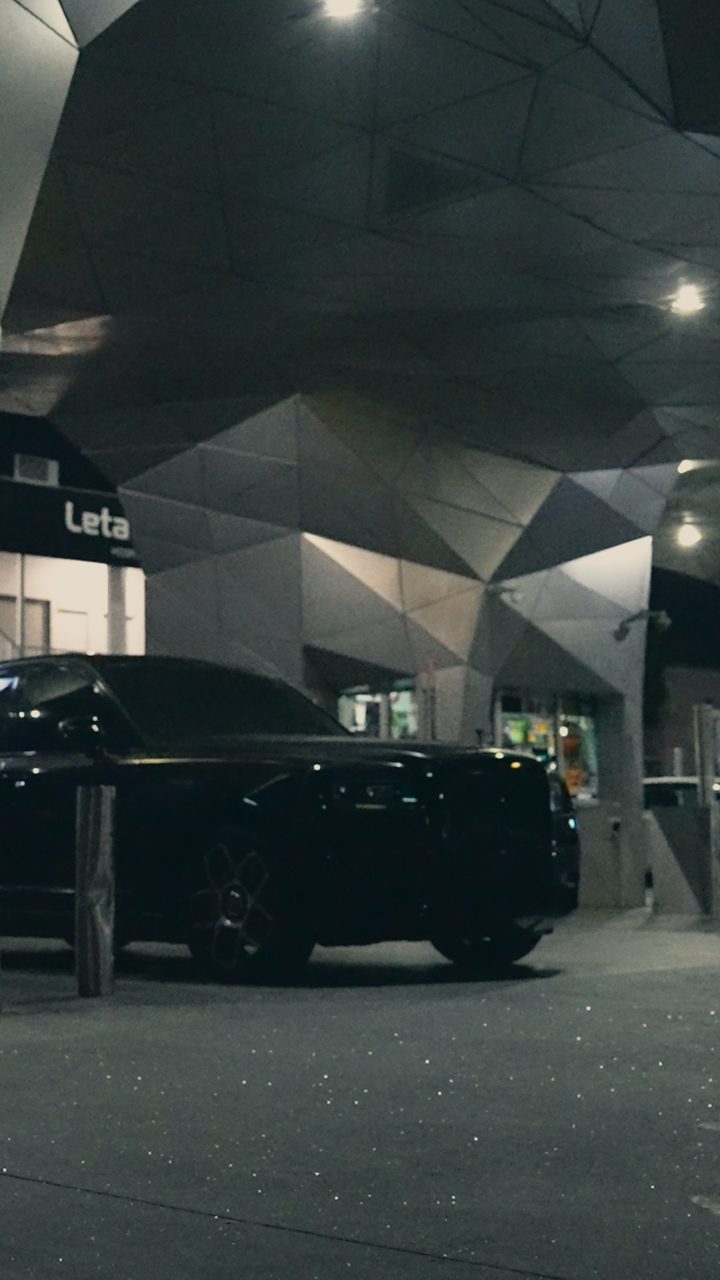
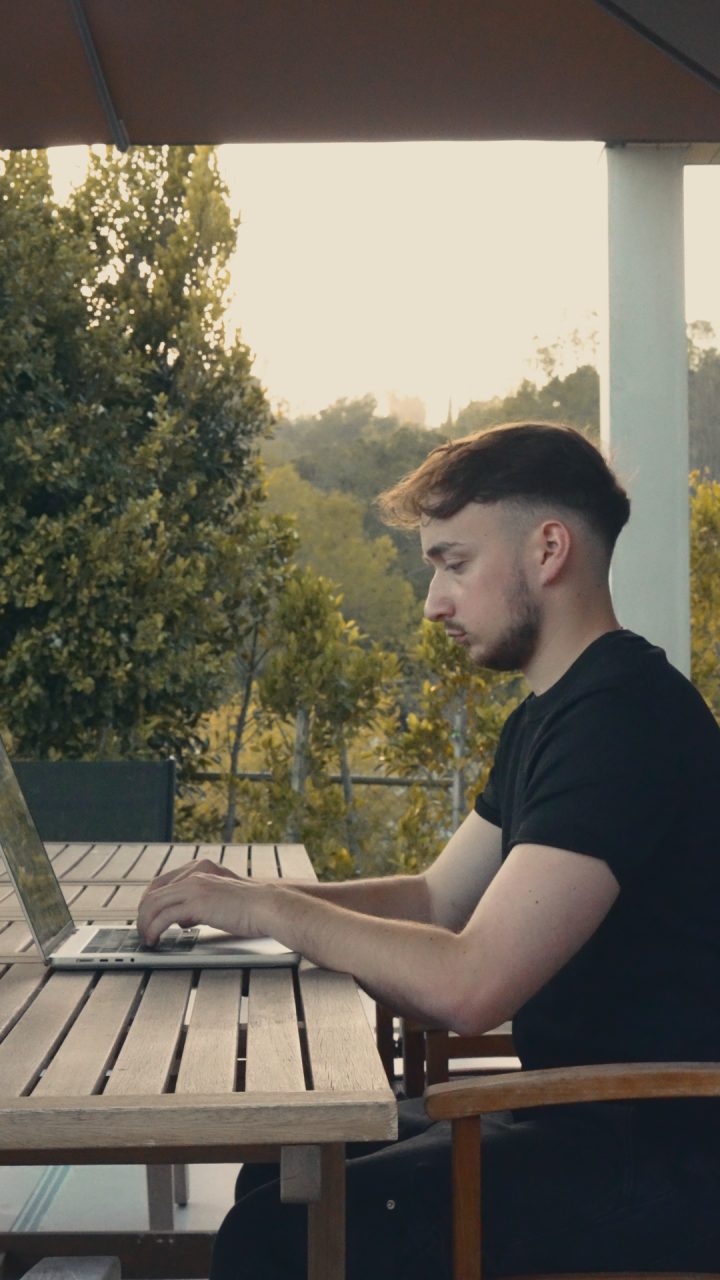
Use forClips where the audio comes from a conversation and the picture is something else.
One quiet thought over a montage.
Greg
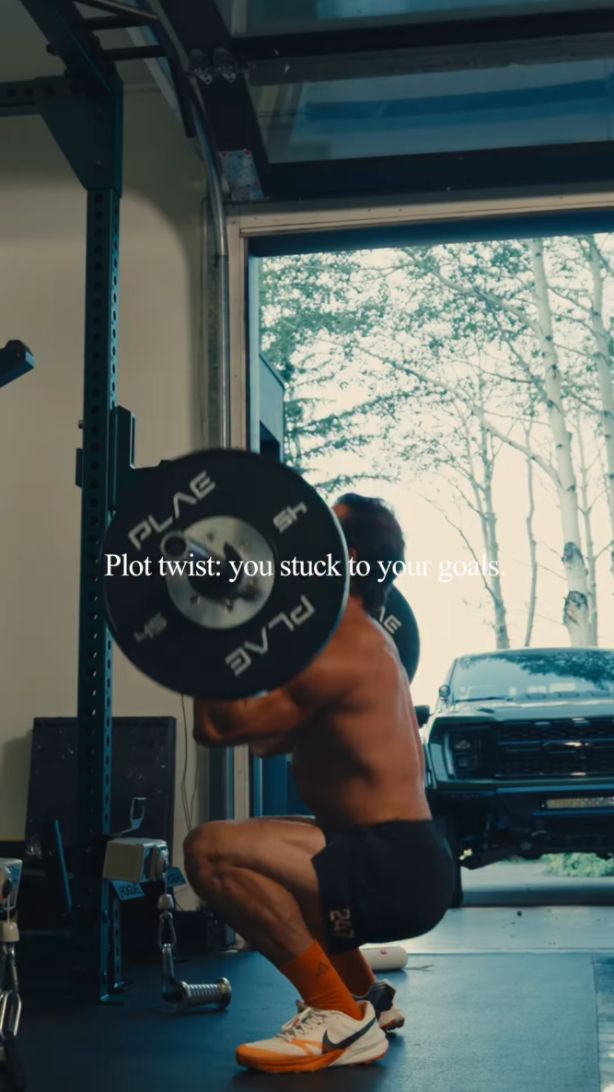
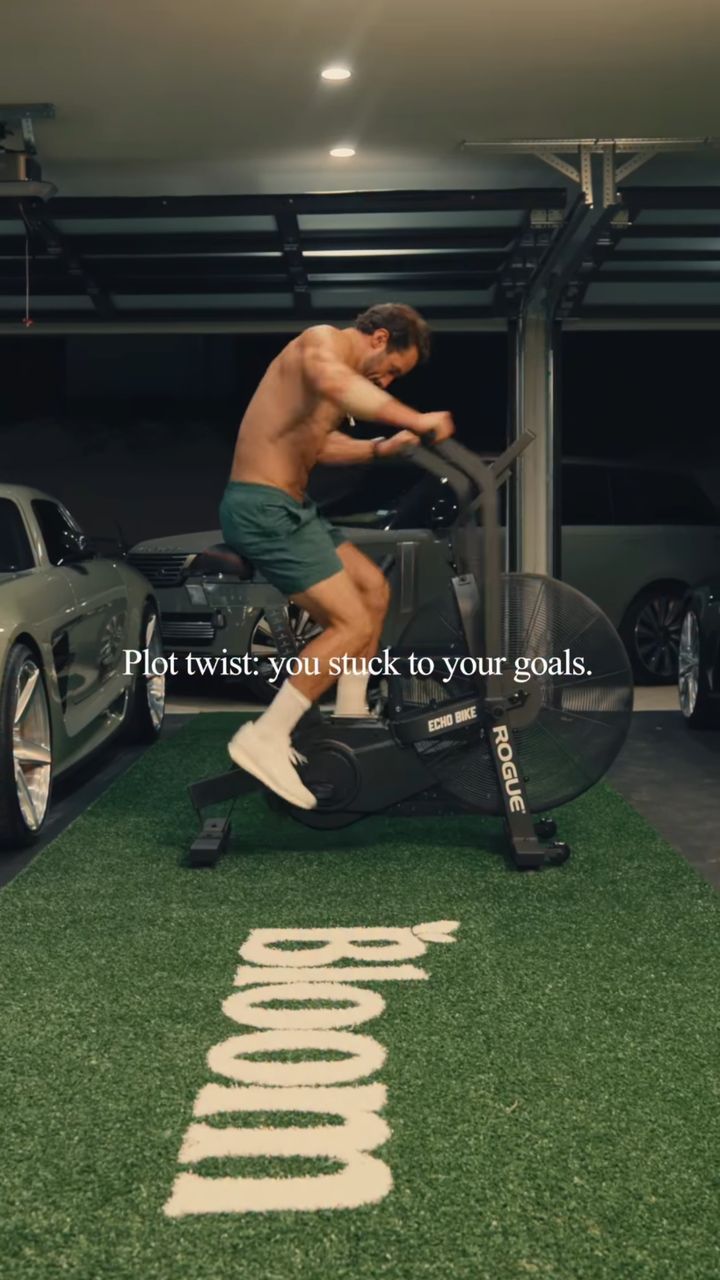
TitoC0364, C0127 · sample copy
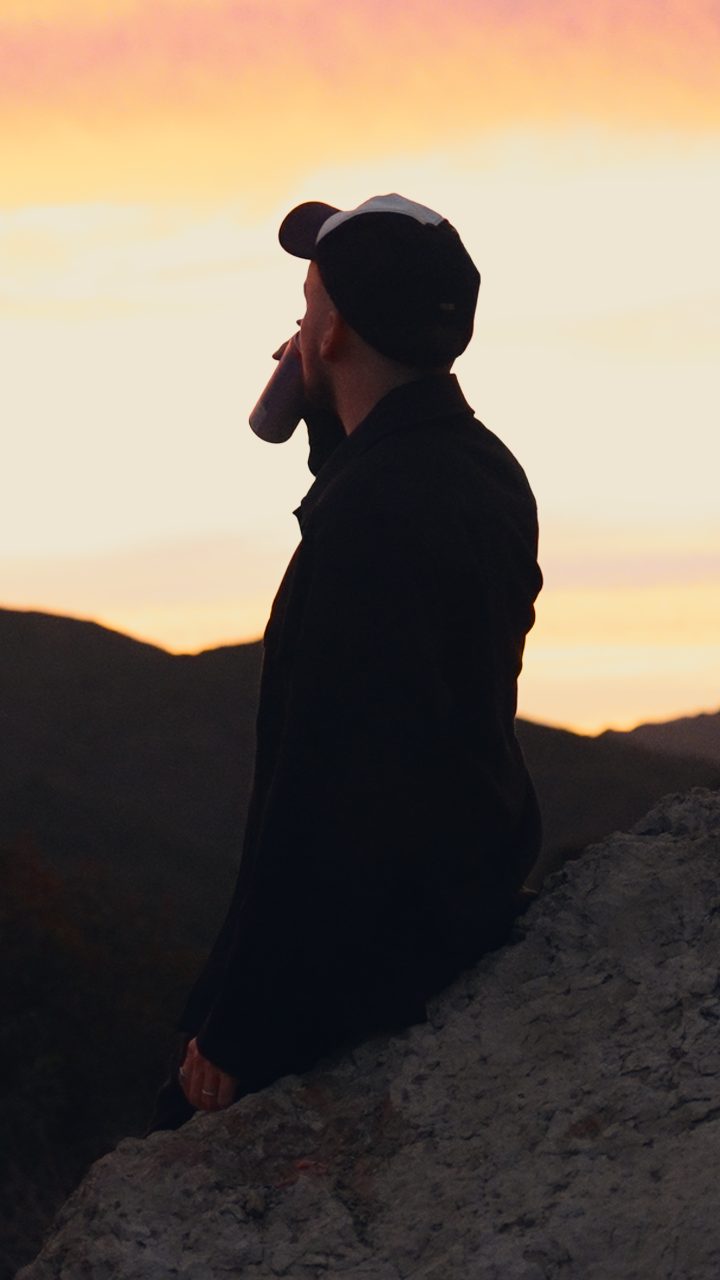
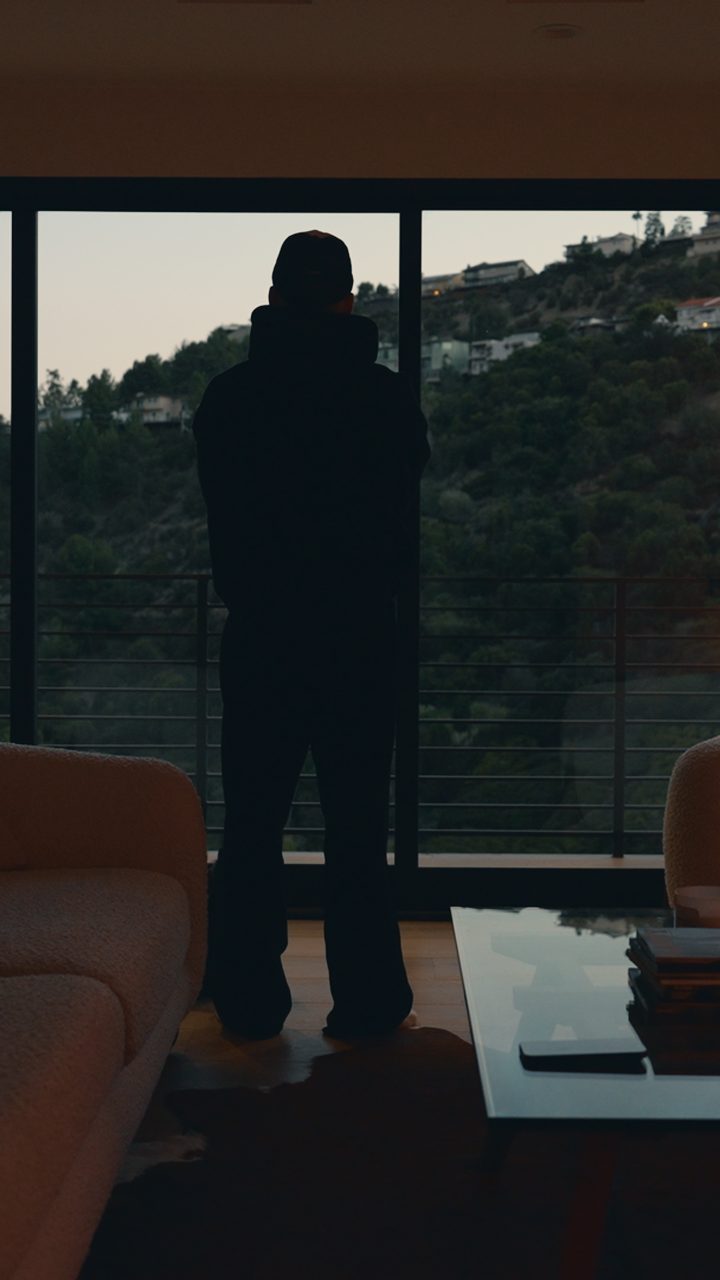
Use forLifestyle montage with music and no talking.
One word per beat, filled with sky.
Greg
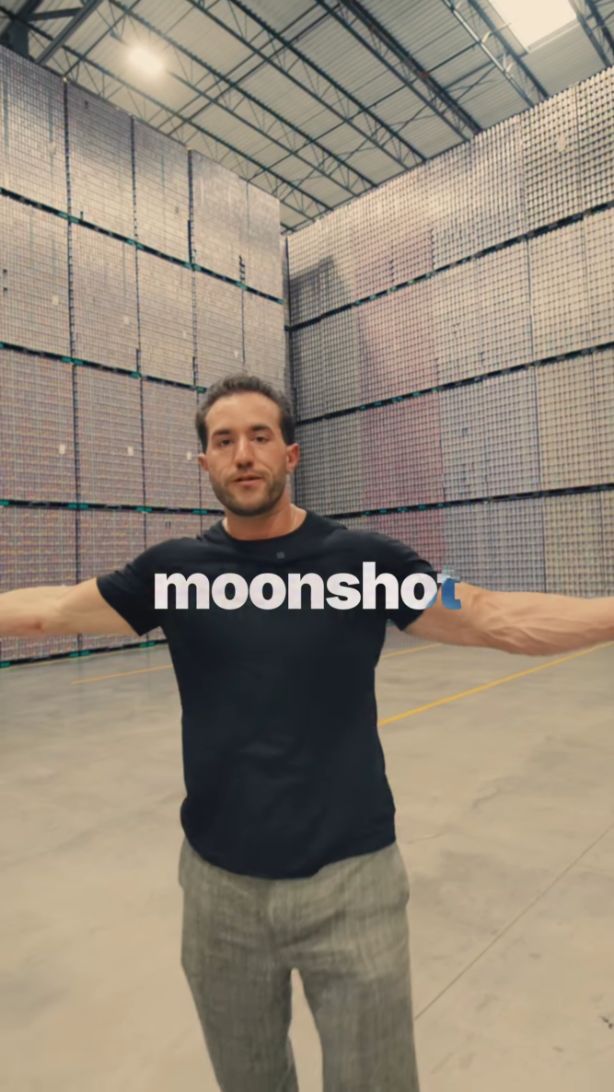
TitoC0294, C0297 · sample copy
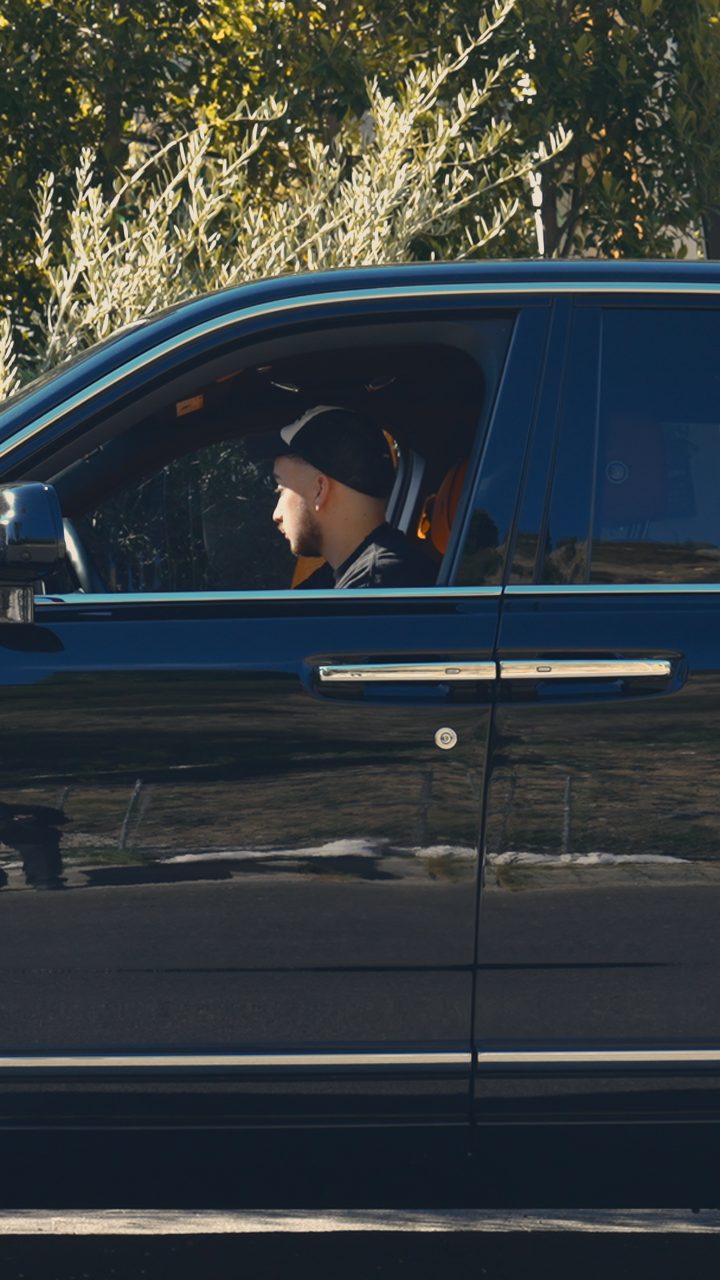
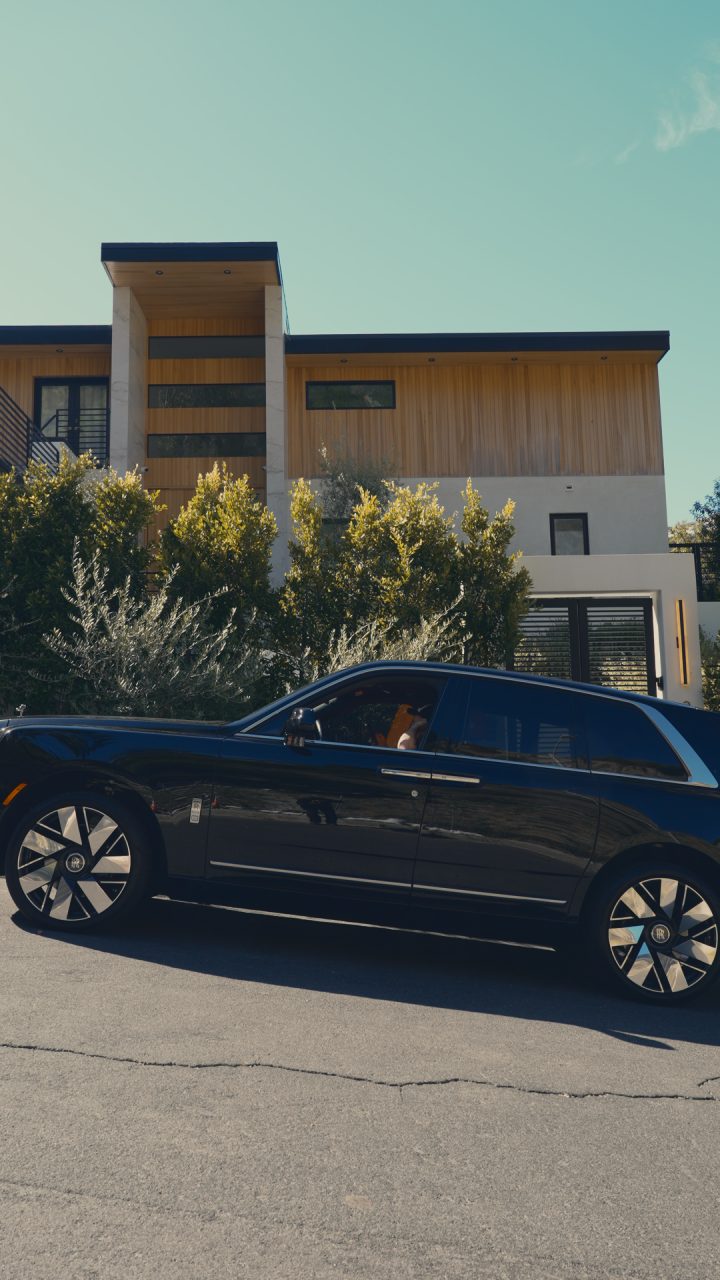
Use forFast montages cut to music.
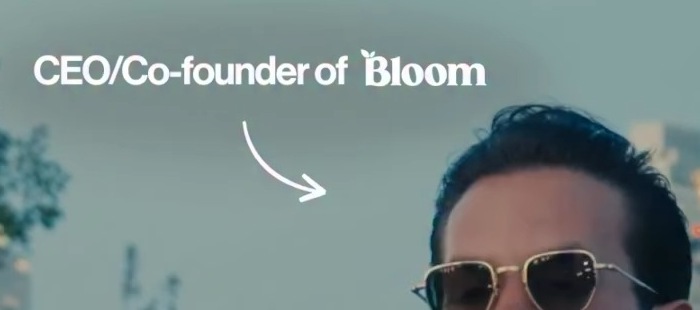
The arrow
Traced from Greg's reel and redrawn as a clean file. Same shape, same spacing.
Common mistakes
Interview reels, first 8 seconds
Tito's and Greg's reels from the Personal Brand doc, on one timeline.
Greg's claim stays alone on screen for 3.4 seconds. Tito's reel starts the transcript at 0.25 seconds, so the claim never lands as one sentence.
While the claim is up, Greg's whole shot grows from 100 to 112%, text included. Measured frame by frame: 3.6% per second, straight line. At 3.4 s it cuts to a still angle.
Greg shows 4 to 6 words at a time. Tito's reel shows 1 or 2, which is harder to read and feels rushed.
The monospace tag with the red bar stays for almost 6 seconds and reads like a news channel. The logo tag shows only with the claim.
Claim from the doc: “The biggest difference between OF in 2025 & 2026”. Captions use what Tito actually says.
Formats
What goes on screen, in order, for each kind of video.
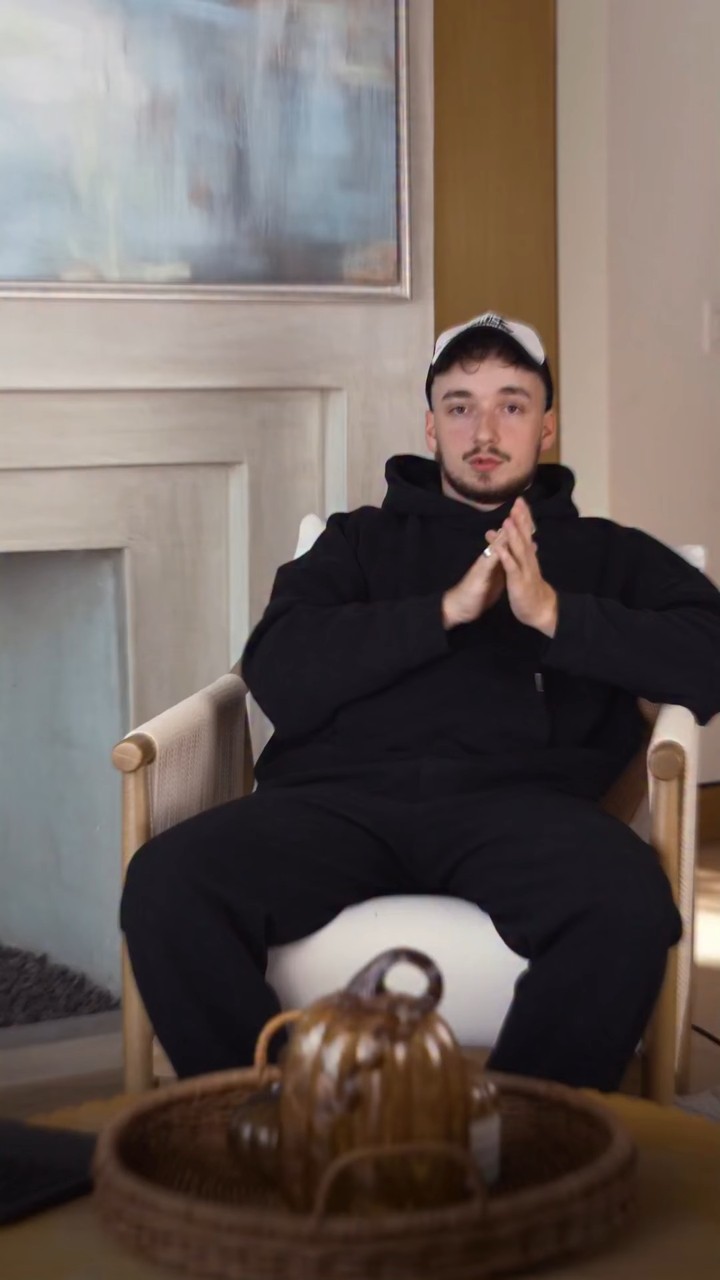
Tito to camera, seated or standing.
Claim and logo for 3 s, then captions in phrases.
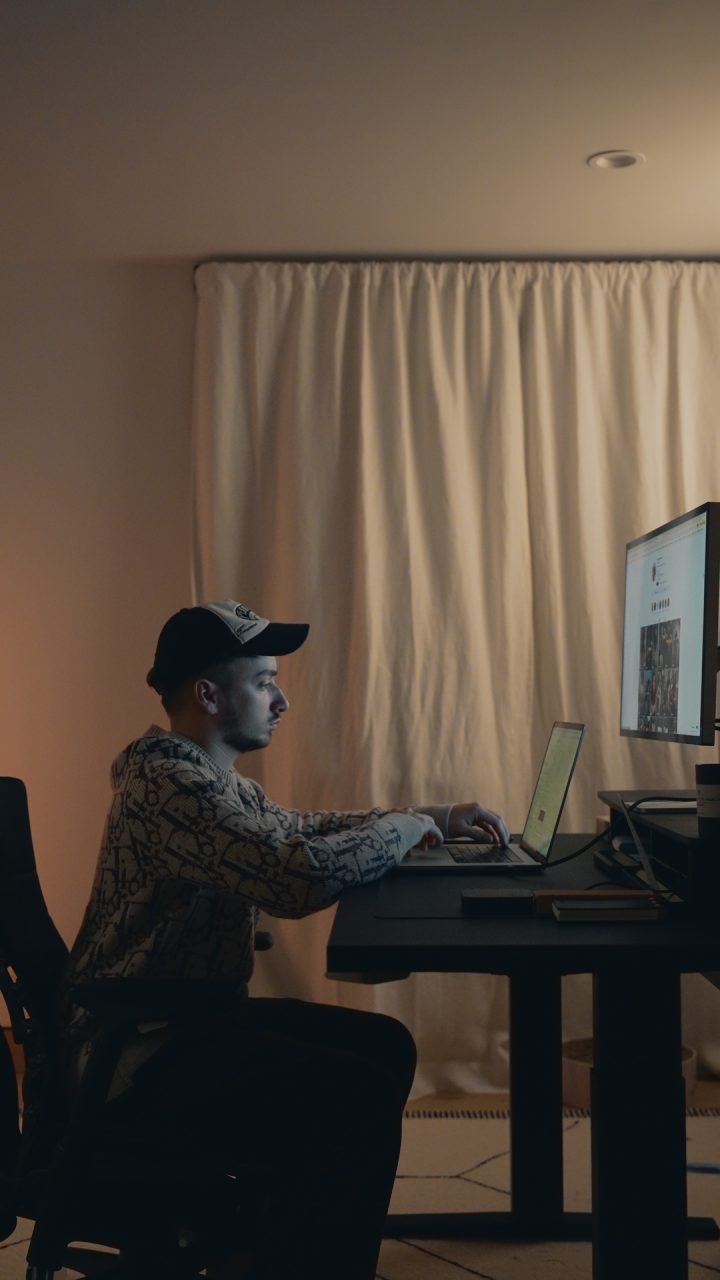
Music only, no talking.
One serif line for the whole clip, or one big word per beat. Never both.
Rules
Same frame, only the text changes. Left is what to stop, right is the target.
The claim stays alone for about 3 seconds. The transcript starts after it.
Never more than two text elements on screen at the same time.
Captions are 2 to 4 words a line, cut where he pauses.
Instagram's caption and buttons cover it. Keep text between 14% and 65% height.
White text with a soft shadow. Yellow only for transcripts.
Sentence case or Title Case. Caps lock never.
Chapter 03
What each of Tito's five verticals should look like, with the reels to copy from. Click a reel to watch it.
Basics
From the reels in the Personal Brand doc. Hit as many as the shoot allows.
 01
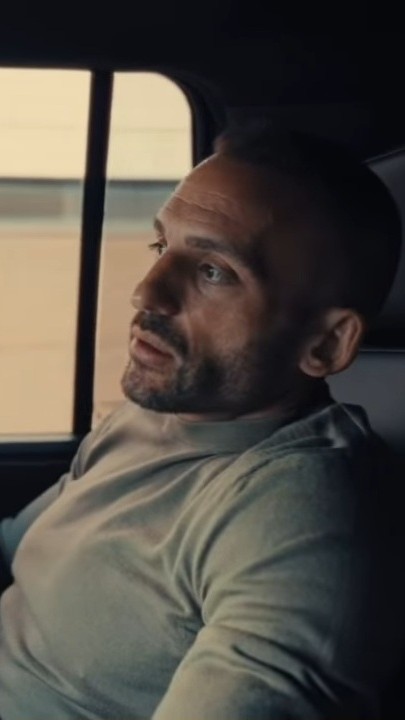
01
Something in the frame moves: the car, a walk, a push-in. Seated talks get angle switches instead.
 02
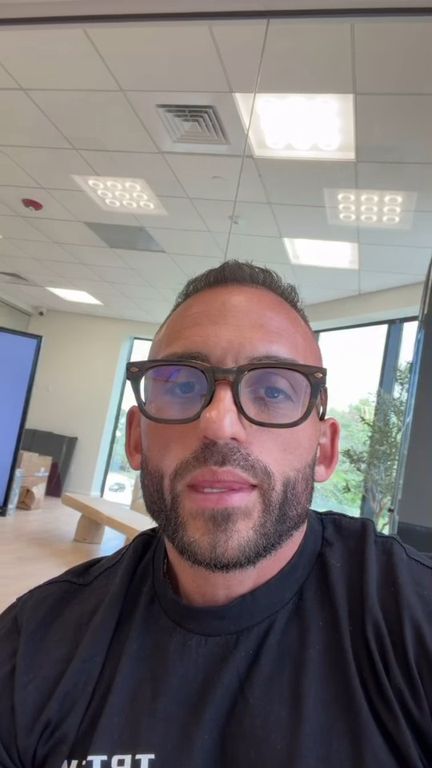
02
If someone else films him, it's the camera. The phone only when he films himself.
 03
03
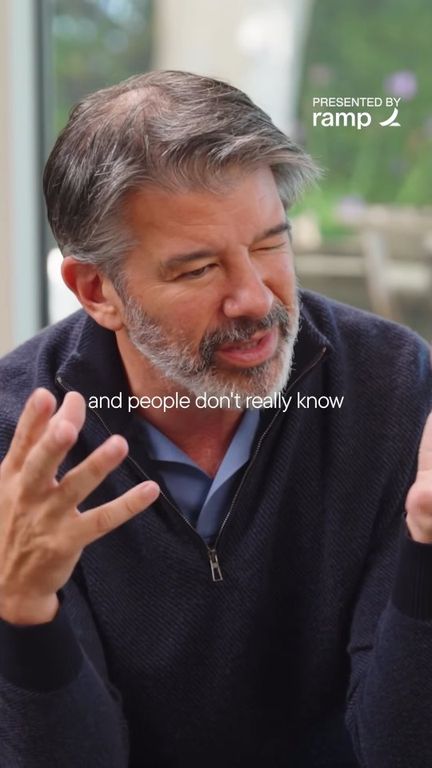
Shallow depth of field in every shot, f/1.4 to 2.8.
 04
04
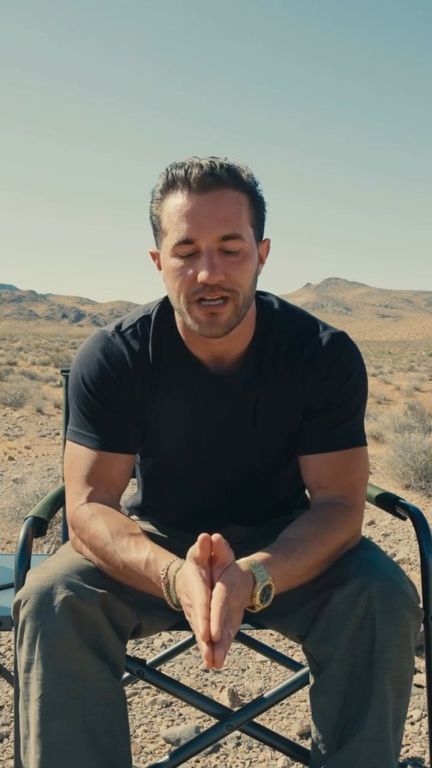
The desert, a rooftop, the pool. No plain rooms.
 05
05
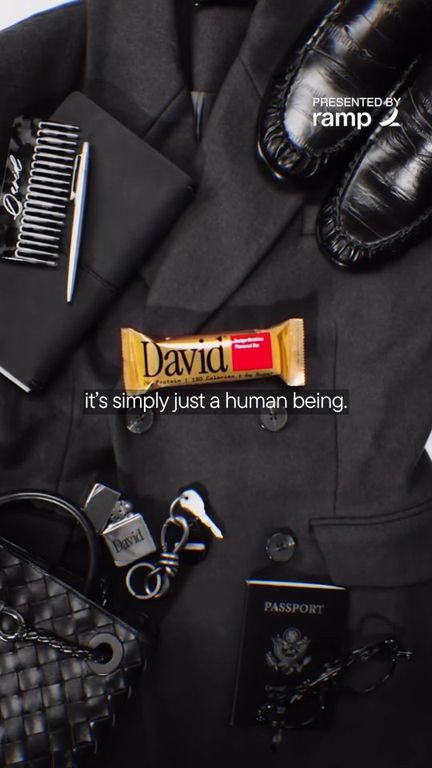
Subtle effects and a clean music bed. If a sound feels cheap or like a meme, leave it out.
06
Whenever he can, above all in interviews.
Verticals
Numbers are measured on the reference reels. Text styles link to Chapter 02.
Camera and export
Same settings every time.
Chapter 04
How Tito should look when he talks on camera: the setup, and four things that make the difference.
Setup
Seen from above. For interviews and podcast clips.
The look
The numbers on the frames match the list. Three references, they switch on their own. Hover to hold one, click to watch it.
 Wide
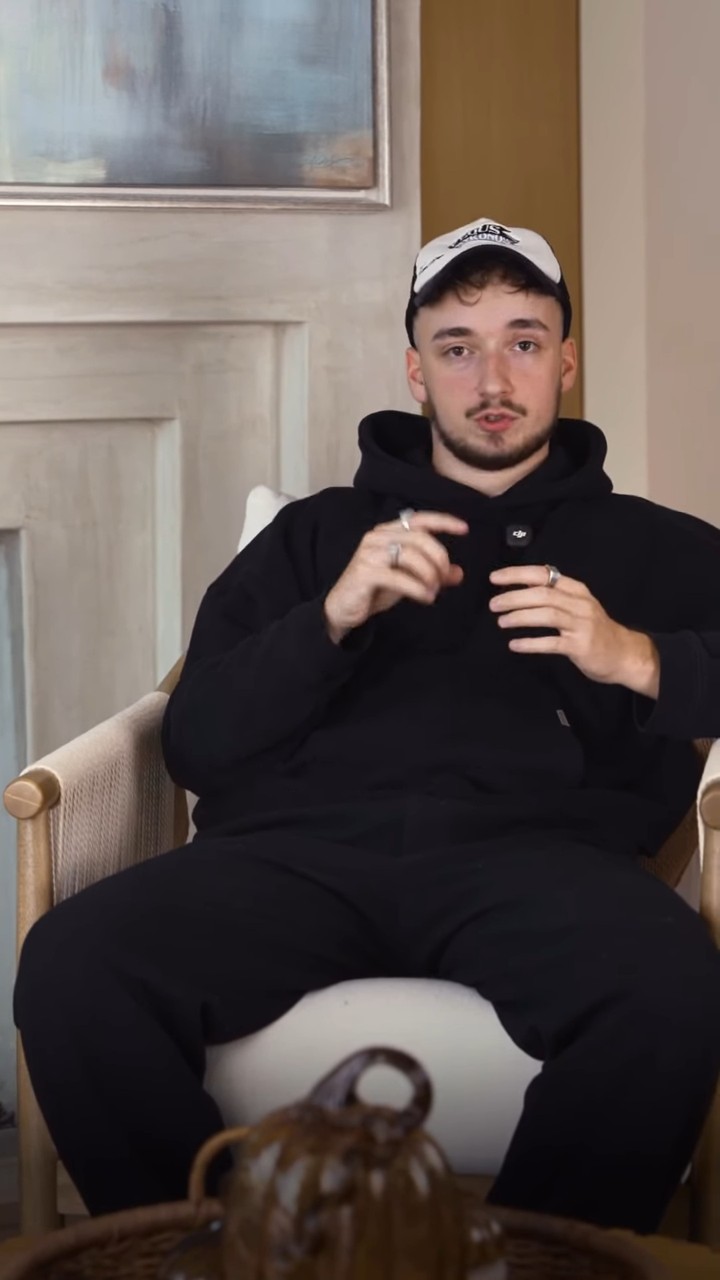
WideThe close is a crop of the same frame, and clearly tighter: chest up or only the face.
Tito now: His close is almost the same size as his wide.
His body faces the camera straight on. Only his face turns a little toward the interviewer, who sits right next to the lens.
Tito now: He looks straight into the lens.
One soft light from the side, the far cheek in shadow.
Tito now: Front light, the face looks flat.
Space between him and the wall, open lens.
Tito now: The wall is right behind him.